11-8
Questions? Refer to Page 11-22 For Technical Support Instructions.
Chapter 11: Troubleshooting
Symptom/Error Message Explanation How To Respond
n n n n
1-Turn Off
The meter may have a problem that
prevents it from operating properly. One
of several 4-digit error codes may be
displayed. These codes provide Abbott
additional information about the problem.
1. Turn off the meter. Turn it on and repeat
the function.
2. If the problem persists, place the meter
in the docking station to update the
configuration files.
3. If the problem still persists, record the
4-digit error code and contact Abbott
Technical Support.
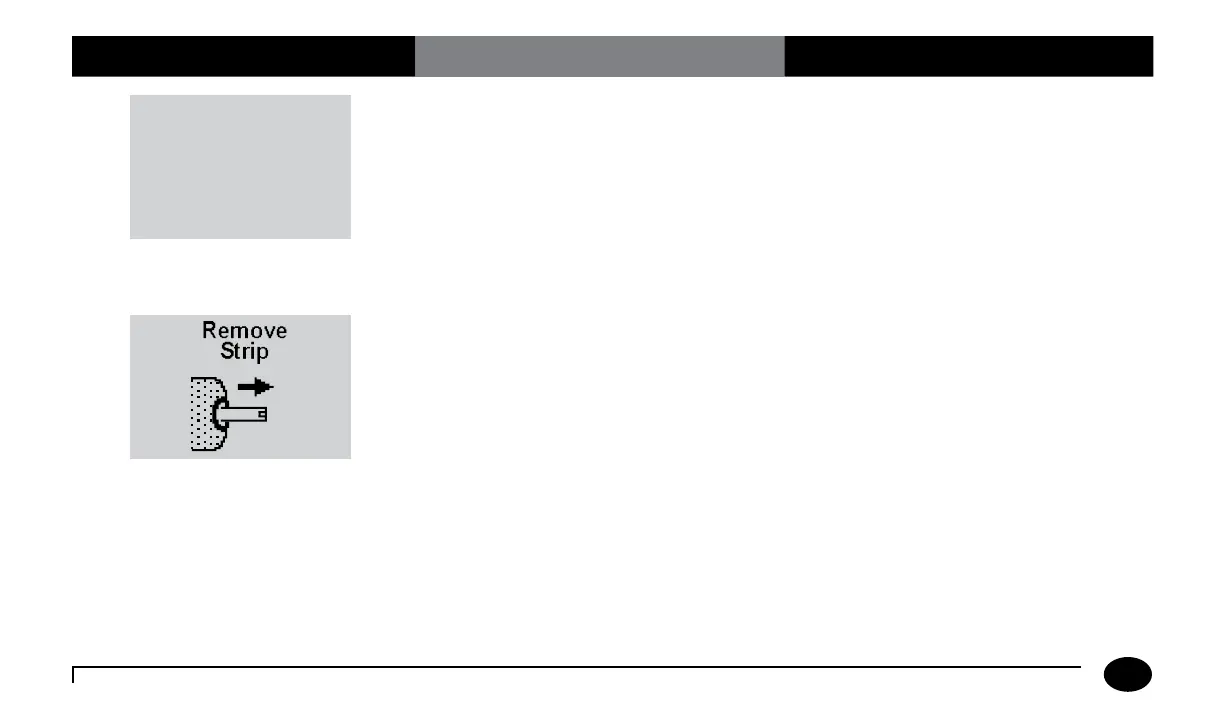
The test strip was inserted at the wrong
time. The meter will beep if functions are
attempted before the strip is removed or if
the test strip is left in when the test calls for
the test strip to be removed.
Remove the test strip from the test strip
port.












 To Next Page