11-10
Questions? Refer to Page 11-22 For Technical Support Instructions.
Chapter 11: Troubleshooting
Symptom/Error Message Explanation How To Respond
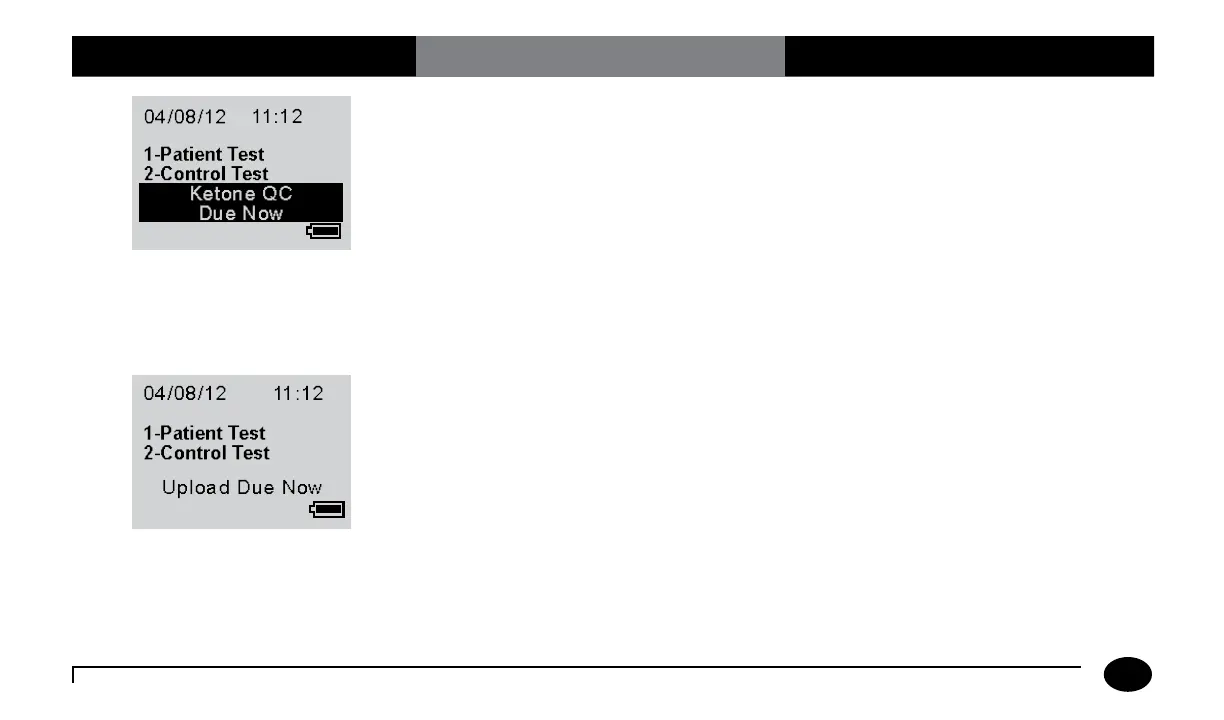
If ketone QC is due soon, the message
“Ketone QC Due in xx min.” will display on
the main screen. The xx is the countdown to
expiry. If ketone QC is due now, the message
“Ketone QC Due Now” will display on the
main screen.
1. If “Ketone QC Due in xx min.” is
displayed, no action is required. Ketone
testing can proceed.
2. If “Ketone QC Due Now” is displayed,
then ketone QC testing per your
facility’s procedures may be required
before proceeding with a ketone test.
3. Contact your system administrator if
the messages continue to display after
running the required QC tests.
If the meter requires an upload to the data
management system, “Upload Due Now”
will display on the main screen.
1. Place the meter in the Abbott Docking
Station and wait for the meter to
automatically turn off with the message
“Upload Successful, Turning Off”.
2. Contact your system administrator if
the message continues to display after
docking the meter.












 To Next Page