11-11
Questions? Refer to Page 11-22 For Technical Support Instructions.
Symptom/Error Message Explanation How To Respond
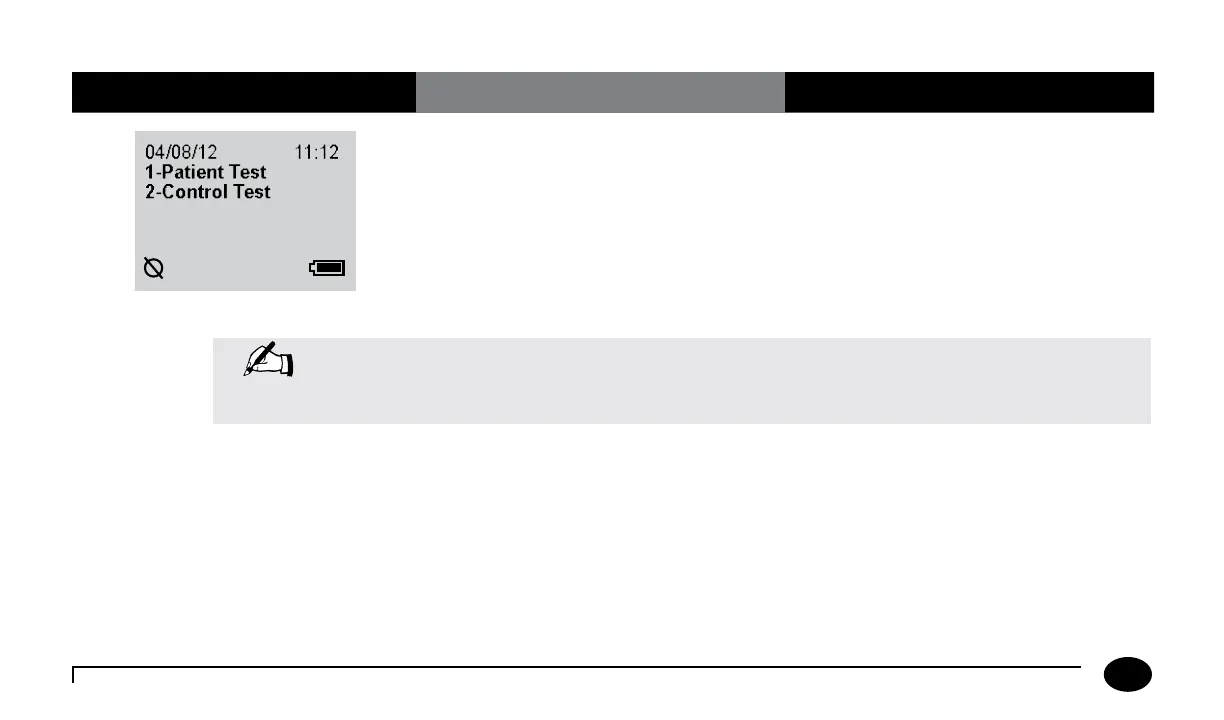
If there is a problem with the meter’s wireless
module, or the meter’s self test fails, the
Wireless Hardware Error icon will appear.
Tests may still be uploaded to the data
management system via docking station or
cable (optional) when the Wireless Hardware
Error icon is displayed.
1. Turn the meter off and then on again
to reestablish wireless communication.
If the problem persists contact your
local Abbott Customer Service Office
or distributor to troubleshoot the
wireless function. Wireless function
troubleshooting is described in the
Wireless Set-Up Utility CD.
Note: Check the FreeStyle Precision Pro meter display for proper performance before every test. If at
any time the display screen becomes difficult to read, discontinue use of meter and call your local
Abbott Diabetes Care Inc. office or distributor.
Chapter 11: Troubleshooting












 To Next Page