11-12
Questions? Refer to Page 11-22 For Technical Support Instructions.
Chapter 11: Troubleshooting
When a Test is Selected:
Symptom/Error Message Explanation How To Respond
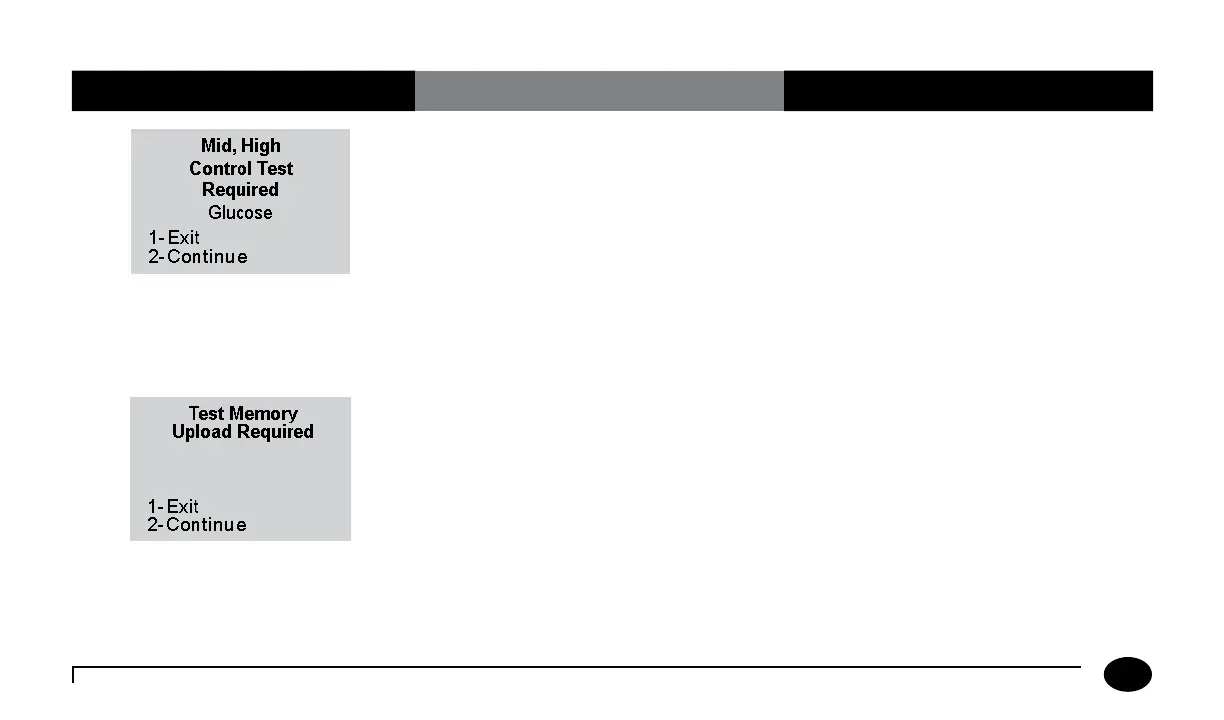
The Glucose QC Interval Controls Expired
option is set to Warn or Lockout and one or
more control tests is past due.
(The menu item 2–Continue appears only
if this option is set to Warn. If the option is
set to Lockout, each control test shown on
the screen must be performed before the
patient tests start.)
Perform the remaining glucose control tests
indicated in the message.
The Upload Interval option is set to Warn
or Lockout, and the specified interval has
been exceeded.
(The menu item 2–Continue appears only
if this option is set to Warn. If the option
is set to Lockout, data must be uploaded
before testing starts.)
1. Place the meter in the docking station to
upload the data.
Or,
Press 2 to Continue testing.
2. If the problem persists, contact the
system administrator.












 To Next Page