11-14
Questions? Refer to Page 11-22 For Technical Support Instructions.
During Any Test:
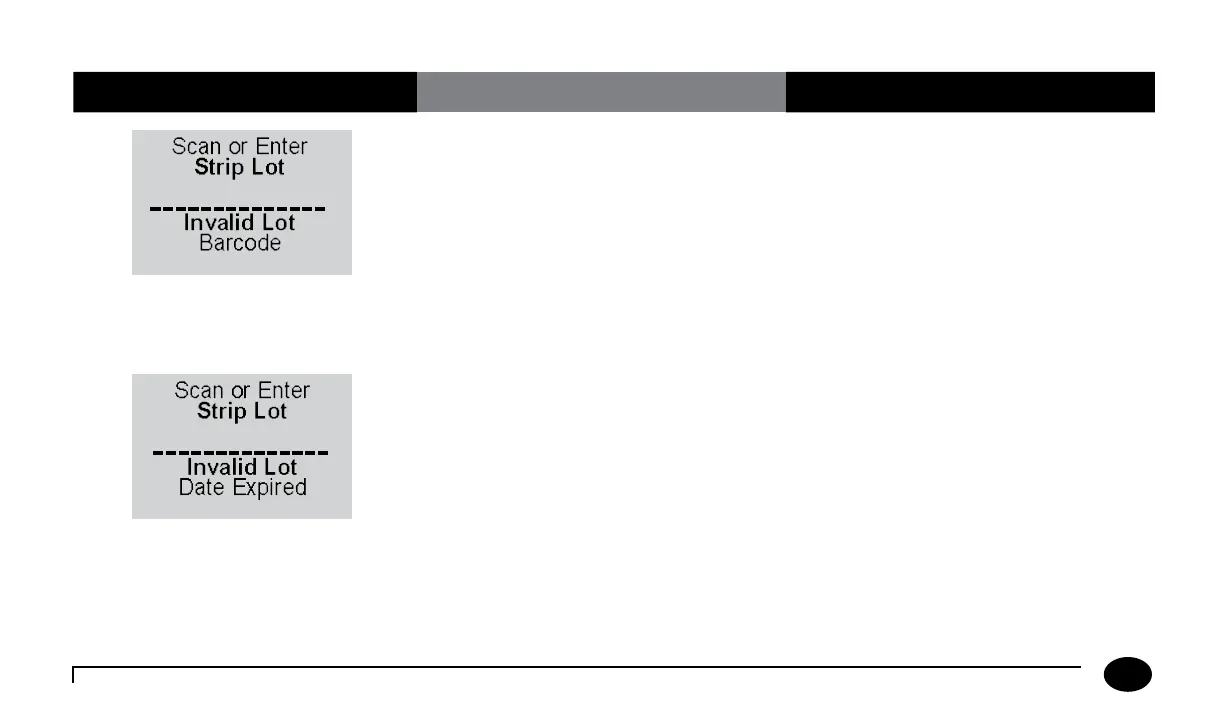
Symptom/Error Message Explanation How To Respond
The barcode just scanned was not accepted.
Possible reasons are:
•Thegreenscannerbeamdidnotpassacross
all the bars of the code.
•Thebarcodewasdamagedorpoorly
printed.
•Thebarcodewasnotofthetypespecified
for this ID or lot number.
1. Rescan the barcode or manually enter the
ID or lot number.
2. Notify the system administrator. The
problem may be the printing of the
barcode or the setup.
The barcode just scanned is from a foil
packet of test strips that has expired.
1. Discard the expired test strips
2. Repeat the scan with a new, unexpired
foil packet of test strips.
Chapter 11: Troubleshooting












 To Next Page