Jumper and Connector Locations 5-5
Clearing Password Check and BIOS Recovery 0
This section provides users with the SOP (standard operating procedure) for clearing the
BIOS password check and recovering the BIOS for the Aspire One 522.
Clearing Password Check 0
The following procedure is only for clearing BIOS Password (Supervisor Password and
User Password).
Steps for Clearing BIOS Password Check 0
If a BIOS password (Supervisor Password and/or User Password) is set, the BIOS will prompt
for the password at system POST or upon entering the BIOS setup menu. Clear the password
check with the following procedure:
1. Remove AC adapter.
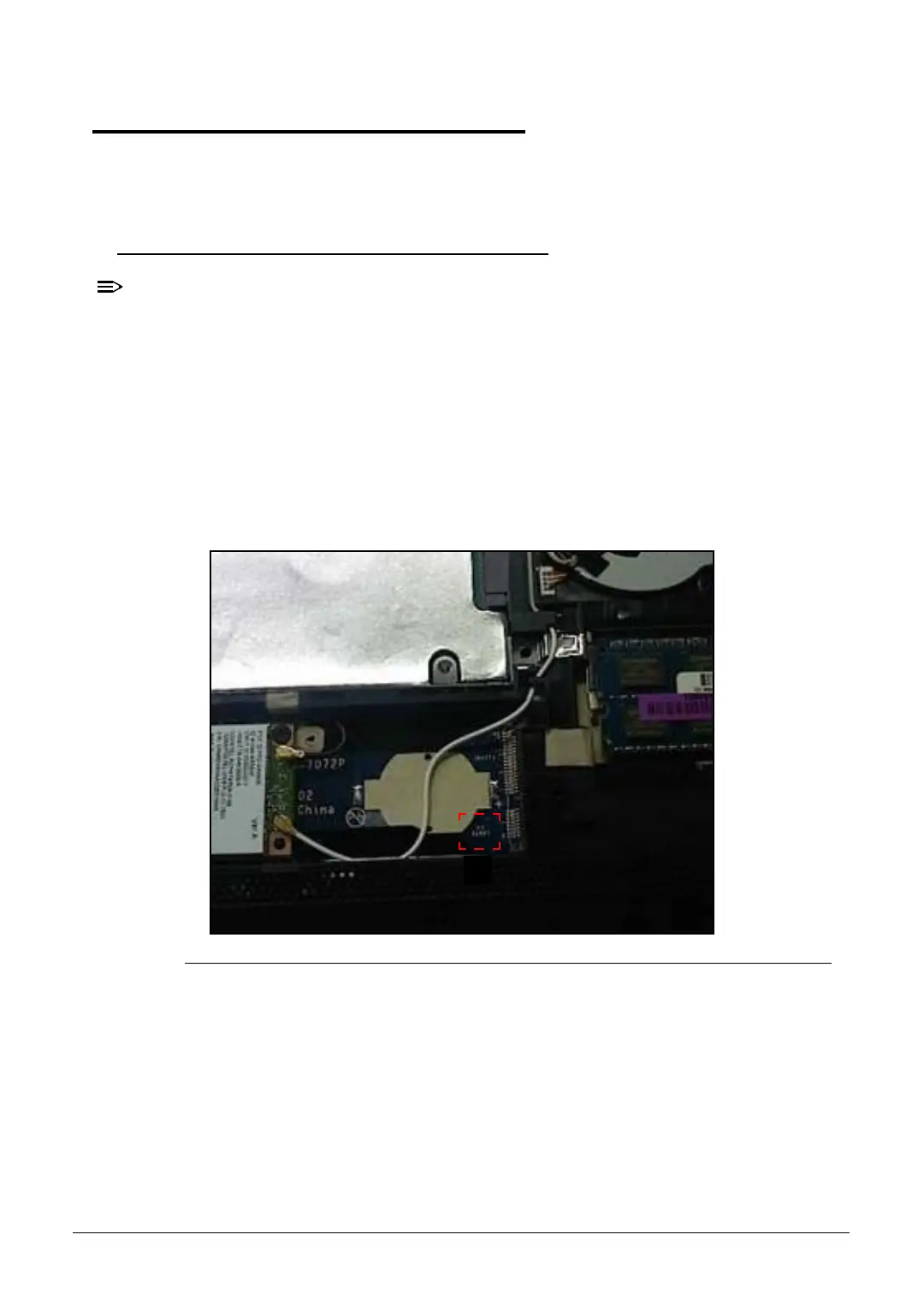
2. Locate the RTC_RST point (A). (Figure 5-3)
Figure 5-3. CMOS Jumper Overview









 To Next Page