Chapter 9: Managing Logical Drives and Hot Spares ● 86
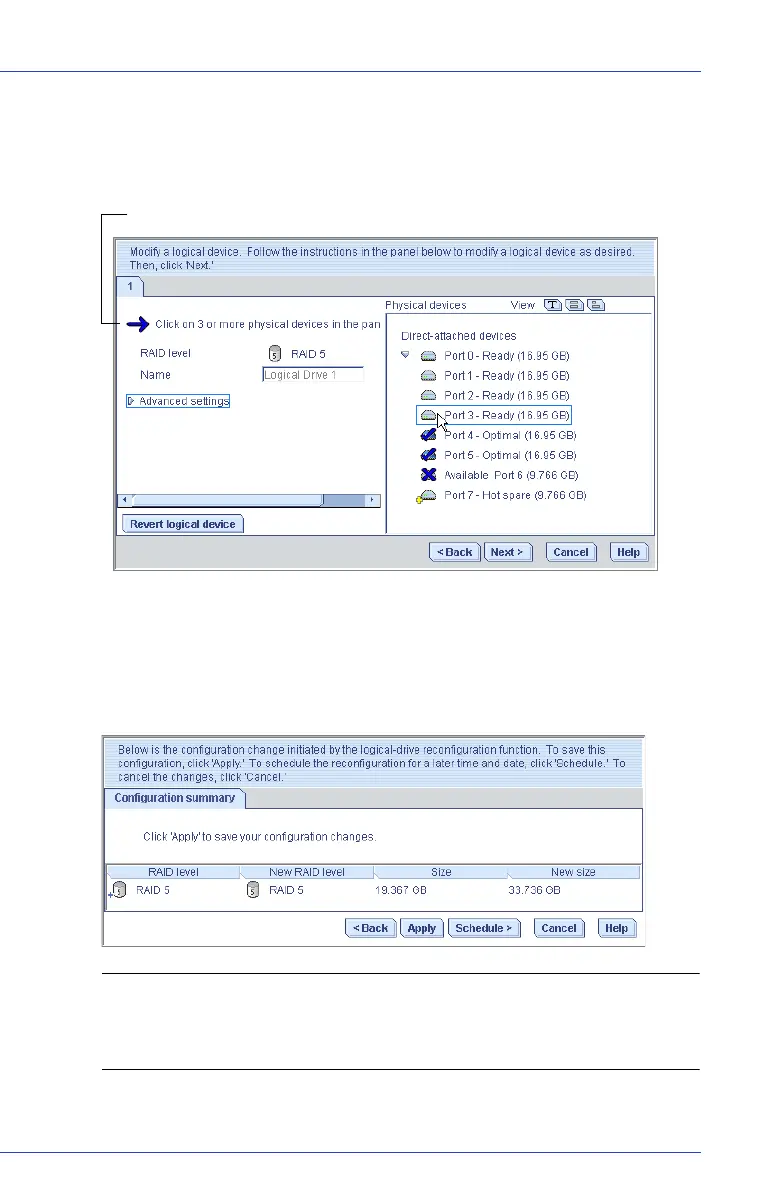
An X indicates that the selected disk drive will be removed from the
logical drive, and you are prompted to select another disk drive (of
greater or equal size) to replace it.
6 Modify the Advanced Settings, if required. (See Fine-tuning Logical
Drives on page 78.)
7 Click Next.
8 Review the new logical drive settings. To make changes, click Back.
Note: Some operating systems have size limitations for logical
drives. Before you save the configuration, verify that the size of the
logical drive is appropriate for your operating system.
9 To update your logical drive immediately, click Apply, then click Yes.
Flashing arrow prompts you to replace the deselected disk drive



 To Next Page