47
It can be set when the step mode is step point.
Not to exceed the
electrical output range.
Set the output range of automatic step.
Editable when the step
mode is custom;
read-only and
displayed under other
modes.
Display the set point list of automatic step.
It can be set when the step mode is percentage.
It can be set when the step mode is value.
Table 3- 5 Auto step parameters
6. Manual step
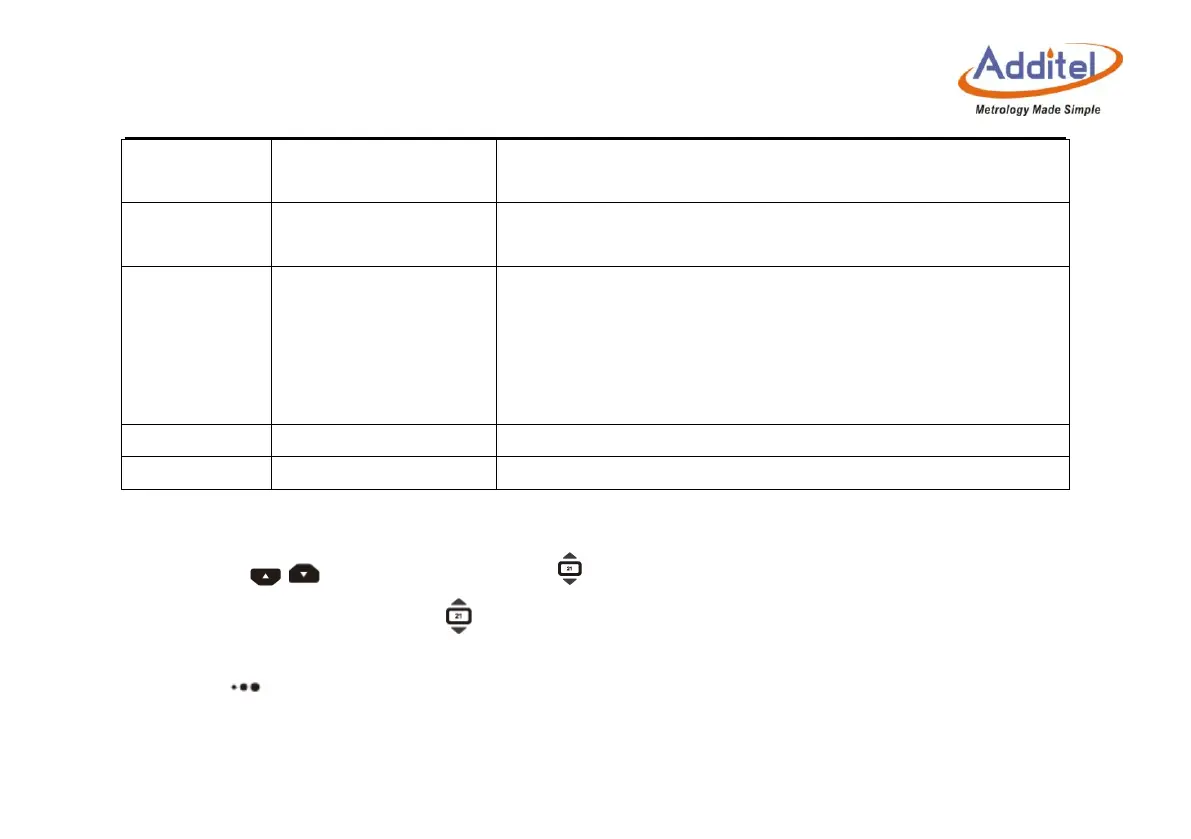
Press the / key on the keyboard or on the screen, to manually step through values.
You can click the number inside to set the step value of manual step.
7. Ramp
Press the key to enter the Ramp setup interface (only 0~25mA and 0~16V is applicable). For
the Ramp output parameters, see Table 3-6.



 To Next Page