36
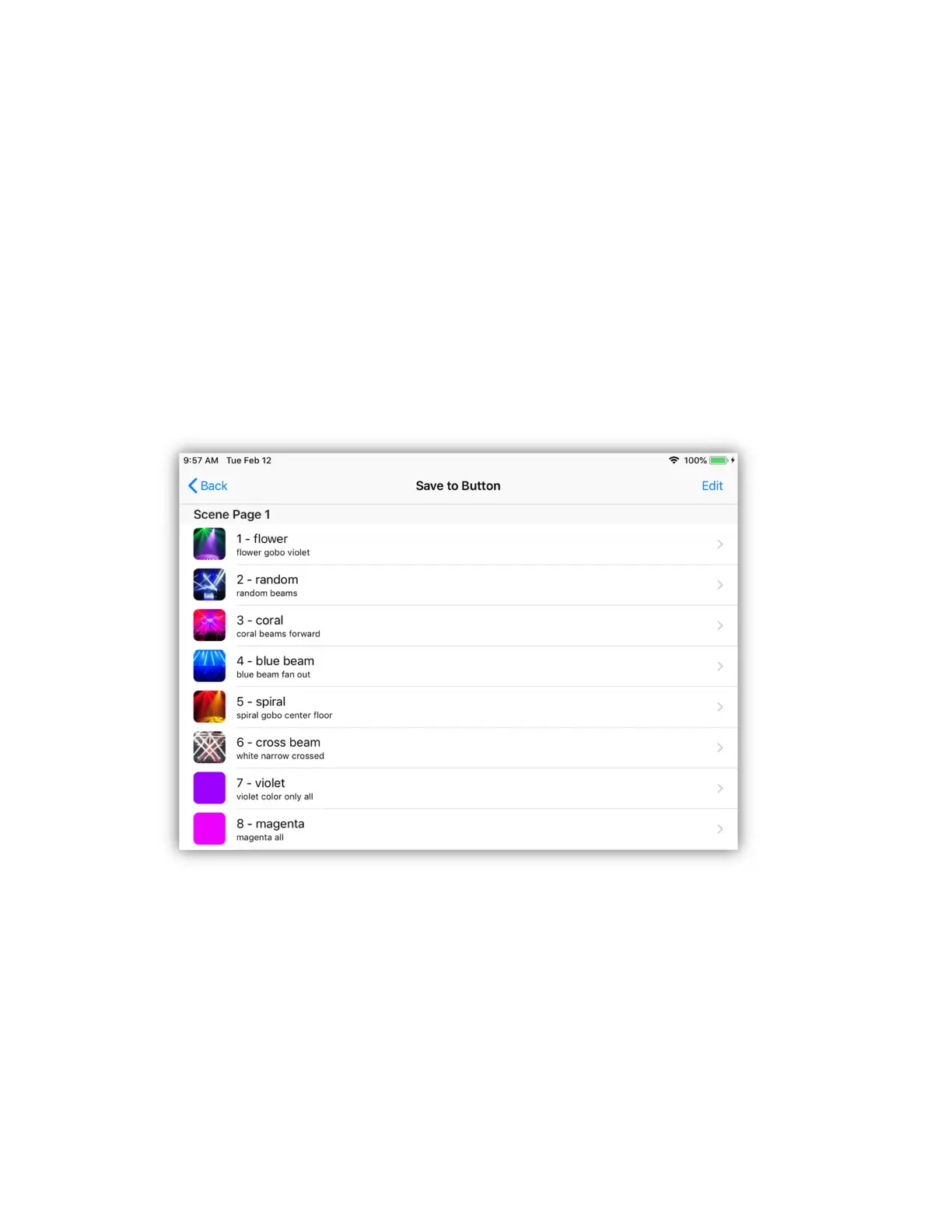
The scene button list will appear similar to the example below. Each row
represents a scene button assignment or an empty unused button. At the left is
the image or color assigned to the scene button followed by the button number
followed by the button label. In small print under the button label is the file name
for that scene. Select an empty row to save the scene.
You can scroll to any scene page by swiping up or down on the screen or by using
the Link’s page up and down buttons. Select the button location by tapping a row
on the screen or by pressing a matrix button on the Link. Buttons on the Link will
be lit if there is already a scene on that button.
Select a row that is occupied to replace that scene or pick an empty row for a new
scene.



 To Next Page