61200290L1-1 MX2800 User Manual 3-1
Chapter 3
Configuration
To configure the MX2800, use a 10BaseT ethernet connection, a
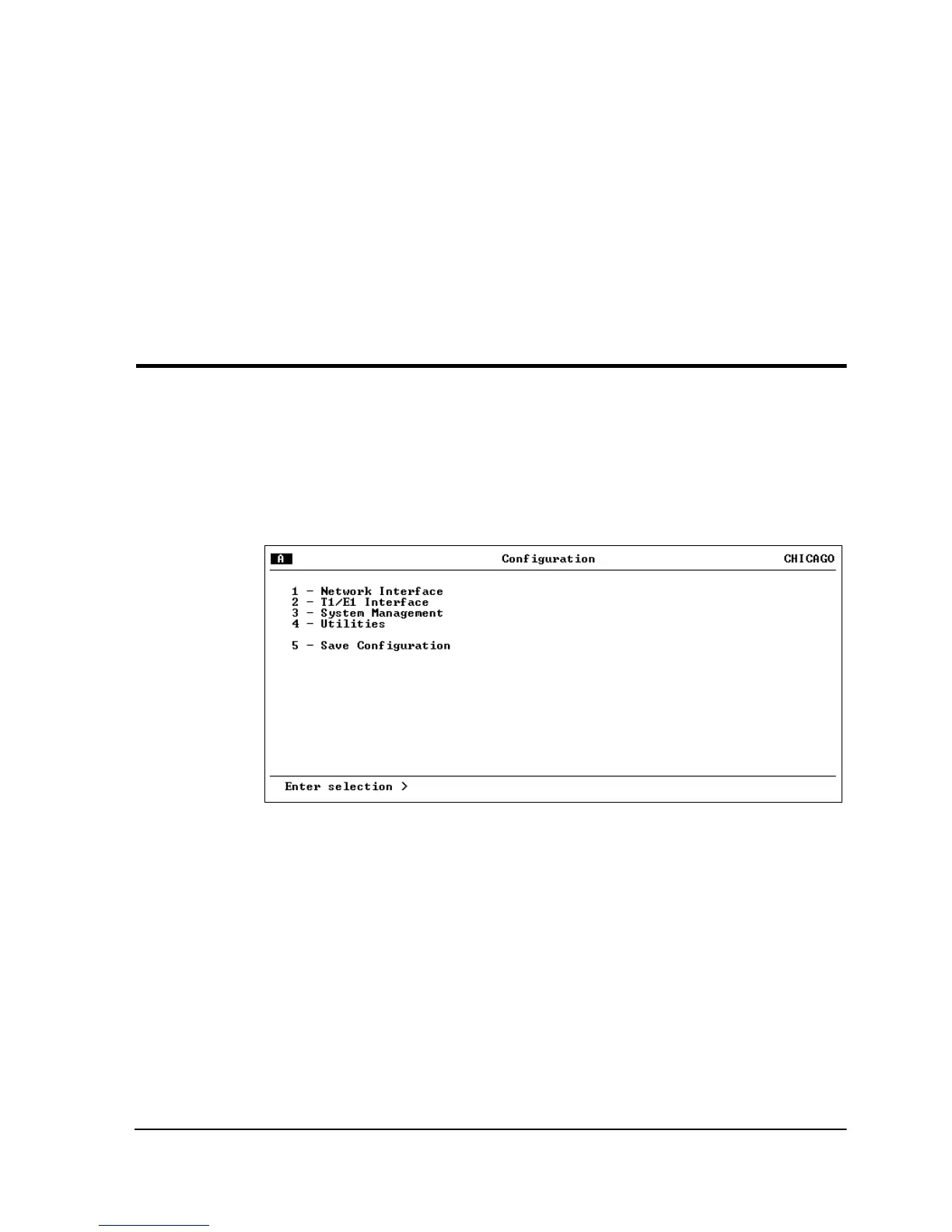
SLIP/PPP modem port, or a VT 100 terminal. Figure 3-1 shows the
main configuration terminal menu, and Figure 3-2 shows the
C
ONFIGURATION
menu tree.
Figure 3-1. Configuration Main Menu
Detailed descriptions of the menu selections are given in the
following sections which are divided by the five submenus:
N
ETWORK
I
NTERFACE
(page 3-3),
T1/E1 I
NTERFACE
(page 3-6),
S
YSTEM
M
ANAGEMENT
(page 3-12),
U
TILITIES
(page 3-28), and
S
AVE
C
ONFIGURATION
(page 3-30).



 To Next Page