61200290L1-1 MX2800 User Manual 5-1
Chapter 5
Statistics
VIEWING STATISTICAL INFORMATION
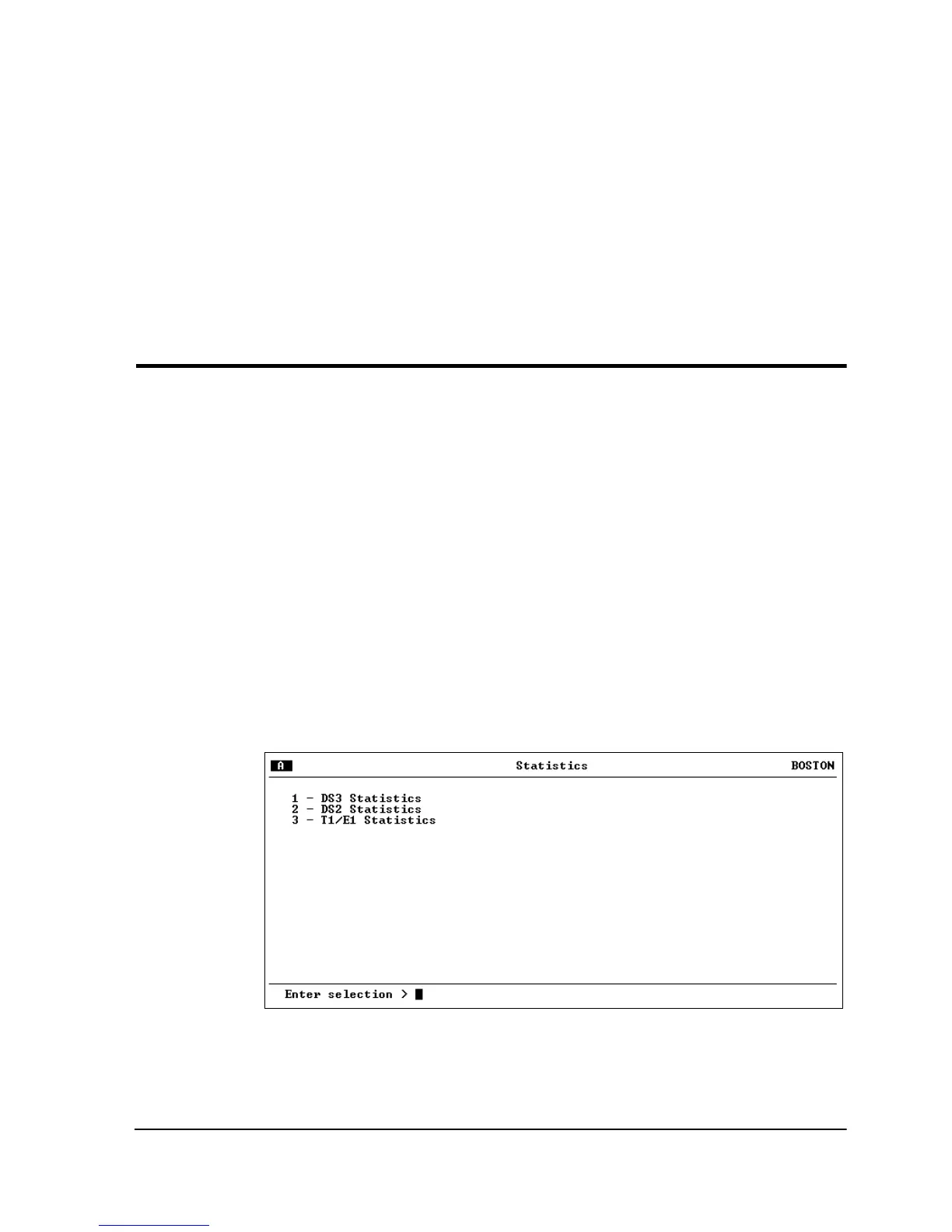
Select
2-S
TATISTICS
from the
M
AIN
menu to access
S
TATISTICS
menus (see Figure 5-1). Alarm information and performance
parameters are available for both the near and far ends of the
network. Information is also given for the individual DS2s and T1/
E1 lines.
Statistical information is given in screens based on the following
time periods: the current 15-minute interval, a 24-hour history
(divided into 96 15-minute intervals), and the totals for the
previous 24 hours. Also, a cumulative alarm count is given. This
count continues indefinitely until reset by the user.
Figure 5-1. Main Local Statistics Menu Screen



 To Next Page