Chapter 3. Configuration
3-8 MX2800 User Manual 61200290L1-1
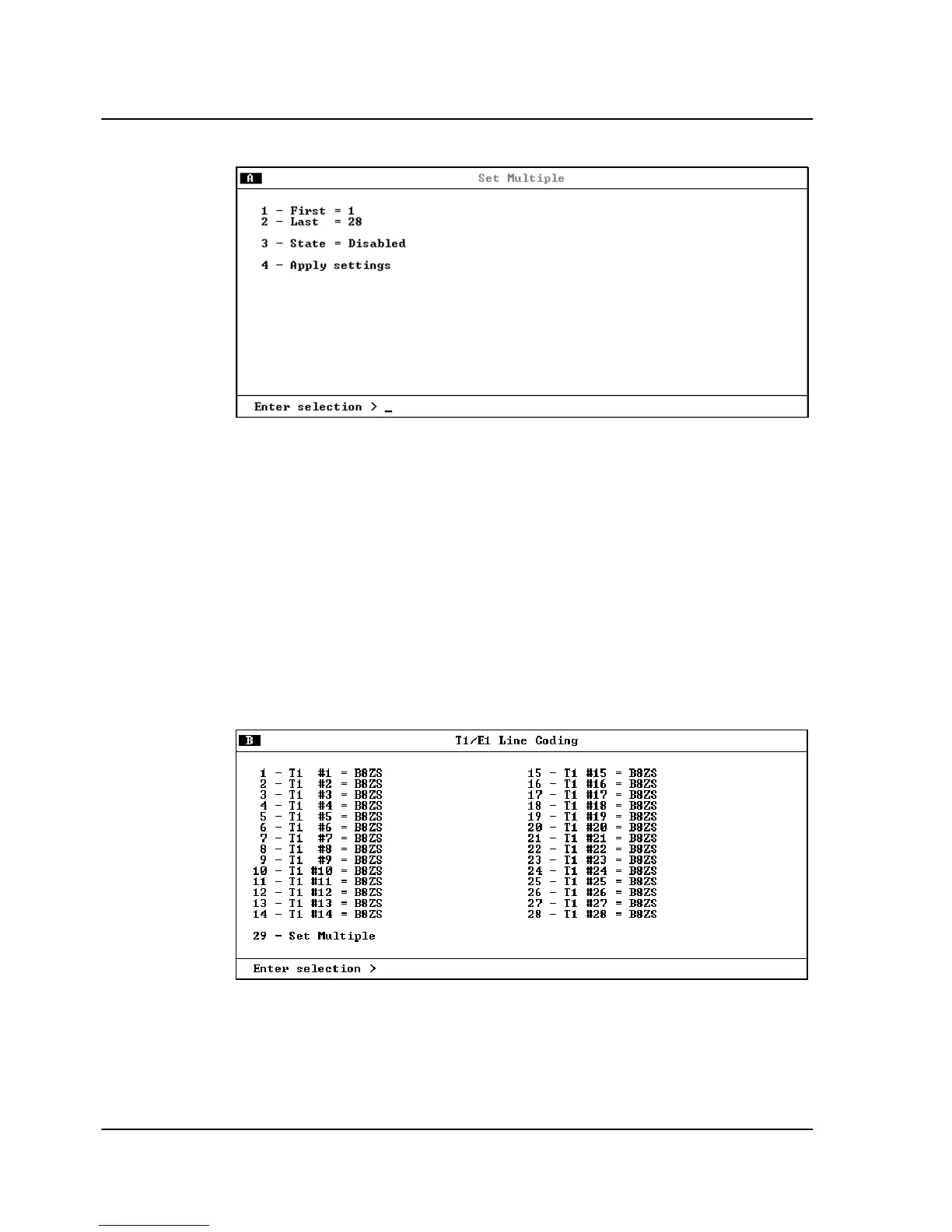
Figure 3-6. Set Multiple Menu
T1/E1 Line Coding
Set the line code for each individual T1/E1 interface to match the
connected device (see Figure 3-7). The choices available for T1 are
AMI
and
B8ZS
. The choices available for E1 are
AMI
and
HDB3
.
Select
S
ET
M
ULTIPLE
to set any or all of the T1s (or E1s) to the same
value at the same time. See Set Multiple on page 3-7 for a
description of the
S
ET
M
ULTIPLE
selection, entering the line code for
each line.
Figure 3-7. T1/E1 Line Coding Menu



 To Next Page