Chapter 3. Configuration
61200290L1-1 MX2800 User Manual 3-7
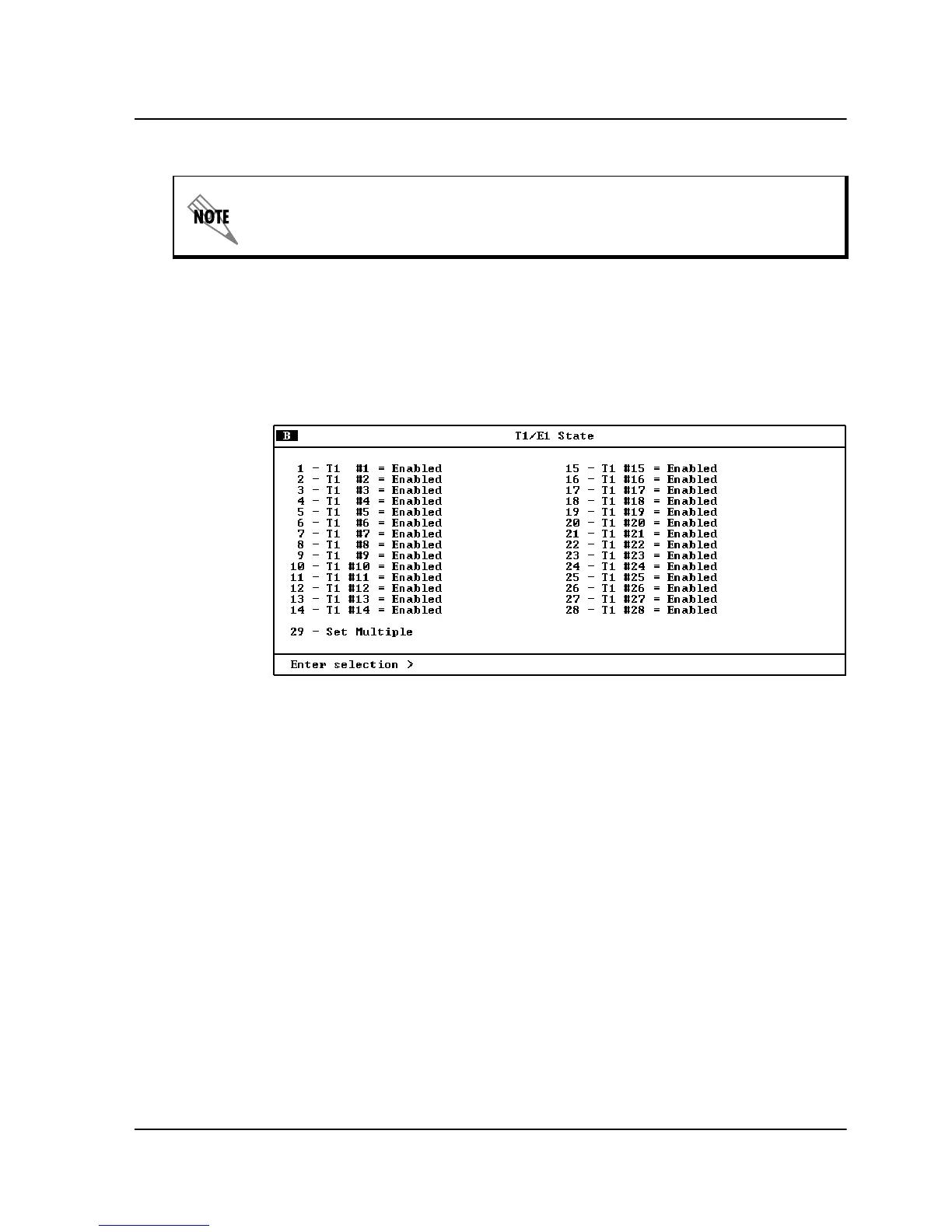
T1/E1State
Set unused T1/E1 lines to
D
ISABLED
. Set used lines to
E
NABLED
(see
Figure 3-5).
Figure 3-5. T1/E1 State Menu
Set Multiple
Use
S
ET
M
ULTIPLE
(see Figure 3-6) to enable or disable any or all of
the T1/E1s at one time. To enable or disable all T1/E1s, set
F
IRST
to
1 and
L
AST
to 28. Enter
A
PPLY
SETTINGS
before leaving the menu. To
enable or disable only some of the T1/E1s, set
F
IRST
and
L
AST
to
correspond to the lines you want to enable or disable. Enter
A
PPLY
SETTINGS
. You can now either leave the menu or continue to enter
new
F
IRST
and
L
AST
numbers for other lines. Remember to apply
the settings when you finish each setting.
A DS2 can be divided into either three E1s or four T1s. Therefore, when
dealing with an E1 configuration, some of the fields in the
T1/E1 I
NTER
-
FACE
menus do not apply (and therefore display
N/A
).



 To Next Page