14 Setting Up the Printer
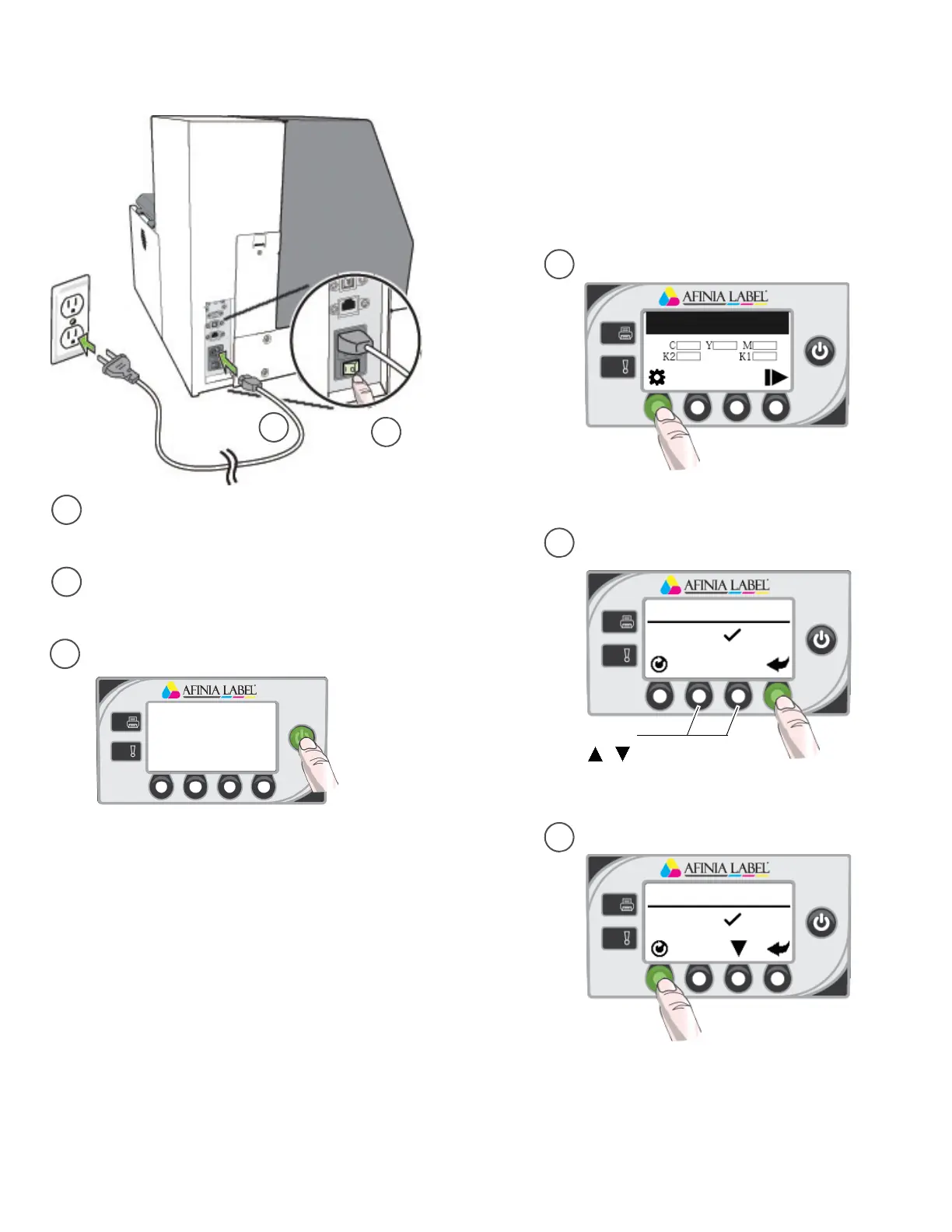
Connectpower
Choosedisplaylanguage(optional)
d
e
f
c
b
a
2
Missing Printhead
LANGUAGE
1. English
(Config)
(Select)
(Return)
Forotherlanguages,
press ,
LANGUAGE
1. English
Afterconnectingpowerforthefirsttime,press
Configtosetthedisplaylanguageforthecontrol
panelifyouwanttochangefromthedefault
settingofEnglish.
PresstheConfigbutton
PresstheSelectbuttonwhenthecorrect
languageisdisplayed
PresstheReturnbutton
PressthePowerbuttononthecontrolpanel
a
Plugpowercableintoprinterandoutlet
b Turnonpowerswitch



 To Next Page