48 Using the Printer
Afinia
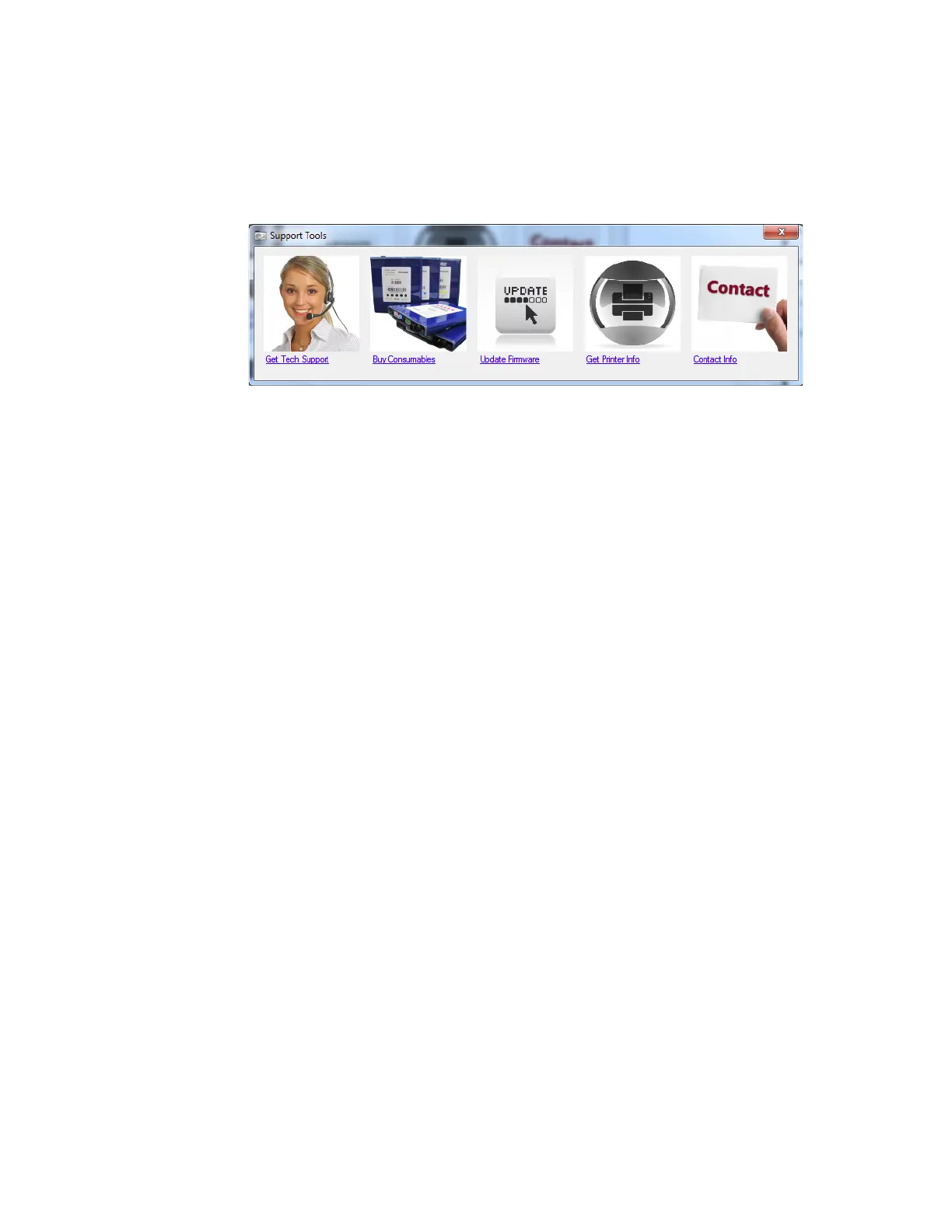
SupportTools
OntheWindowsStartmenu,selectAfinia>AfiniaL801/L801PlusLabelPrinter>
SupportTools.
TheSupportToolsconsistofthefollowing:
• Ge
tTechSupport:OpenstheAfiniaLabelPrinterTechnicalSupportwebpage.
• BuyConsumable
s:Openstheconsumableswebpageforyoutopurchaseink
suppliesonline.
• Up
dateFirmware:Usedtoselecttheupdatefilefortheprinterfirmware.Consult
TechnicalSupportbeforeperformingafirmwareupdate.
• Ge
tPrinterInfo:Displaysalogofprinteractivityanderrors.Thismayberequired
whenyoucontactTechnical Support.
• Con
tactInfo:Allowsyoutosaveyourcontactinformation,whichwillbeincludedin
thePrinterInfolog.



 To Next Page