L801LabelPrinter
Printer Maintenance 57
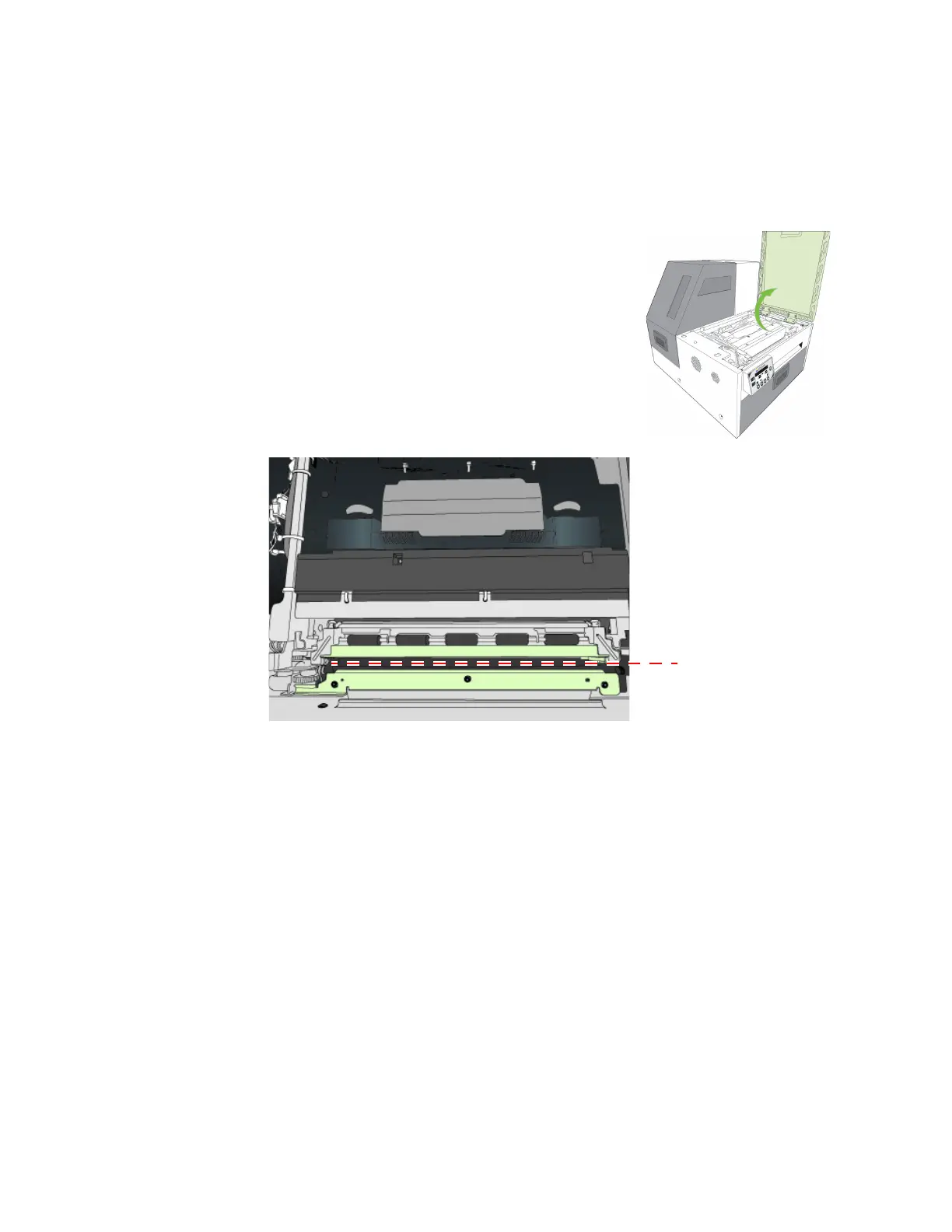
CleaningDebrisfromtheCuttingZone
Clearalldebrisfromthecuttingzonetoavoidcontaminatingtheprintzone,especially
finedustparticles.
1. Turnof
fpowertotheprinter.SeeTurningOffthe
Printeronpage35.
2. Openthetopcover.
3. Va cuuman
ydebrisfromthecuttingzone(shown
belowingreen).
4. Op
entheclamshellandalsocheckbelowthecuttingzone,atthebottomofthe
printerandinfrontoftheinkcartridges.
5. Closetheclamshellandtopcover.
6. Openthefrontcoverandremoveanycuttingdebris.



 To Next Page