L801LabelPrinter
Printer Maintenance 65
ReplacingtheWasteInk Absorber
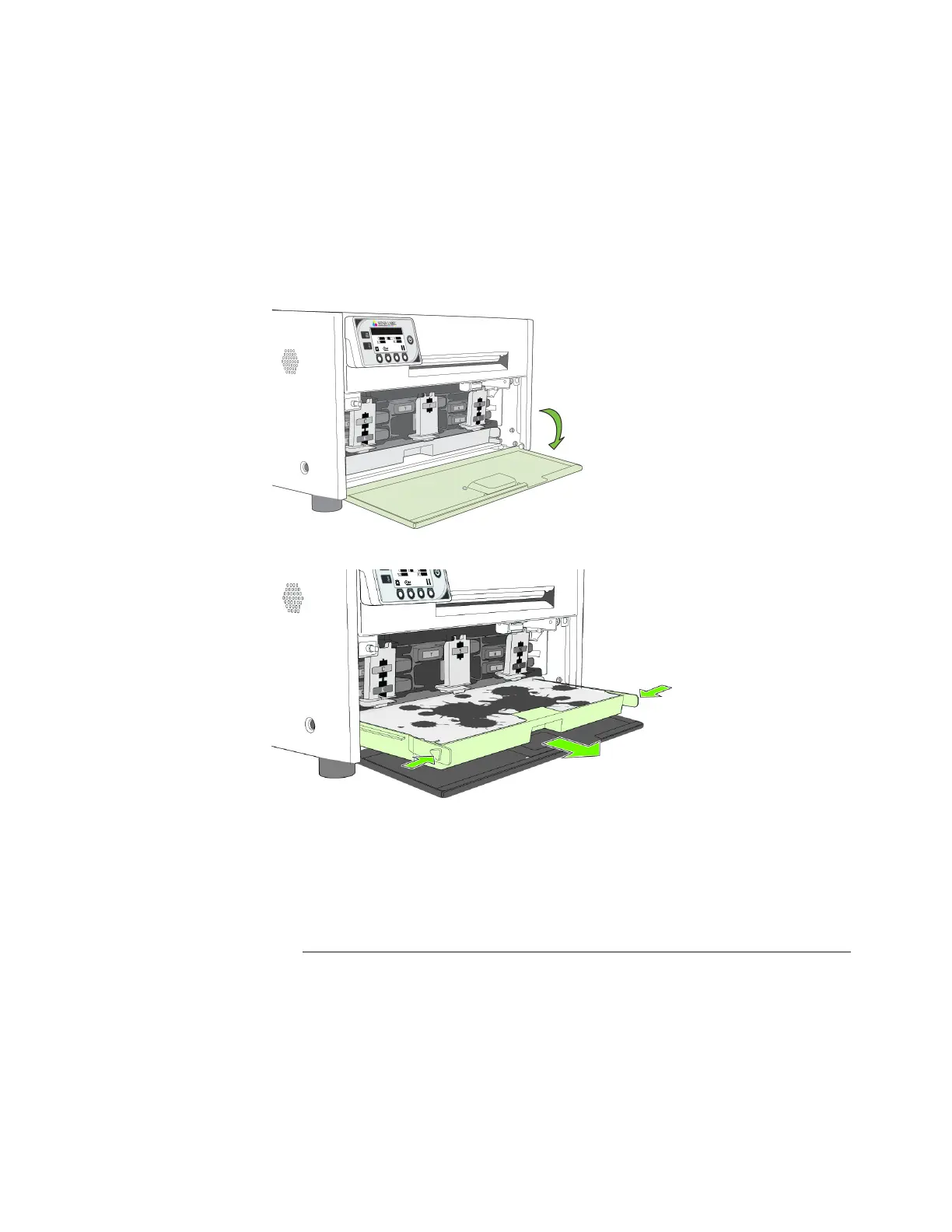
1. Openthefrontcoveroftheprinter.
2. Squeezethela
tchesonbothsidesofthewasteinkabsorberandpullitout.
3. Removethewasteinkabsorber.
4. Slidethenewwasteinkabsorberintotheprinter.Pushitinuntilit clicksintoplace.
5. Closethefrontcover.
NOTE: Takecarewhenreplacingthewasteinkabsorbertoavoidstaininghandsand
clothing.Disposeoftheusedwasteinkabsorberaccordingtolocalregulations.
Tools •Nitrilepowder‐freegloves



 To Next Page