30 Using the Printer
Afinia
a_Position_Adjustments.png
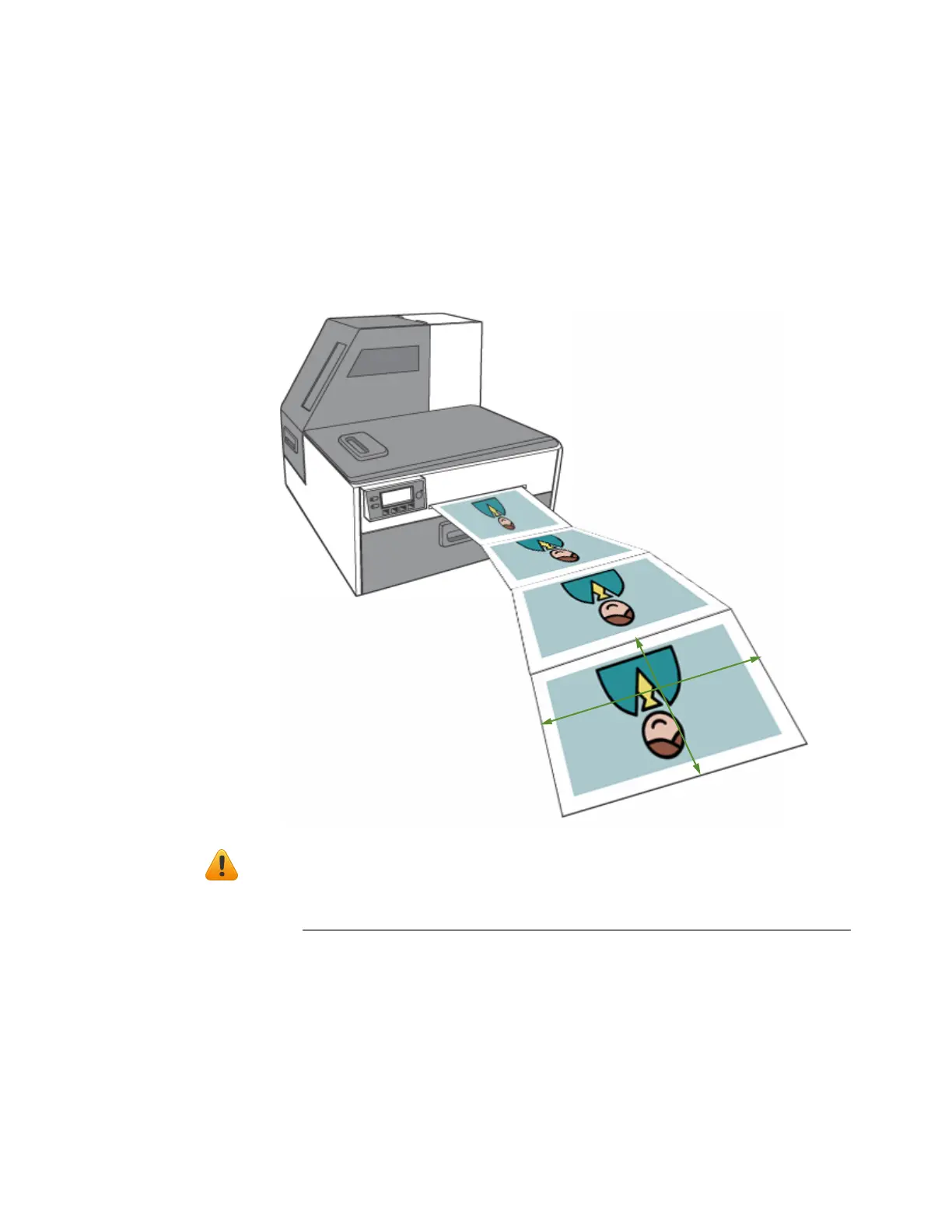
AdjustingAlignmentforPrinting
Alwaysprintafewtestlabelstocheckthealignmentoftheimage.Iftheimageisnot
centered,adjusttheTopofFormand/orLeftEdgeoffsets.
ApositivevalueforTopofFormadjuststheimagetowardsthetopofthelabel.
ApositivevalueforLeftEdgeadjuststheimagetowardstheleftofthelabel.
NOTE: Adjustmentvaluesenteredinthedriverandusingthecontrolpanelare
cumulative.Thecorrespondingvaluesareaddedtogether.Ifyouhavealready
madethecorrectadjustmentsinonelocation,youdonotneedtoenterthem
intheother.
+
–
–
+
Right
Left
Top



 To Next Page