74 Troubleshooting
Afinia
ClearingaMediaJam
1. Openthemediacover.
2. Cutoffthejammedmediafromthemediaroll.
3. Opentheclamshelltoitshighestposition.
4. Removethejammedmediafrominsidetheprinter.
5. Cleananylabeldebrisfromthesensorsandprintzone.SeeCleaningtheSensorson
page58.
6. Closetheclamshellandtopcover.
7. Reloadtheme
dia.
ClearingCloggedInkNozzles
Longstripesofmissingprintorverticallightstreaksonseverallabelsmaybean
indicationofcloggedinknozzles.Followtheprocedurebelowtocleartheinknozzles.
Afterea
chstep,printandchecktheprintquality.Proceedtothenextsteponlyifthe
problempersists.
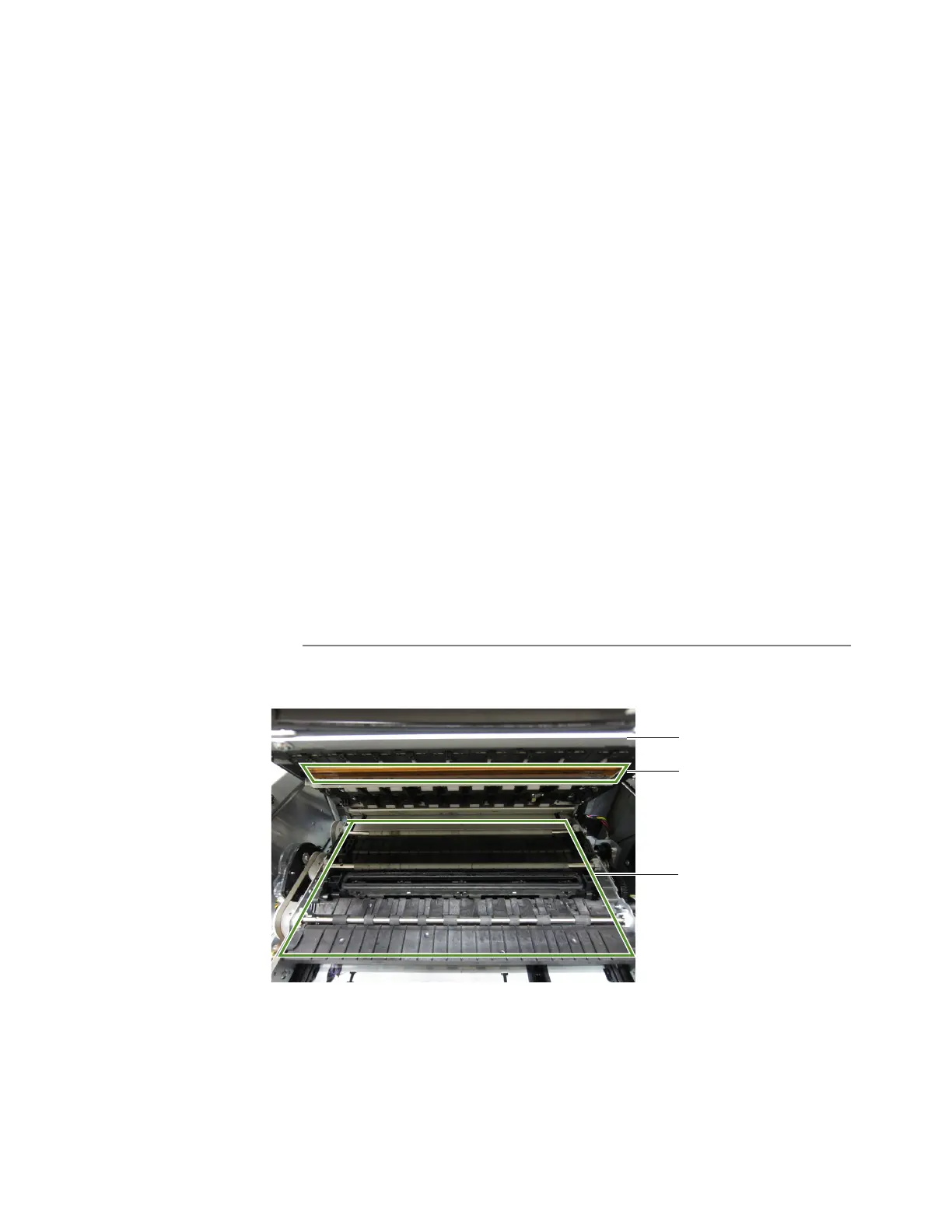
1. Opentheclamshellandinspecttheprintzone(theareabelowtheclamshellas
showninFigure9).Vacuumanydustordebrisfromthearea.
NOTE: DoNOTcleantheprintheadatthispoint.
Figure9Printzone
printhead
printzone
clamshell



 To Next Page