L801LabelPrinter
Using the Printer 33
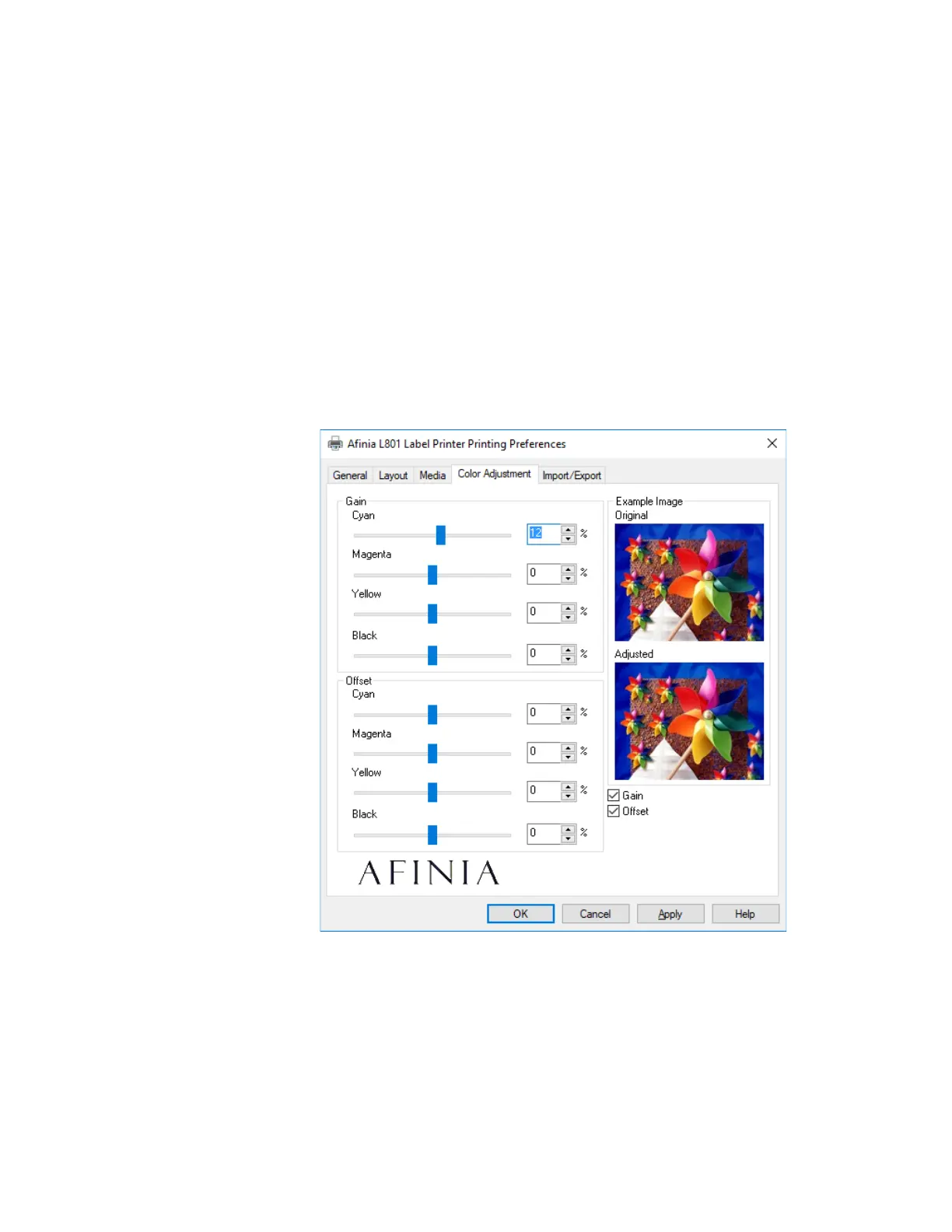
ColorAdjustment Settings
UsetheColorAdjustmenttabtoincreaseordecreasethecolorGainorOffsetforeach
color.YoumustchecktheGainandOffsetcheckboxesbothtoenablethecontrolsand
fortheadjustmentstobeapplied;ifunchecked,thedefaults(0%)willbeused.
Youcandragthesliderbars,usetheleft‐rightarrowsonyourkeyboardtomovethe
selectedslider,orenterspecificvaluesintothepercentagefields.Valuescanrangefrom
‐100%to+100%.
Increasin gtheGainorOffsetwillincreasetheinkusageforthecolor(s)changed.
Theex ampleimageontherightsidewillshowthedifferencesbetweentheoriginaland
adjustedsettings.



 To Next Page