L801LabelPrinter
Using the Printer 29
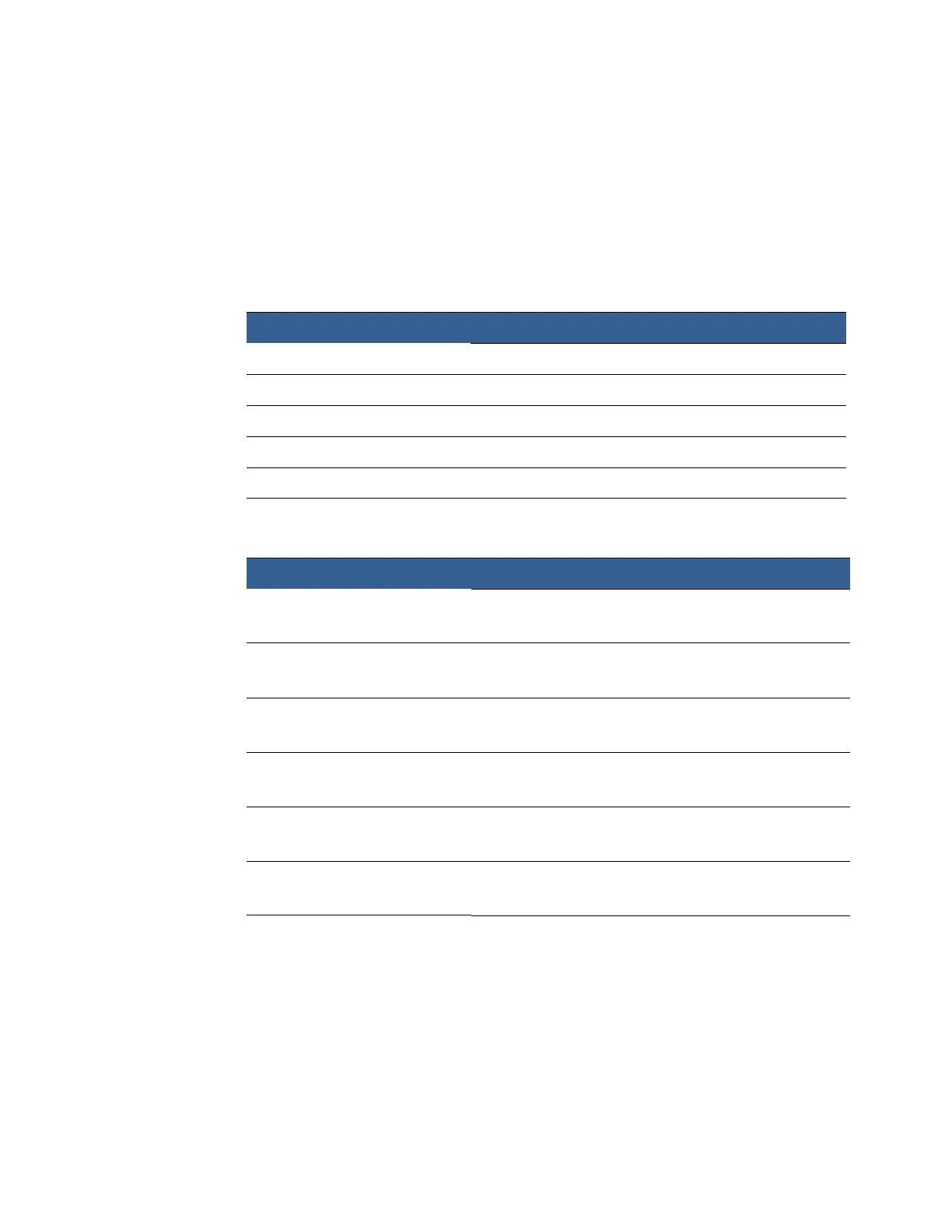
SelectingtheMediaType
Selectingthemediatypethatmatchesthemediayouareprintingonwillusuallygive
thebestprintresults.
TheL801andL801Pl
usmodelsincludedifferentmediatypes.
L801MediaTypes
PlainPaper Plain(uncoated)paperandlabels
MatteCo
atedLabel Mattecoatedlabels
MatteCo
atedPaper Mattecoatedpaper
GlossyLa
bel Glossylabels;optimizedprintqualityanddrytime
PremiumGl
ossLabel Glossylabels;usesmoreinkforbettercolor
MOPMatt
eLabel StandardMatteprofile
ForusewithMa
ttelabelstock
MOPMatt
eLabel1 EnhancedMatteprofile;lowerinkusage
ForusewithMa
ttelabelstock
MOPGlo
ssyLabel StandardGlossyprofile
ForusewithGlo
ssylabelstock
MOPPremiumGlo
ssyLabel StandardPremiumGlossyprofile
ForusewithGlo
ssylabelstock
MOPPremiumGlo
ssyLabel1 EnhancedPremiumGlossyprofile;lowerinkusage
ForusewithGlo
ssylabelstock
MOPPremiumGlo
ssyLabel2 EnhancedPremiumGlossyprofile;minimalinkusage
ForusewithGlo
ssylabelstock
L801PlusMediaTypes
SelectthisMediaType Whenyouareprinting:
SelectthisMediaType ProfileDescription



 To Next Page