60 Printer Maintenance
Afinia
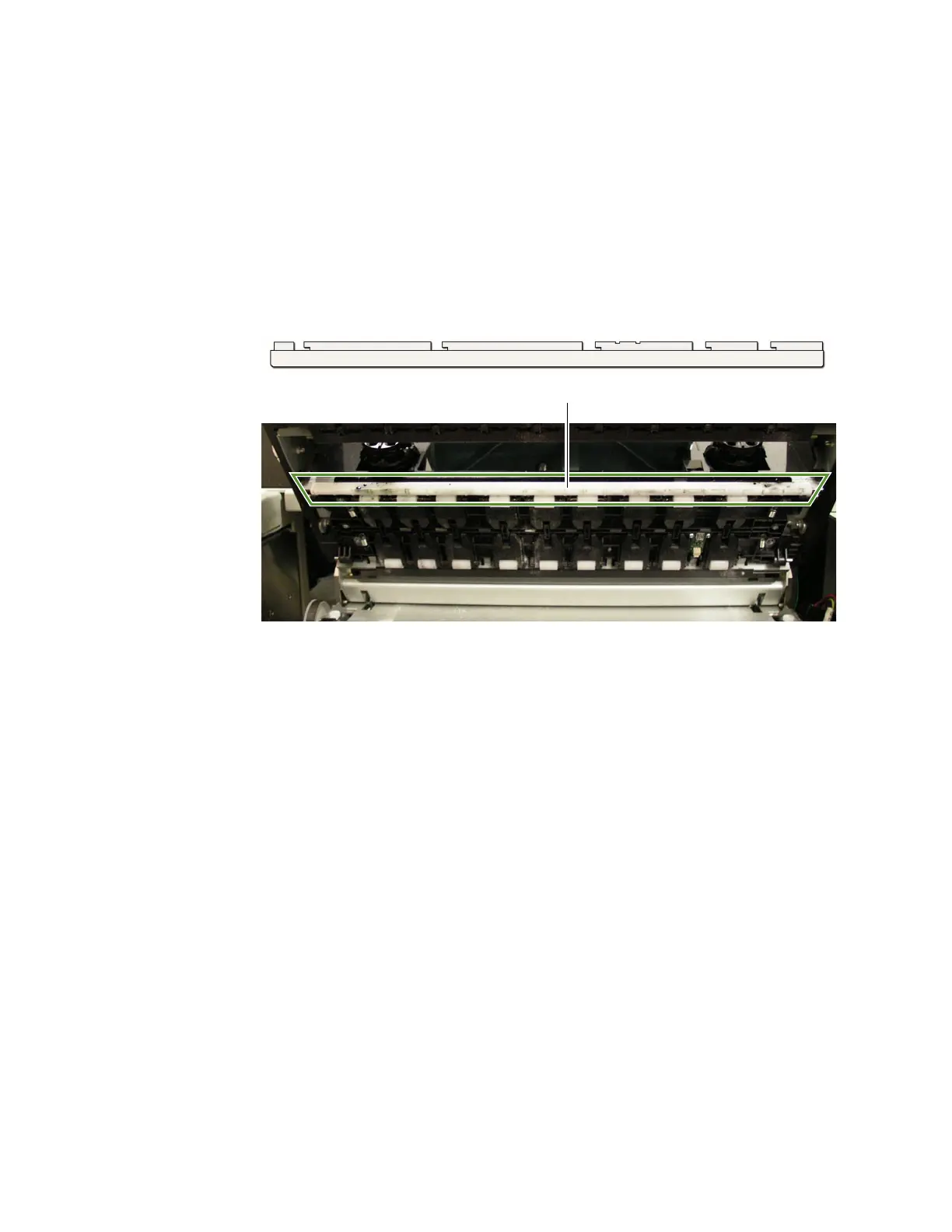
CleaningtheMediaGuide
Exce ssinkontheMediaGuidecanaffectprintquality.
1. Removetheprinthead.SeeReplacingthePrintheadonpage53.
2. Opentheclamshelltoitshighestposition.
3. SlidethewhiteplasticMediaGuidetotheright.Whenitwillnotmovefurther,
gentlypulldownontheguide.
4. CleananyinkresiduefromtheMediaGuidebyrinsingwithwateranddrying
thoroughly.
5. LinetheMediaGuideslotsupwiththemetaltabsonthebottomoftheclamshell
andpushtheguidebackon.Slideguidetotheleftuntilitstops.
6. ClosetheClamshell.
7. Reinstalltheprintheadandclosethetopcover.



 To Next Page