L801LabelPrinter
Using the Printer 45
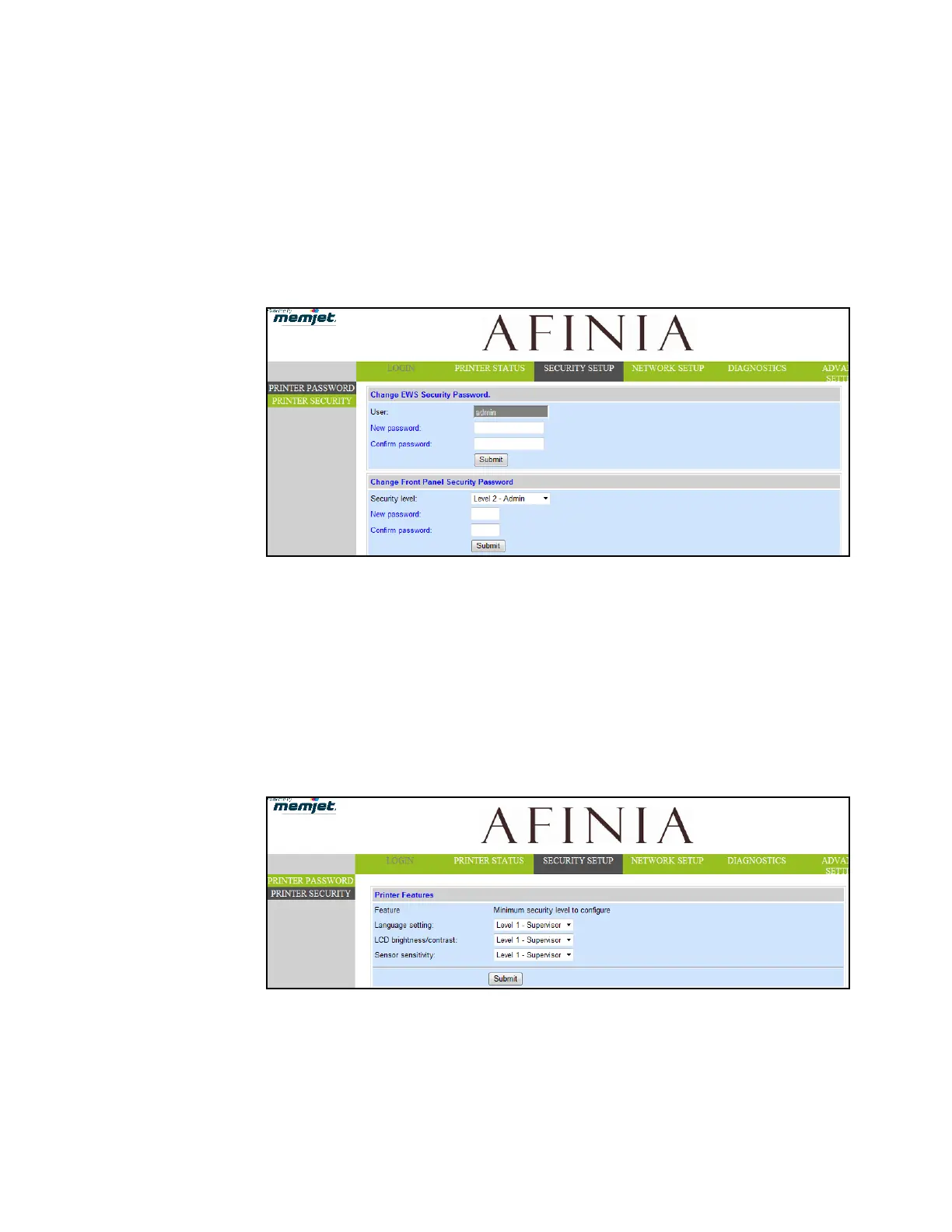
ChangePasswords
1. LogintotheEWS.
aOntheWindowsStartmenu,selectAfinia>AfiniaL801/L801PlusLabelPrinter
>Toolbox.
bClickAfiniaL801/L801PlusLabelPrintertolaunchthedefaultwebbrowserand
opentheEWSforyourprinter.
cClickLogintologinwithyouradminpassword.
2. SelectSecurit
ySetup,thenselectPrinterPassword.
3. Setthepas
swordandclickSubmit.
•TheEWSpasswordcanhave3to12alphanumericcharacters.Specialcharacters
arenotallowed.
•Thecontrolpanelpasswordmustcontain3digits.
ChangeSecurityLevelforPrinterSettings
Theadministratorcanchangethesecuritylevelforthefollowingprotectedprinter
settings,whichareenabledatLevel1bydefault.
1. LogintotheEWS.
2. SelectSecuritySetupfollowedbyPrinterSecurity.
3. Fromth
edropdownlist,selecttheminimumsecuritylevelallowedtoaccesseach
setting.
Forex
ample,ifyousetLanguagetoLevel0‐Operator,thenallsecuritylevelswill
haveaccesstothissetting.



 To Next Page