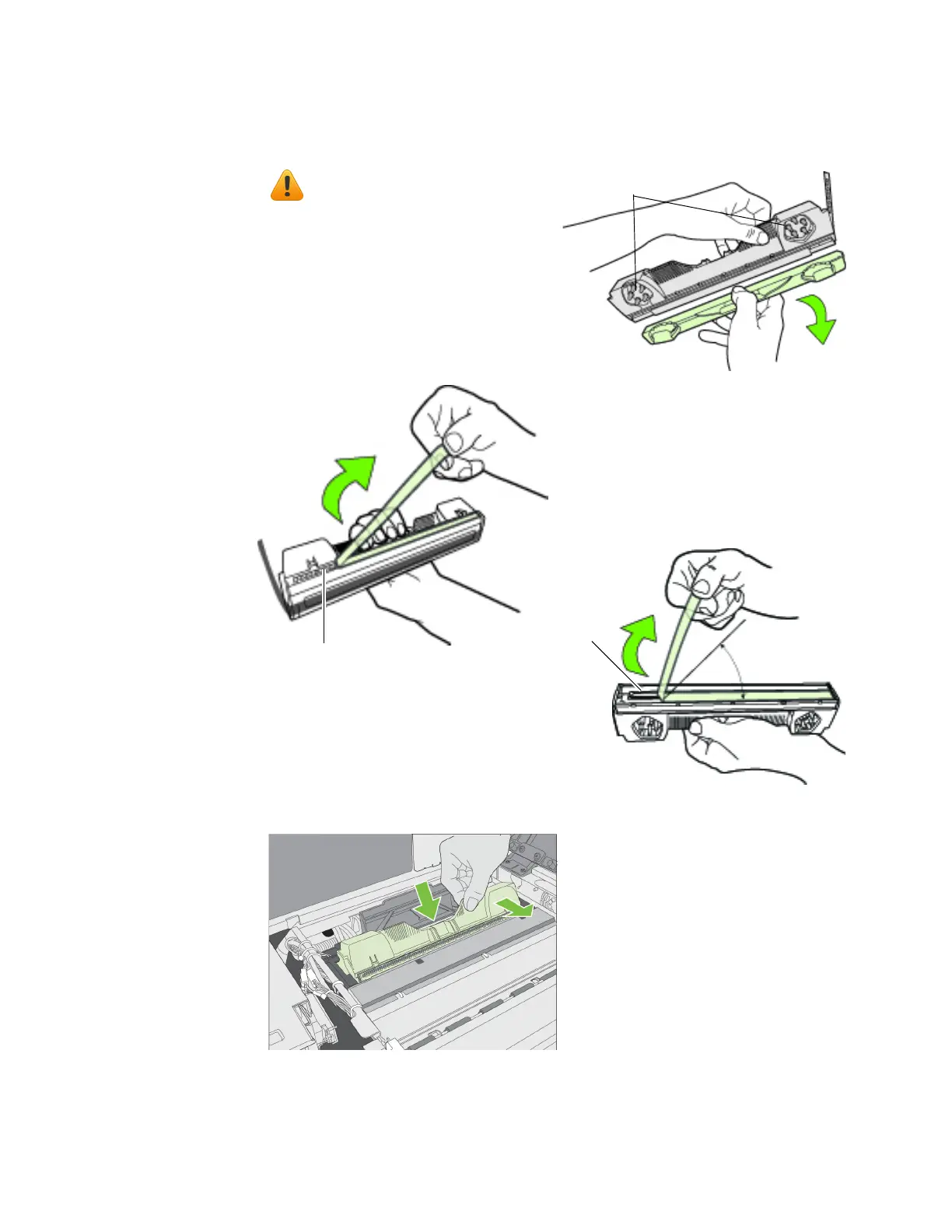
4. Removethenewprintheadfromitspackaging.
5. Slidetheprin
Donottouchtheinkcouplings,
electricalcontacts,ornozzles.
inkcouplings
electricalcontacts
nozzles
Nolessthan45°
Donotdiscardthecover!
Itshouldbereplacediftheprintheadis
removedfromtheprinter.
Slowlyremovetapefromelectricalcontacts
Slowlyremovetapefromnozzles



 To Next Page