Contact: AIRSYS North America Phone: (855) 874-5380 Page 90 of 112
Email: ASNSupport@air-sys.com Web: http://airsysnorthamerica.com Rev 1.15
Step 4: Reload Saved Parameters on Controller
1. Pressure Up and Down together.
2. In the “Master/HVAC select” screen, select “Master Controller” and press Enter.
3. Press Esc.
4. Press Prg and enter the default password (0004). Press Enter.
5. Press Up or Down to reach “Control Config” and press Enter.
6. Press Enter at “Network”
7. Re-enter the saved information (a-d)
a. Total # of HVAC and Total # of Zones
b. IP address of all connected HVAC units
c. Zone assignment, which units are assigned to which zones.
d. Model number of connected units
8. Re-enter any other setting that has been manually saved.
Step 5: Restore and Verify Controller Operation
1. Hold Esc until the main screen is displayed.
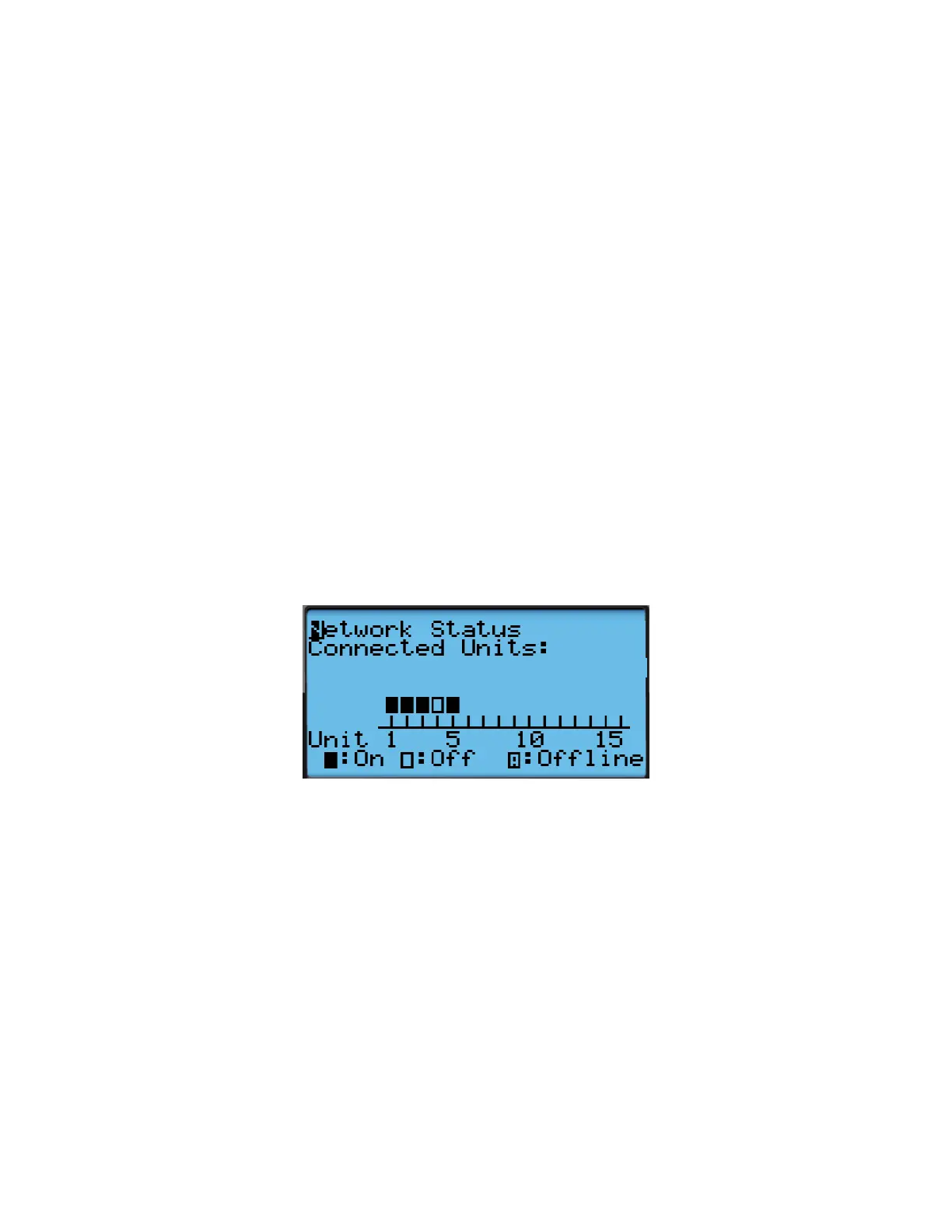
2. Press Down until an info icon (i) is displayed in the bottom right corner and press Enter.
3. If the controller has re-established communication with the units, ON or OFF status should be
displayed for every unit.
Figure 42: Network Status



 To Next Page