40
6.3 Softener
6.4
Carbon lter
Before you start:
If carbon lter is installed after softener, read the instruction for carbon lter before
starting up the softener.
Brine rinse:
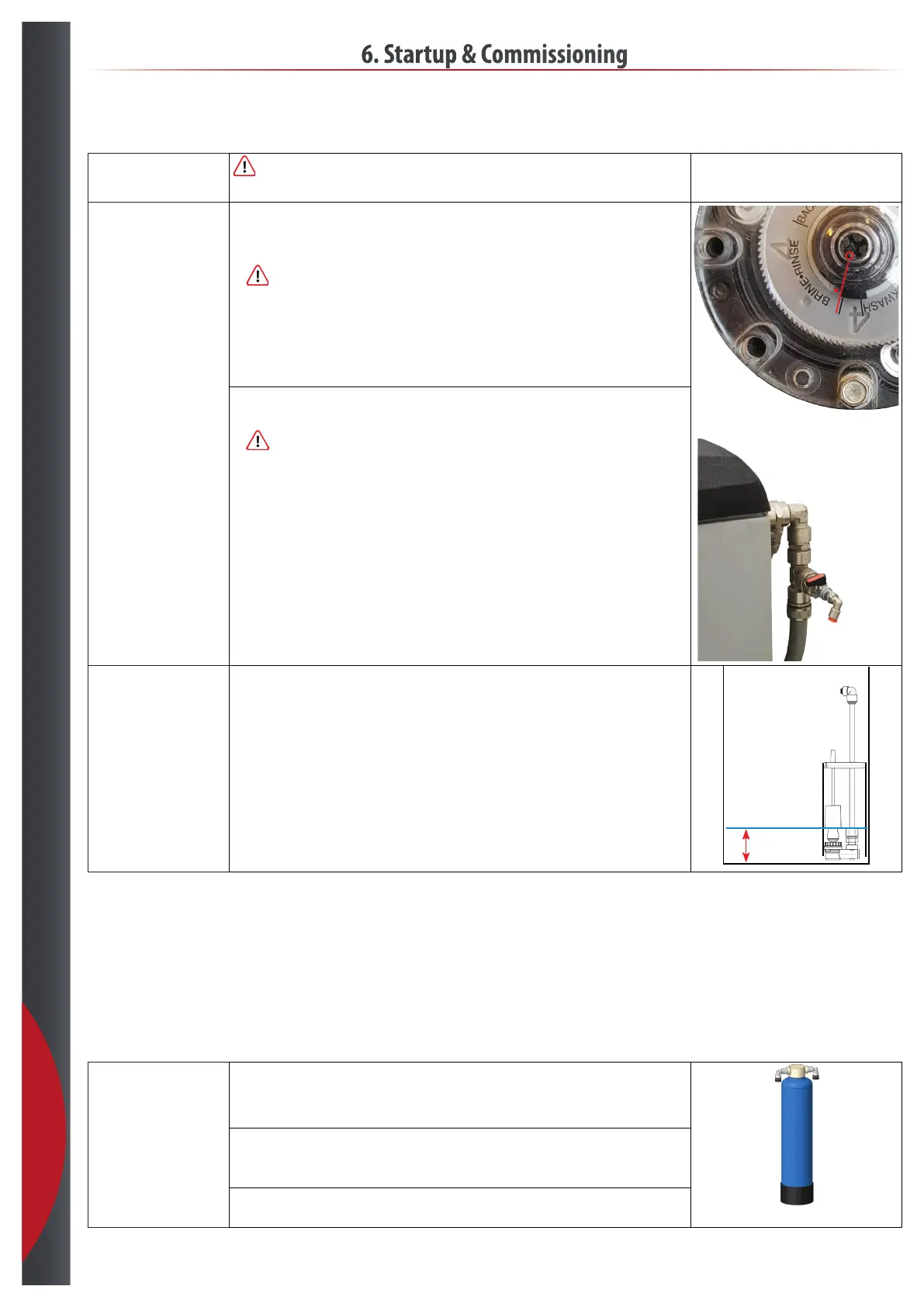
• Setthemaincylinderin“BRINE•RINSE”.
• Open the water test valve.
• Take the top of the salt/brine tank.
•
Slowly open the water supply, keep an eye on leakages while the hoses, lterhouses and
rst softener cylinder is lling with water.
• Close the test valve when you have a steady water ow without air.
• Leave the system in this position until the “BACKWASH” have ended and the cylinder is in
service position again. The time for a service cycle is in the datasheets
• Close the water supply again.
BRINE•RINSE
• Turnthesecondcylinderin“BRINE•RINSE”.
• Open the water test valve again.
•
Slowly open the water supply again, and close the testvalve when you have a steady
water ow without air.
Check water level:
• When it reach service position again, check the water level in salt/brine tank, and that it
stays there.
• Add salt.
Water level
6. Startup & Commissioning
Carbon lter:
• Connect soft water to the carbon lter output port.
• Connect carbon lter input direct to drain with a hose.
• Slowly open the water supply and let the cylinder ll up with water.
• When you can see water running out of the “drain hose” connected to inlet, reduce the
waterow.
• Let the water run until the “black” carbon dust color is gone.
• Close the water supply again.
• Switch the connection back to normal.
201218



 To Next Page