50
7. Customer Training & Handover
Control room
• Go through the main components and the purpose of it.
• Go through the user manual.
- Display menu.
- Adjustment.
- Daily / weekly control.
- Operating journal.
- Alarm menu log.
- Trouble shooting.
- Service.
• Interval.
• Parts.
Go through the zones
• Unit position.
• Sensor position.
• The impact of changes in air stream, draft and temperature variation.
•
Check that all setpoints and settings are accordingly with the data in order conrmation. Note if customer want the system startet and set at settings that variate
from capacity sheet / order conrmation.
Scada and dataLog presentation
• Logle.
• Mail setup.
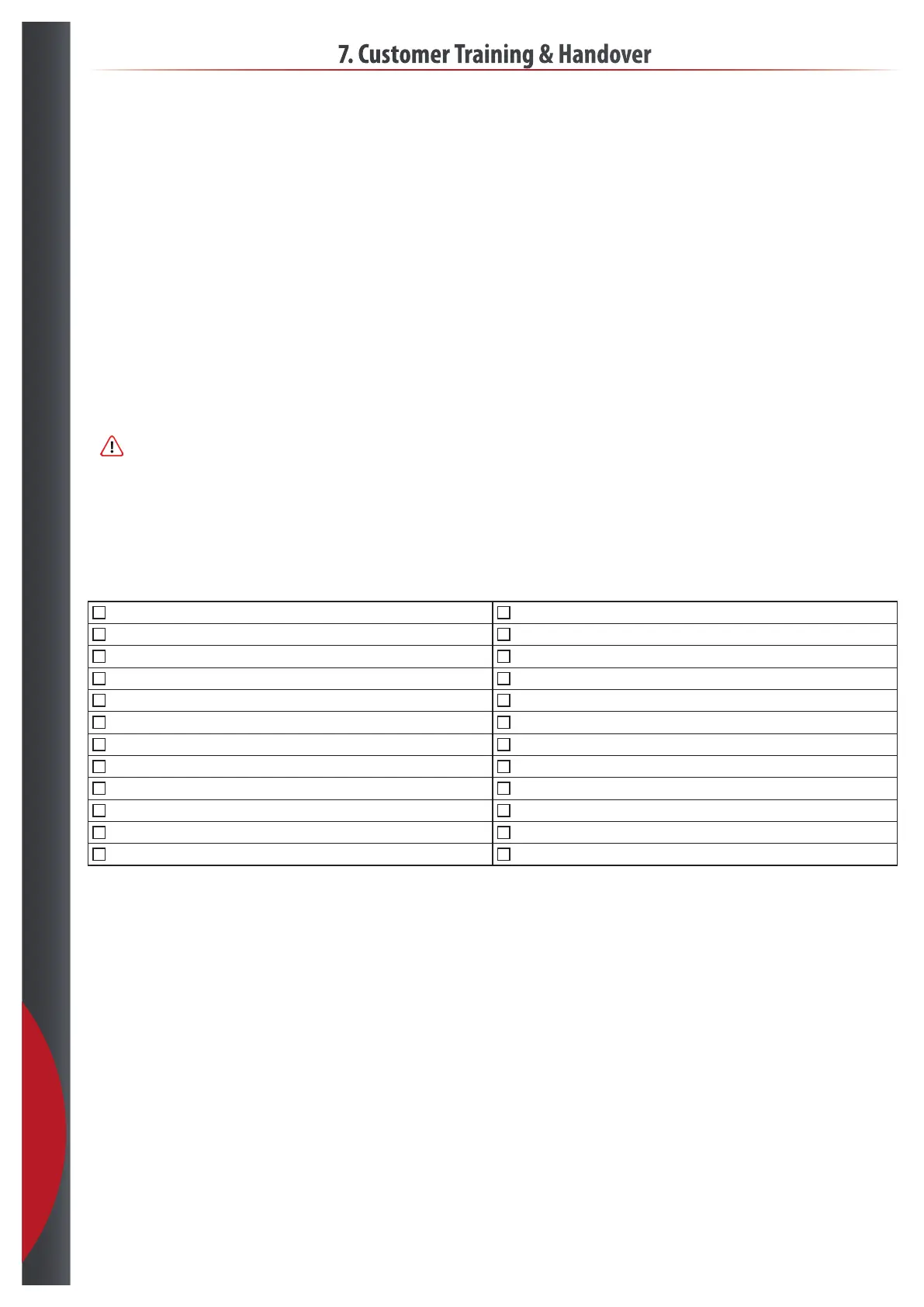
Handover checklist
Filter element / house how to change Oil change
Inlet pressure where to see it Atomizer location
Salt lling softener Nozzle change How to.
Water sample / test valve softener Sensor location
Ro menu Scada use
Ro test procedure / where and how Datalog le import and monitoring
Ro trouble shooting Leave a few spare nozzle if needed
Ro Spareparts Fill out the rst line in journal with customer
Hydrosens menu Fill our Airtec care with nal values.
Hydrosens trouble shooting and log User manual
Hydrosens Sparepart Electricial diagram
Oil glass inspection ( check for oil color/level ) Commisioning report Signed
201218



 To Next Page