73
Flow calibration
Pwd: 3112
pq
Service
Maintenance password: 9963
pq
Alarm in/out
pq
Hygiene & delay
pq
User password: 1300
Hours & power up
pq
Alarm log
pq
Pressure setup
pq
Flow setup
pq
Alarm 1
Alarm
pq
Alarm 2
pq
Frontpage
w. status
pq
Pressure & ow
pq
Pump, valves &
sensors
pq
Password
pq
t
Date & time
t
u
1/9 I:
Inputs
t
u
2/9 Q:
Outputs
t
u
3/9 AI:
Analog inputs
t
u
4/9 to 8/9
Not used
t
u
9/9
Arrow screen
~
| }
u
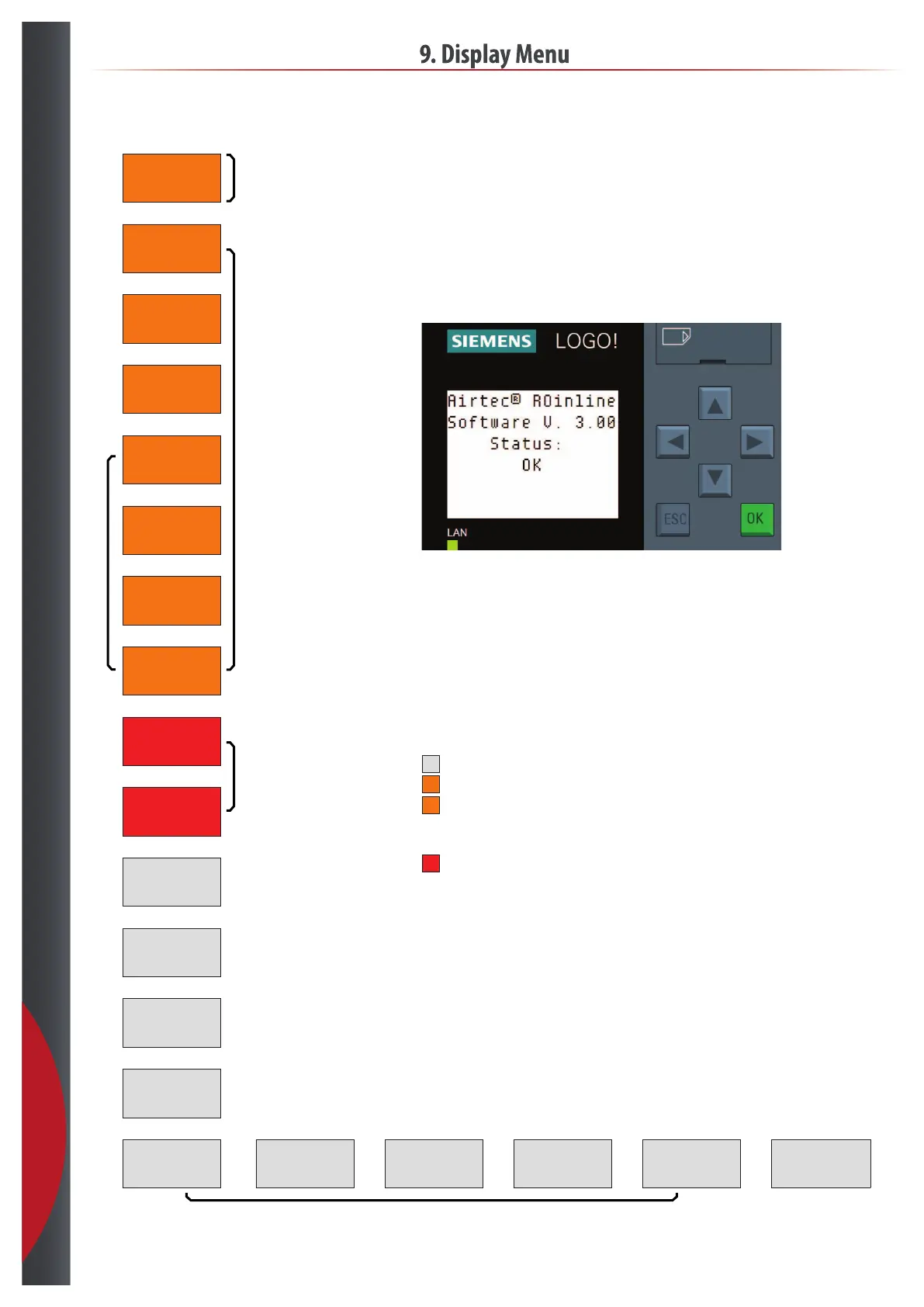
Press ESC to access PLC menu to setup IP address and date & time
ESC+p=Manual rinse
ESC+q=Reset alarm
9. Display Menu
9.4 RO Inline™
Display buttons
p = Up screen/value
q = Down screen/value
t = Previous screen/setting
u = Next screen/setting
ESC > 3 sec. = Enable edit mode
ESC = Cancel/exit edit mode
OK = Select setting/accept value
Display light
White = OK
Orange = Setup active
*
Orange ashing = Time for service
Ext. stop active
Low produdtion (RO) ow
*
Red ashing = Alarm
201218



 To Next Page