47
6. Startup & Commissioning
Adjust by-pass, continued:
• Enable ”ON/OFF AHU 1” in terminal row connection.
• to goto ”Adjust By-pass” screen.
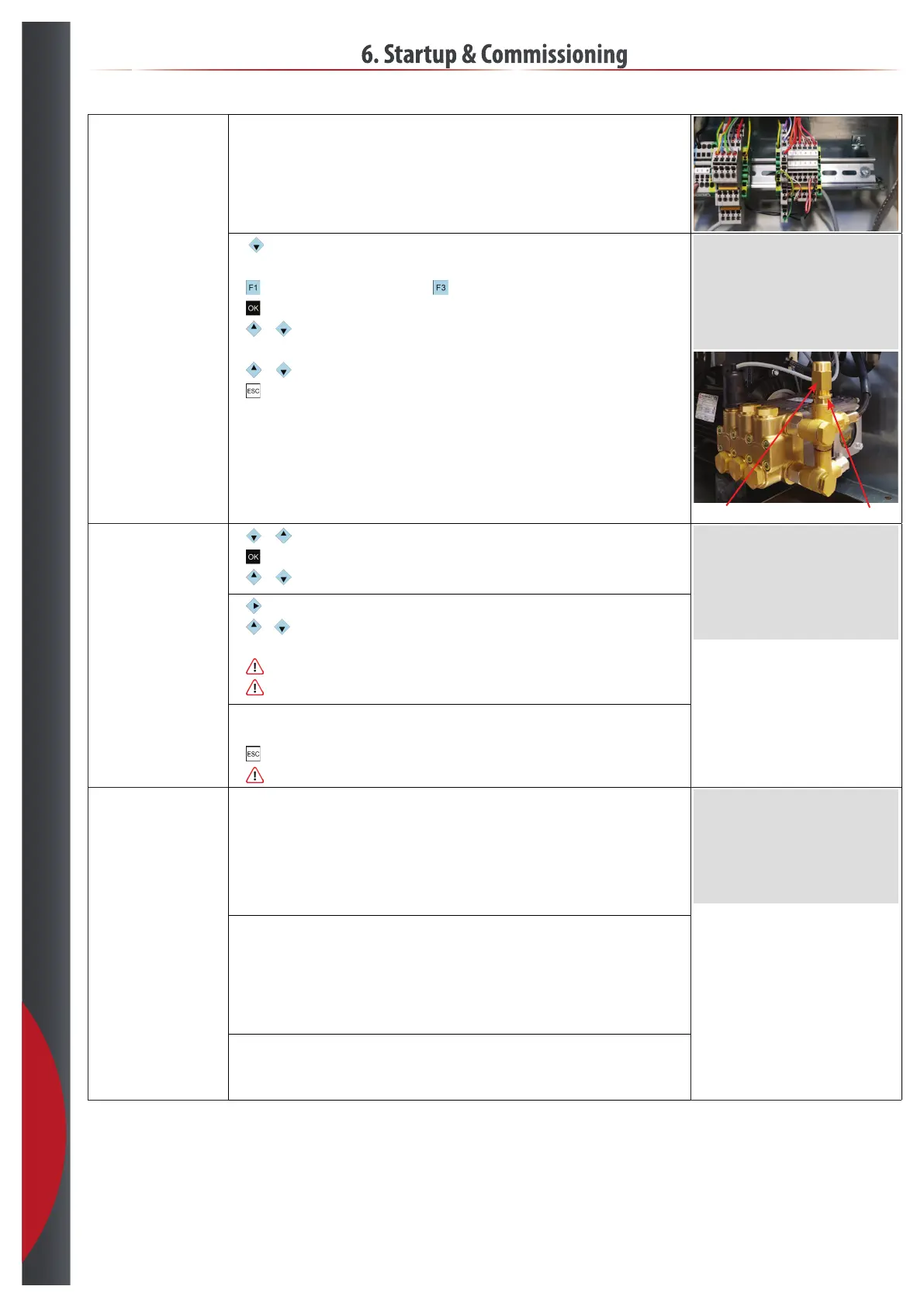
• Loosen the by-pass.
•
to start the system, if it dosn’t start to reset alarms.
•
to edit.
•
or until ”Yes”.
• Adjust the by-pass slowly CW until setpoint is reached, tile limit 30 sec.
•
or until ”No” or wait until it automaticly returns to ”No”.
•
to exit edit.
• Lock by-pass position.
Adjust By-Pass
Adjust By-Pass Yes
Pressure, Bar XX.X
Adjust By-Pass locknut
Flow test:
•
or to goto ”Flow Test & Setup” screen.
•
to edit.
•
or until ”Test” is ”Duct 1.1.” for testing duct 1 valve 1.
Flow Test & Setup
Test Duct X.X Yes
Hysteresis, Hz XX.X
Inverter Freq, Hz XX.X
LowFlow Installed Yes
Alarm Delay, Sec. XX
Alarm On
• to goto ”No”.
•
or until ”Yes”, test time 1 min. when the test is done ”Yes” returns to ”No”, ow value is
automaticly stored.
•
If pump speed stay on max. speed during the hole ow test - check for leakage.
•
If the pump speed isn’t stable at the end of the ow test - run the test again.
• Run the ow test for all active AHU/ducts and valves.
• If LowFlow kit is installed, run ow test for zone ”LowFlow”.
•
to exit edit.
•
Redo ow test as last thing before ending commessioning.
AHU startup, one AHU at
the time:
• Goto ”AHU Overview” screen.
• If running 0-100 % control signal ”0-100%”.
- Get a control signal > 10 %, >1 V DC.
• If running Room control ”Room %RH”.
- Adjust ”Room %RH” setpoint > actual %RH.
• Enable ”ON/OFF AHU” for the actual AHU.
< AHU Overview >
°-1- °-2- °-3-
Step X X X
Control % XXX XXX XXX
Room %RH XXX XXX XXX
Setpoint XX XX XX
Duct %RH XXX XXX XXX
Setpoint XX XX XX
• Check:
- Leakage.
- It’s the right AHU and valve spraying.
- Sensor location.
- Does it reach setpoint and step down.
• Leave AHU with nal setting.
• Repeat AHU check for next AHU.
• Check supply water pressure, and inverter amps with all AHU’s on step 7.
• Fill out AirtecCare checklist.
201218



 To Next Page