Operating manual ALPHASEAPILOT MFC Issue 1.1 Page 15 of 84
ALPHASEAPILOT MFC
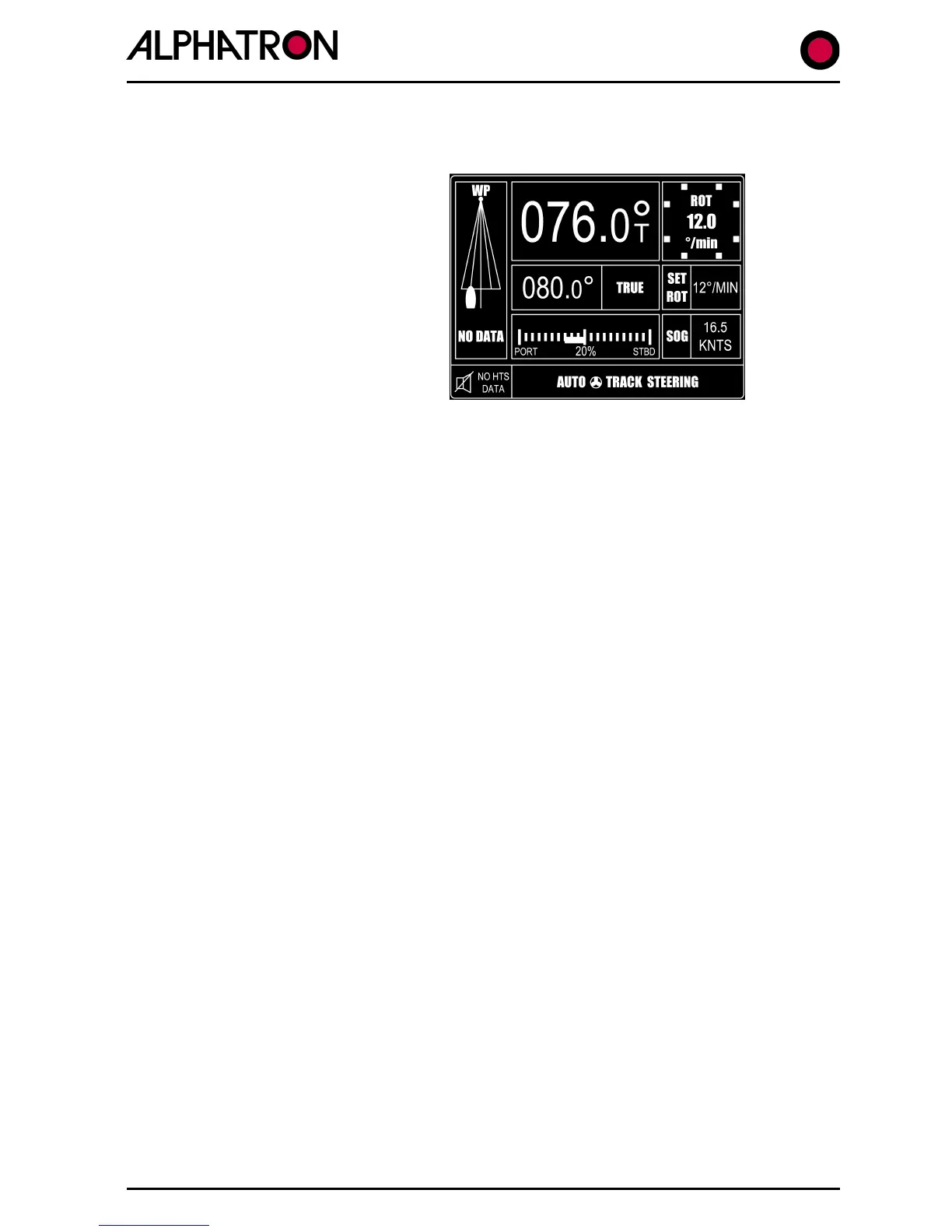
To engage the Track function:-
(It is assumed that valid track data is available to the Autopilot system).
(i) With the Autopilot engaged (ON)
use the “TRACK” key to accept
data.
NB. In the event that no data is
available, the “NO HTS DATA”
alarm will be generated (visual
and audible).
(ii)
Valid Track data acceptance will
be confirmed below the Track
graphic as “HTC DATA”,
“HSC DATA” or “APB DATA” as appropriate and the New Heading to
Waypoint (NEW HDG TO WP) display area flashing accompanied by the red
and green control panel chevrons requesting Confirm or Cancel action.
(iii)
If the Track Mode Heading to Waypoint is to be accepted – use the
“CONFIRM” key.
(If the “Confirm” key is used, the vessel will immediately turn to take up the
ordered new Heading to Waypoint and the Track graphic will show vessel icon
left or right of heading with the error angle below).
If the Track Mode Heading to Waypoint is to be rejected – use the “CANCEL”
key.
(If the “Cancel” key is used, a silent period will follow beyond which the
Cancel/Confirm request will be repeated and this sequence will continue until
the Track Heading is accepted or Track Mode is set to “OFF”).
(iv)
To disengage the Track Mode at any time, use the “TRACK” key when it will
be noted that the Track graphic will automatically be removed from the
Control Unit display and the red corner LED in the “TRACK” key will turn off.
NB. Track data failure during Track Mode operation is signalled by a Control
Unit generated alarm and alarms requesting Operator action
(CONFIRM/CANCEL) will also be generated as follows:-
$XXHSC & $XXAPB Operation – Confirm/Cancel action required for any
New Heading to Waypoint change in excess of 10°.
$XXHTC Operation – No Cancel/Confirm action required – New Heading
change to next waypoint will be executed automatically.



 To Next Page