Operating manual ALPHASEAPILOT MFC Issue 1.1 Page 8 of 84
ALPHASEAPILOT MFC
1.4 Adjusting Steering Performance – (
Section 2.19 – 2.22
)
(Manual Adjustment of Controls)
If the Autopilot has been programmed with Speed Adaptive values based on earlier sea trials or
prior seagoing operational performance – no initial adjustment will be required.
If no predetermined values have been stored, it will not be possible to enter - or operate – in
the Adaptive Mode (until calibrated per Section 2.29) and manually entered operational control
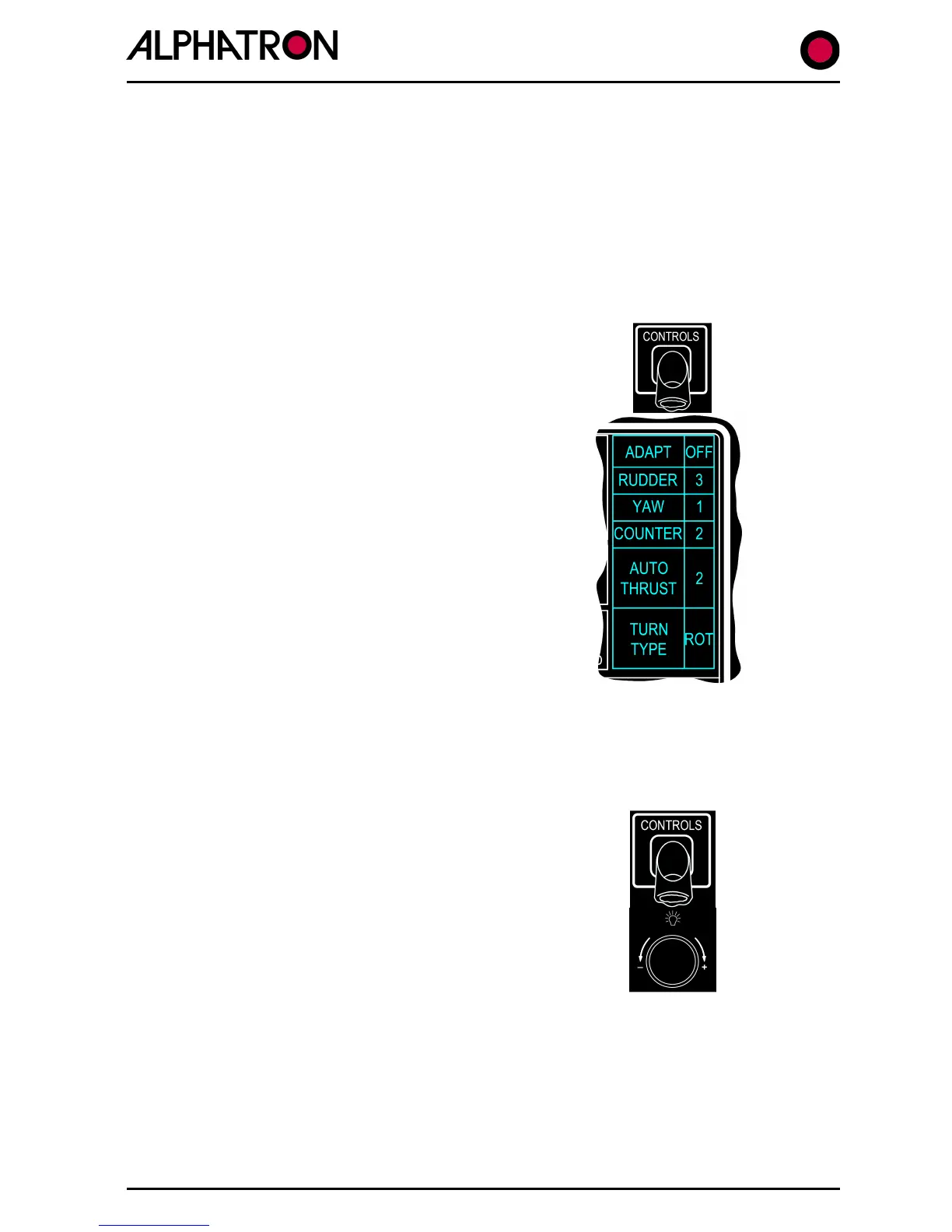
settings will be required via access to the Controls Menu as follows:-
(i) With the Autopilot in the “STANDBY” mode (access
also available from “ON” or “Track” modes), use the
“CONTROLS” key to display the Controls Menu.
(ii) Note the position of the flashing cursor over the
Controls Menu item “ADAPT ON/OFF” which should
be “OFF” in the absence of Adaptive Data. Also,
when no Speed Data is available, non Adaptive (OFF)
Autopilot operation is necessary and PID Control is
required involving manual RUDDER, YAW & COUNTER
Control adjustment.
Select ADAPT “OFF” via the rotary (+/-) illum.
control then note that the “CONTROLS” key is again
used to select RUDDER, YAW or COUNTER (as
required) so that adjustment can be made to the
value (1 to 9) of the selected control via the rotary
(+/-) illum. control.
NB. The Controls Menu display will timeout and revert to the normal operational
display if no adjustments are made for a period of 30 seconds. Re-entry to the
Controls Menu is by “CONTROLS” key operation.
Manual Adjustment of Controls:
(iv)
Use the “CONTROLS” key to select “YAW” and set a
value of “1” using the rotary (+/-) illum. key.
(v) Use the “CONTROLS” key to select “COUNTER” and
set a value of “1” using the rotary (+/-) illum. key.
The vessel should now be steady on the required heading under manual steering (Autopilot
STANDBY Mode) or engaged (Autopilot ON).
(vi)
Check that the Autopilot is ON (engaged) and note the steering performance
in terms of Understeer or Oversteer as follows:-



 To Next Page