Operating manual ALPHASEAPILOT MFC Issue 1.1 Page 31 of 84
ALPHASEAPILOT MFC
ROT or RAD Control Selection:-
Under normal operating conditions, it is only possible to select one or other (ROT or RAD)
control type (as preferred) although it should be noted that both types – and their internally
set Autopilot values – can be overruled if/when the Autopilot is used in the “TRACK” mode
with a Track Control System (TCS) that provides comprehensive Track data via the $HTC
sentence. (Section 2.9 & 2.38 refers).
Rate (ROT) or Radius (RAD) control type is selected via the CONTROLS Menu as
follows:-
a) Use the “CONTROLS” key to enter the Controls Menu.
b) Use the “CONTROLS” key again to select “TURN TYPE” box followed by
flashing “ROT” or “RAD”.
c) Use the rotary (+/-) illum. control to set as required (ROT, RAD or OFF).
See Sections 2.6 (v) & (vi) for ROT & RAD calibration respectively.
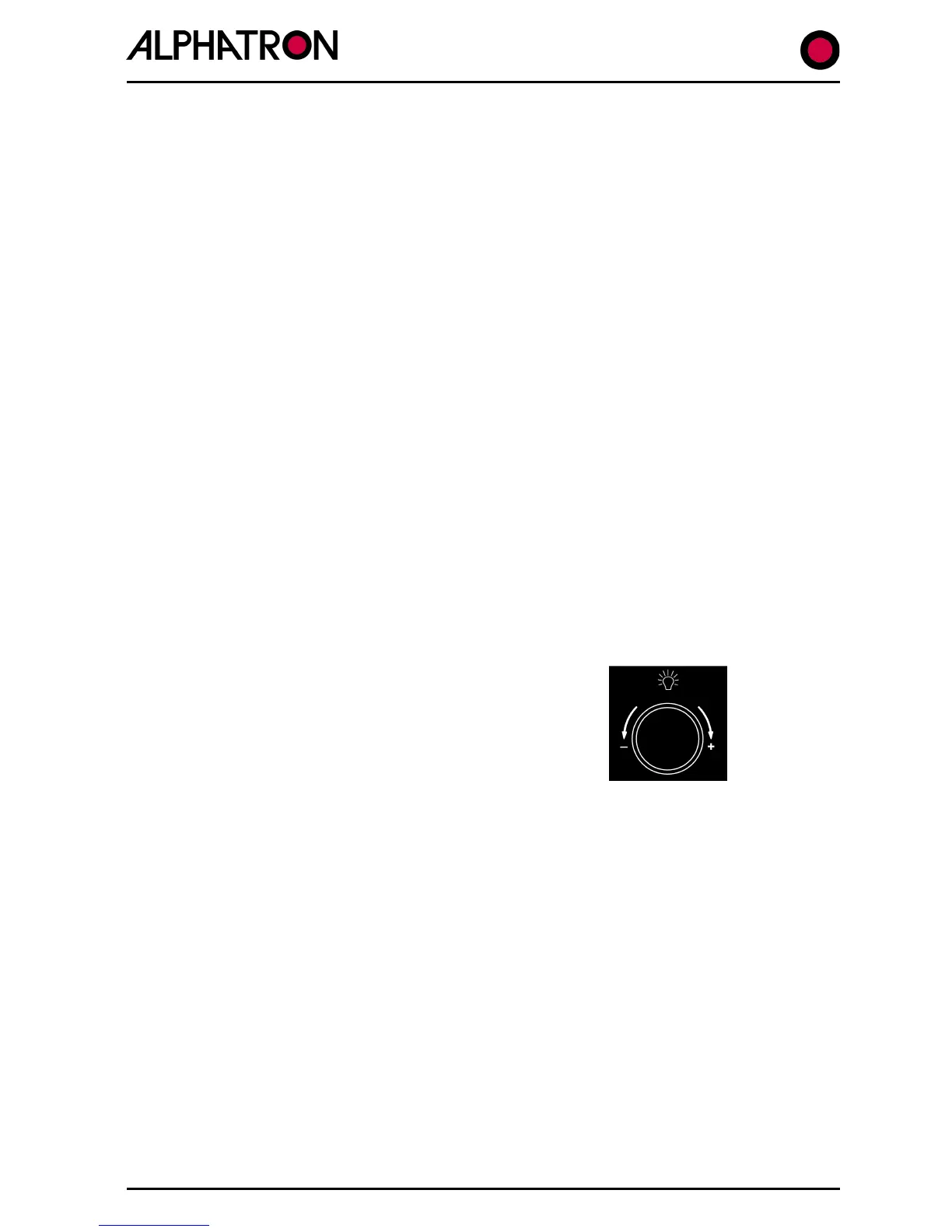
2.5 The Rotary (+/-) Illumination Control
This is a dual function device used as a dimmer control for the Autopilot Control Unit keypad
LED’s and display backlight illumination level and, also, for parameter state/value adjustment
when any of the Autopilot Menus are accessed.
Dimmer Function:-
When fully anticlockwise, all red signal LED’s are at
maximum brilliance. All other legends are unlit. When
the control is rotated clockwise, the LED’s dim and then
increase in brilliance at the same rate as the control panel
legends. In this manner all aspects can be unobtrusively
illuminated in all conditions.
The illumination control is not operational when the
Autopilot MODE switch is “OFF”.
The Menu Parameter Adjust Function:-
When any of the three Autopilot Menus have been entered (Set Up Menu, Controls Menu or
Limits Menu) the parameter highlighted by the cursor is adjusted using the rotary (+/-)
illumination control which, in this mode, does not alter control panel/display illumination levels.



 To Next Page