Operating manual ALPHASEAPILOT MFC Issue 1.1 Page 62 of 84
ALPHASEAPILOT MFC
2.34 Setting Radius of Turn
RADIUS OF TURN control is reliant on the availability of externally sourced Speed over the
Ground (SOG) data without which Radius of Turn control will not function.
NB. The operational Radius of Turn (nM) is programmed within the Autopilot via the LIMITS
Menu (Section 2.6 (vi)) but can be overruled by Track data command received from a Type
Approved Track Control System.
a) TO SET RADIUS OF TURN:-
Once Radius of Turn mode has been selected and set, any turns or heading changes ordered will
be limited by the Autopilot to the Radius (in Nautical Miles) set provided:-
Radius Mode selected (vs ROT) via Controls Menu (Sect. 2.4 (vi)).
Speed over the Ground (SOG) data available (Control Unit display).
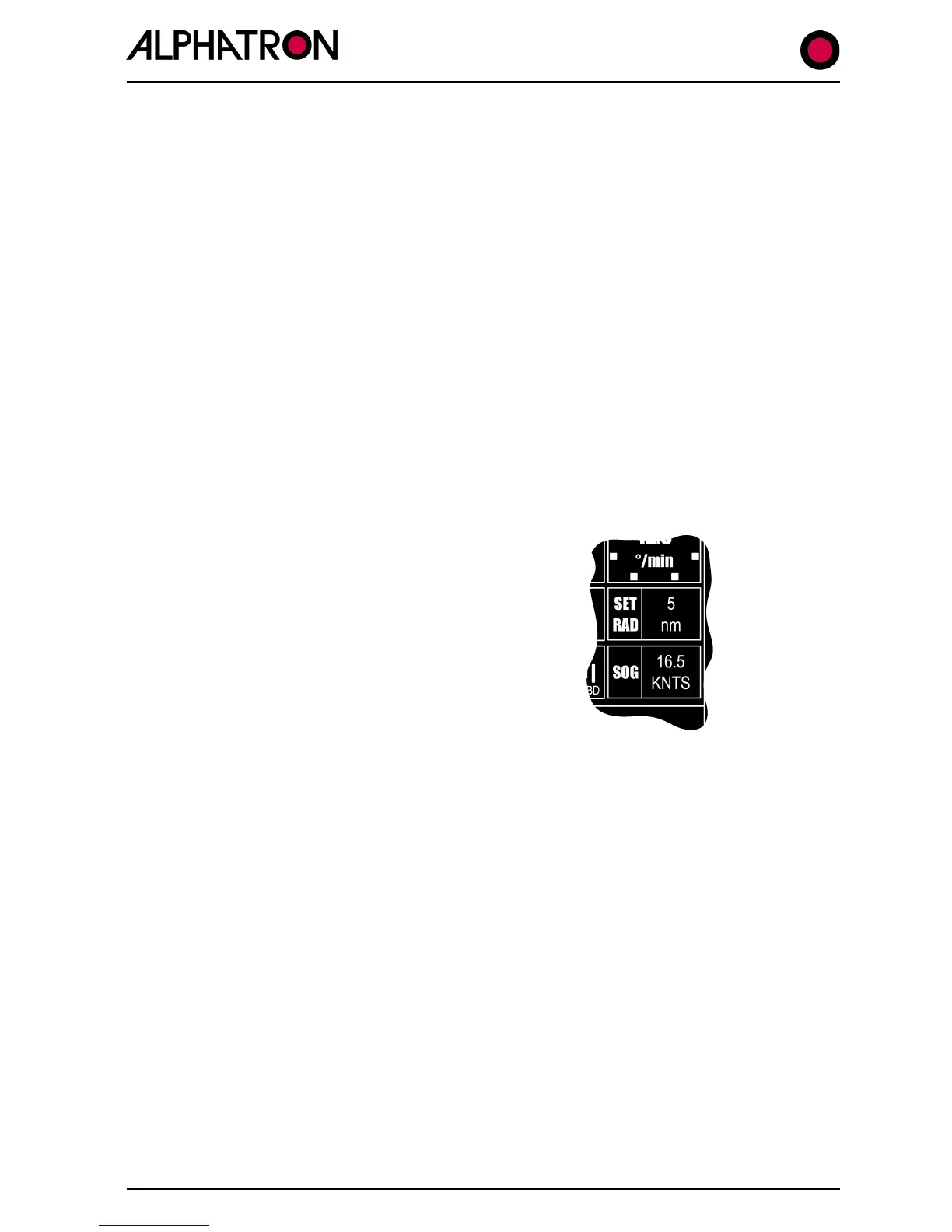
The Control Unit display continuously shows the value of SET RADIUS OF TURN thus the current
operational value is always available.
REQUIRED OPERATIONAL RADIUS OF TURN:-
(i) Use the “LIMITS” key to enter the
Limits Menu.
(ii) Use the “LIMITS” key again to select
“RAD:nm” box followed by flashing
current value(0.1 to 9.9).
(iii)
Use the rotary (+/-) illum. control to
set “RAD:nm” value required.
In the event that Speed over the Ground (SOG) data is absent or that SOG is to slow to
adequately control specified Radius of Turn geared to external forces etc. at that speed, the
Autopilot will generate alarms accordingly:-
No Speed data = flashing “NO SOG DATA” in bottom left alarm box of Control Unit display
accompanied by audible bleep.
SOG too slow = flashing “SPEED LOW” in bottom left alarm box of Control Unit display
accompanied by audible alarm.



 To Next Page