Operating manual ALPHASEAPILOT MFC Issue 1.1 Page 69 of 84
ALPHASEAPILOT MFC
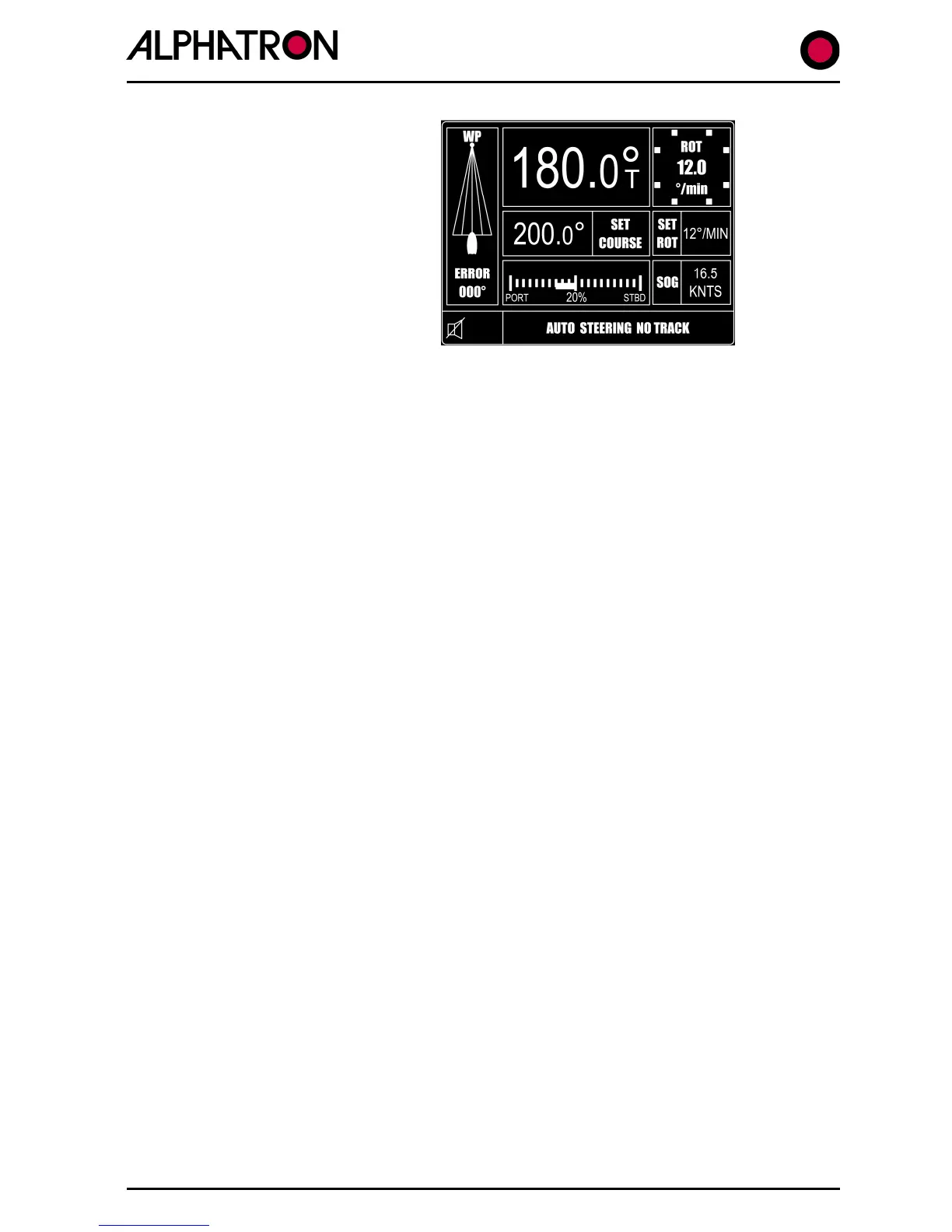
In the event that Track steering Mode is
selected but the Track data orders
“stand alone” Autopilot operation, the
Autopilot system will revert to the SET
Course which will be confirmed by the
display message “AUTO STEERING NO
TRACK” as shown.
2.38 (ii) Track Mode Alarms
Two alarm types may be generated during the Track Steering Mode:-
a) No data/data fail:-
The NMEA Track Data fail/no data alarms are both audible
and visual appearing in the bottom left corner of the display as
HTS DATA FAIL etc. and persist until the Track key is used to
disable the Track Steering Mode.
b) New Heading (course change) to new waypoint:-
(Item (i) above refers).
2.38 (iii) Engaging the Track Function
Provided the Autopilot is engaged (switched to the ON mode) and suitable NMEA Track Data is
available, the Track function is simply engaged by operation of the TRACK key and will be
confirmed by the Control Unit display and illumination of the red corner LED in the TRACK key.



 To Next Page