Operating manual ALPHASEAPILOT MFC Issue 1.1 Page 10 of 84
ALPHASEAPILOT MFC
1.5 Matching Heading Steered with Heading Set (
Section 2.23
)
When the Autopilot is engaged the AUTOTRIM (Automatic Permanent Helm – APH) function
continuously monitors any long-term differences between the heading set and the mean course
actually steered. Any long-term difference is automatically adjusted by the Autotrim (APH)
function applying the appropriate amount of permanent helm.
To speed up this automatic (APH) process: -
(i) Wait for vessel to settle on steady heading.
(ii)
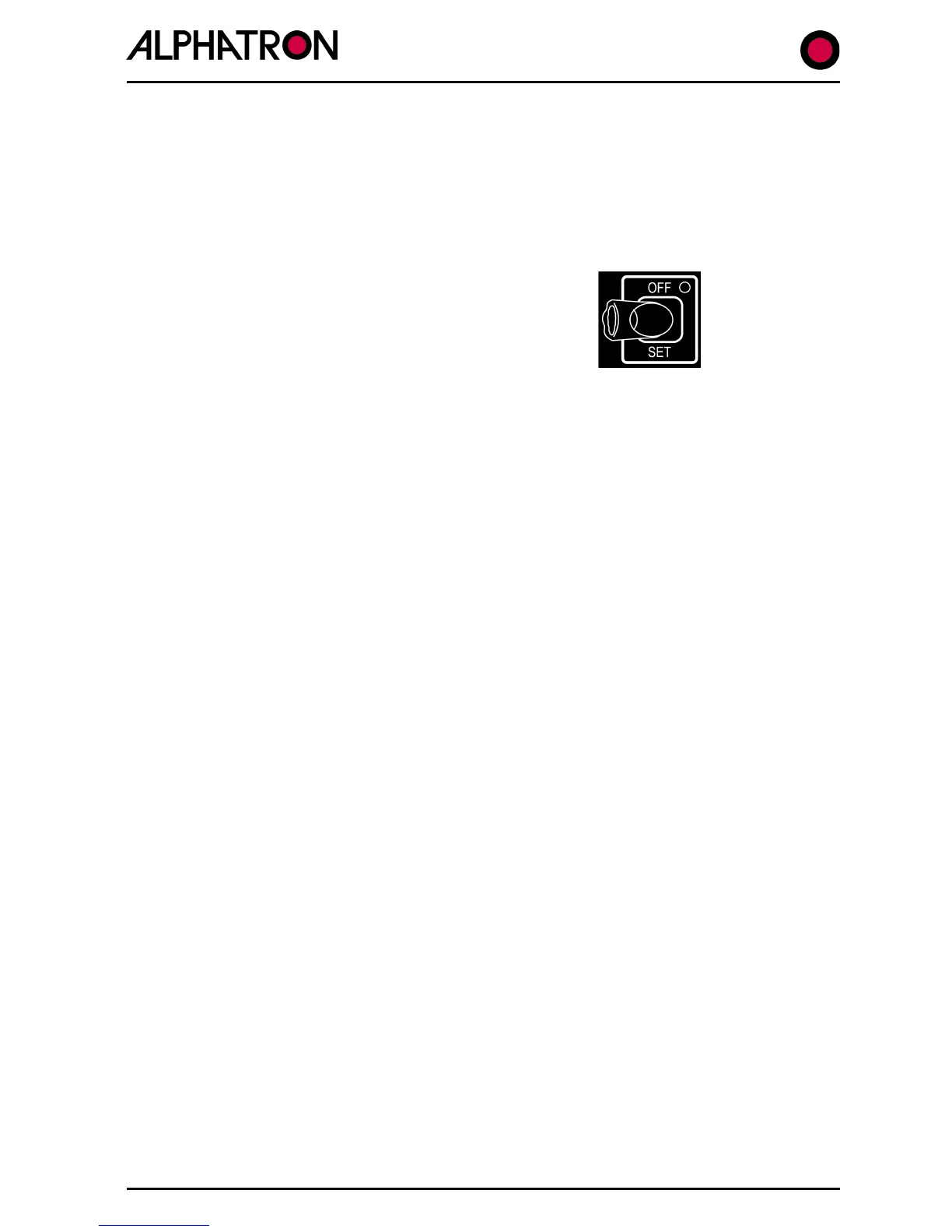
Press the AUTOTRIM SET key.
Pressing and holding down the AUTOTRIM key for 5 seconds will switch the AUTOTRIM function
OFF as confirmed by the red corner keypad LED.
1.6 Avoiding Unnecessary Rudder Correction (
Section 2.25
)
Frequent rudder movements when the vessel is yawing either side of the set heading in a
seaway indicates that the autopilot sensitivity is set too high for the sea conditions being
experienced. This can cause premature wear of the steering gear and, whilst an automatically
adjusted feature of the full Adaptive operating mode, will require manual adjustment in the non
Adaptive (PID) mode.
To manually decrease the frequency of rudder movement due to yawing: -
(i) Use the “CONTROLS” key to display the controls menu.
(ii) Use the “CONTROLS” key again to select “YAW” and increase the Yaw value (1 to
9) using the rotary (+/-) illum. key.
(The normal operational display will resume automatically after a timeout period
of 30 secs.).
NB. Don’t forget to reduce the YAW setting when yawing decreases as the vessel
moves from rougher to calmer sea conditions.



 To Next Page