Operating manual ALPHASEAPILOT MFC Issue 1.1 Page 47 of 84
ALPHASEAPILOT MFC
2.17 Mag/True Heading Assessment
With the Autopilot set to STANDBY and self test completed:-
(i) Manually steer the vessel and check that the ACTUAL HEADING and SET COURSE
values displayed follow ships head movement
accurately and in unison.
(The rudder angle indicator display should also function normally).
2.18 Autopilot Engagement (
ON
)
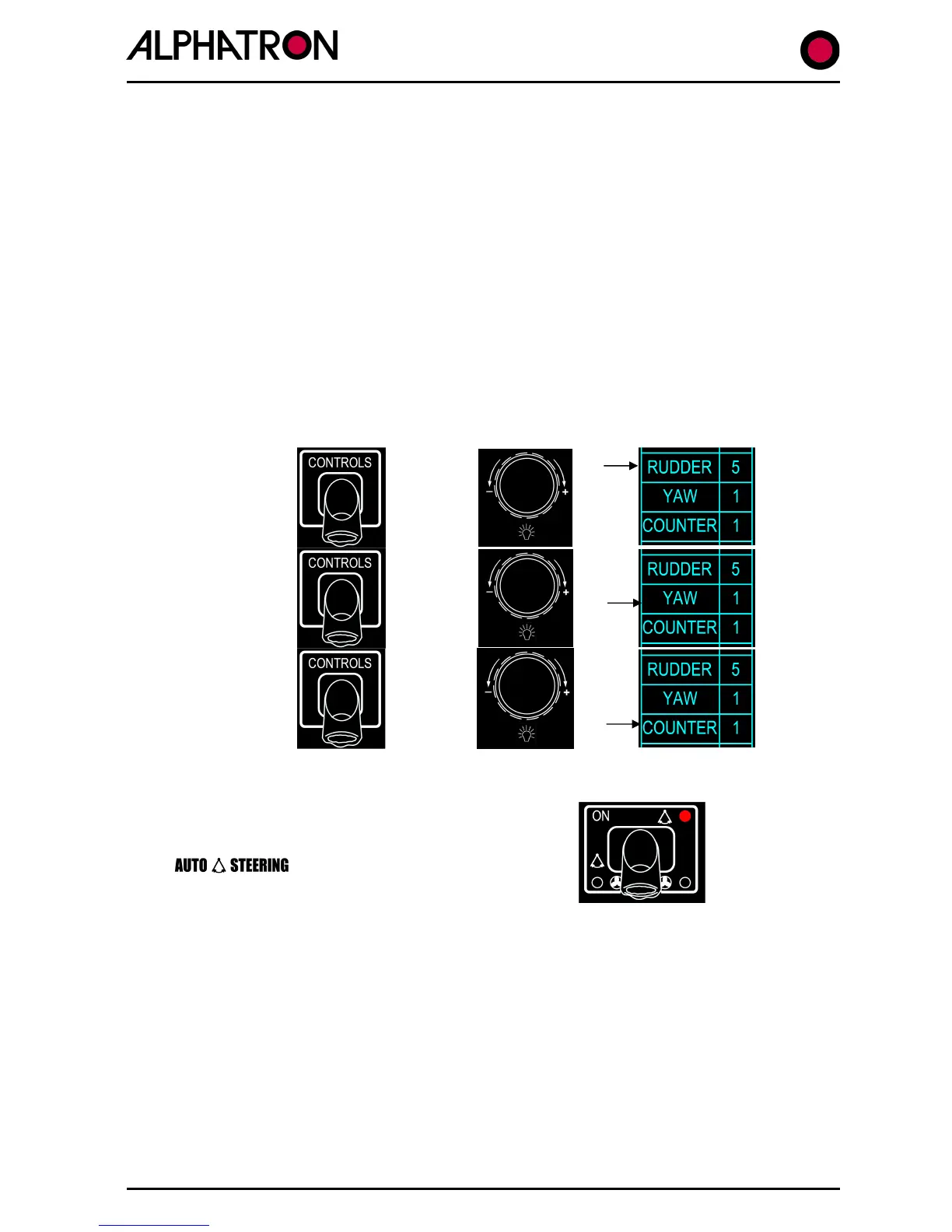
Manually steer the vessel dead ahead at normal/typical operating speed and adjust the
following Control settings via the CONTROLS Menu:-
(i) Rudder..5
=
To engage the Autopilot:-
(iv)
Press the ON key which will be confirmed by
illumination of the red corner LED in the “ON”
keypad and by a new display label of
The Autopilot should now steer the vessel dead ahead.
(The AUTOTRIM function defaults to ON whenever the Autopilot is switched from STANDBY to
ON – unless reprogrammed in Set Up. As a result, provided the rudder is positioned to steer
the vessel dead ahead immediately prior to Autopilot engagement, any rudder offset angle
(Trim or Permanent Helm) manually determined for this purpose will be sampled and held by
the Autopilot and the vessel will continue to steer dead ahead).



 To Next Page