Operating manual ALPHASEAPILOT MFC Issue 1.1 Page 7 of 84
ALPHASEAPILOT MFC
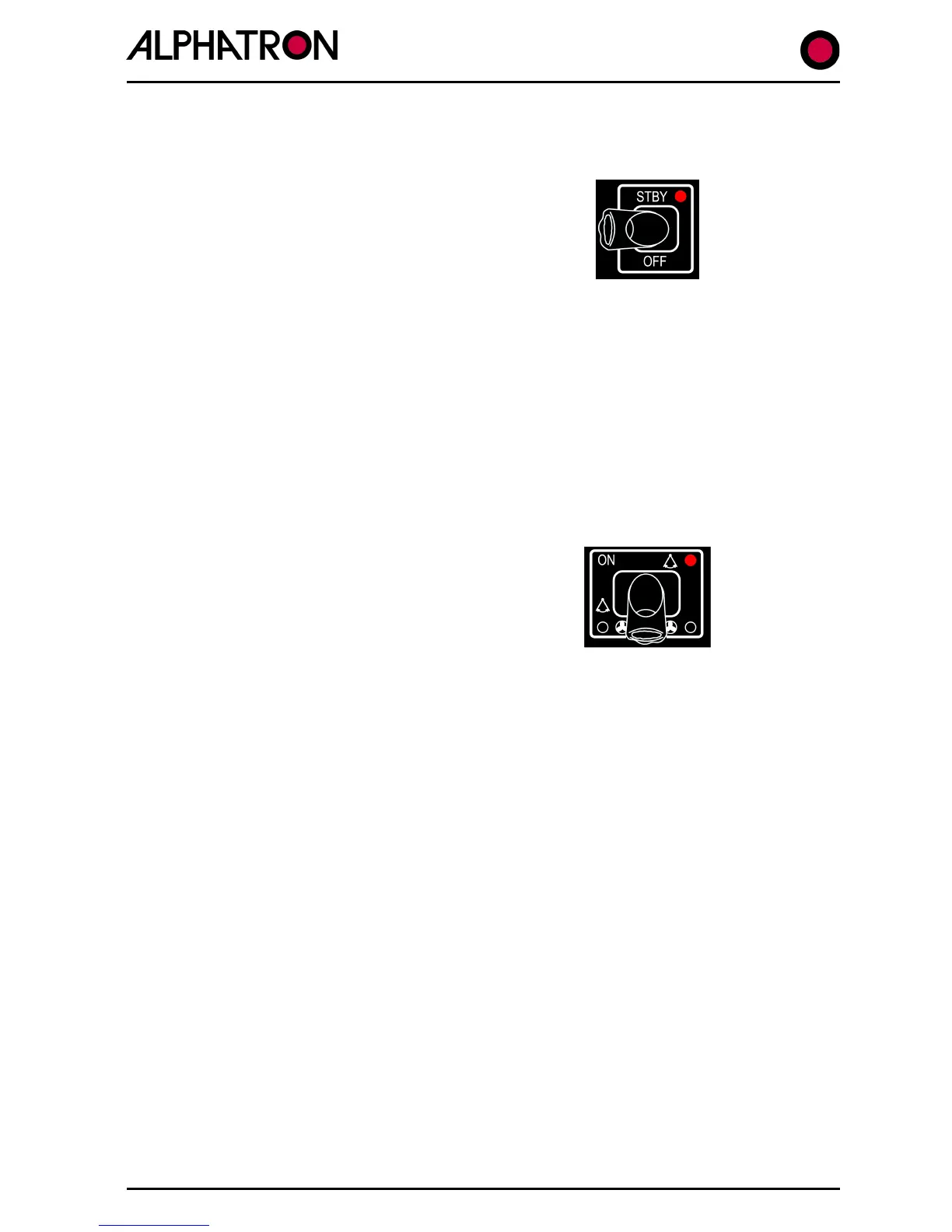
1.2 Switching to STANDBY (or OFF) – (
Section 2.1
)
(i) Use the STANDBY key to enter the STANDBY
Mode.
(ii) Wait for self test to complete which will be
followed by the operational Control Unit display
screen.
In this mode, the Control Unit tracks and displays “Actual Heading”, Rate of Turn (“ROT”) and
“Rudder Angle” etc. and will continue in a tracking mode until the Autopilot is engaged (“ON”
key operation).
NB. The Autopilot can be switched OFF at any time by “OFF” key operation.
1.3 Engaging Autopilot (ON) – (Section 2.2 & 2.18)
The ALPHASEAPILOT MFC Autopilot can only be switched via the Standby condition thus
switching directly from OFF to ON is not possible.
To engage the Autopilot:-
(i) Steady the vessel on the required heading.
(ii) Use the “ON” key to engage the Autopilot.
NB. Single press of the “ON” key engages the Autopilot in Rudder control mode only, a
continuous 2 second press is Thruster mode only and a further 2 second continuous press is
Rudder AND Thruster mode.



 To Next Page