Operating manual ALPHASEAPILOT MFC Issue 1.1 Page 16 of 84
ALPHASEAPILOT MFC
1.13 Cancelling an Audible Alarm (
Section 2.8
)
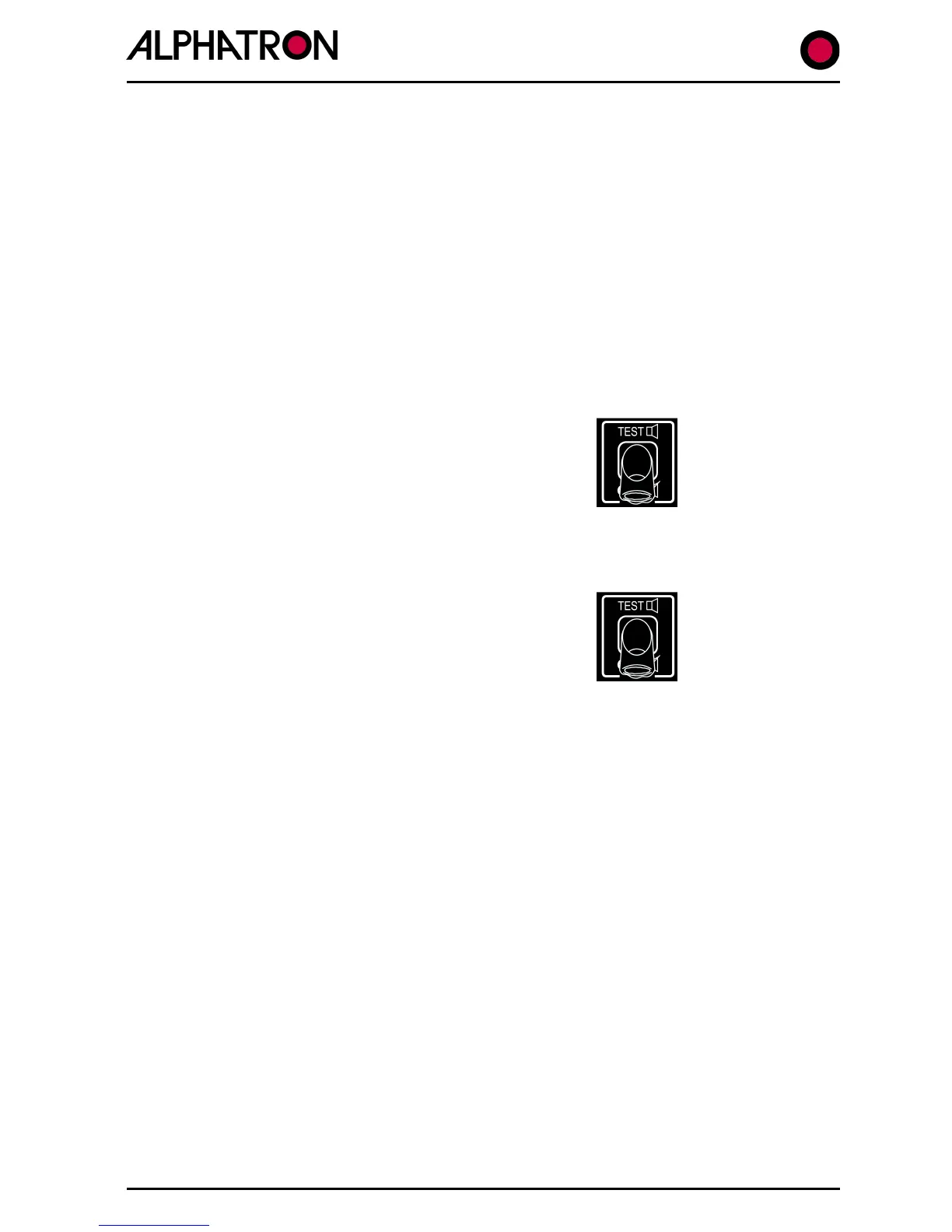
All audible alarms can be silenced by the “TEST” key temporarily or permanently (Alarms
Muted). When an operational alarm is cancelled by normal use of the Test keypad, the audible
alarm will stop but will restart automatically after a timeout period of 60 seconds if the alarm
condition persists. During the timeout period, a visual warning will be displayed to advise of
such an existing condition.
Audible alarms may be permanently muted by 5 second continuous operation of the “TEST” key
confirmed by the alarm off icon in the bottom left display corner. Audible alarms are re-enabled
by further 5 second continuous operation of the “TEST” key.
NB. Audible alarms may be permanently muted but this function should be used with extreme
caution since a permanently muted alarm may result in a missed alarm condition with dire
consequences.
To cancel an audible alarm:-
(i) Use the “TEST” key 1x
1.14 Testing Alarms (
Section 2.8
)
The alarms may be tested by double press of the
“TEST/OFF” keypad provided the alarm function is
not muted. (In the muted condition, a second double
press is required).
To test Alarms:-
(i) Double press the “TEST/OFF” key.
(Each Control Unit keypad corner LED will now be illuminated in turn
accompanied at each step by audible alarm bleep).



 To Next Page