Operating manual ALPHASEAPILOT MFC Issue 1.1 Page 66 of 84
ALPHASEAPILOT MFC
2.37 Setting the Watch Alarm Period
The Autopilot Watch Alarm provides a simple audible and visual timing function programmable
from 3 to 12 minutes (or may be switched OFF) via the LIMITS Menu.
At the end of the time interval selected (3 to 12 mins)
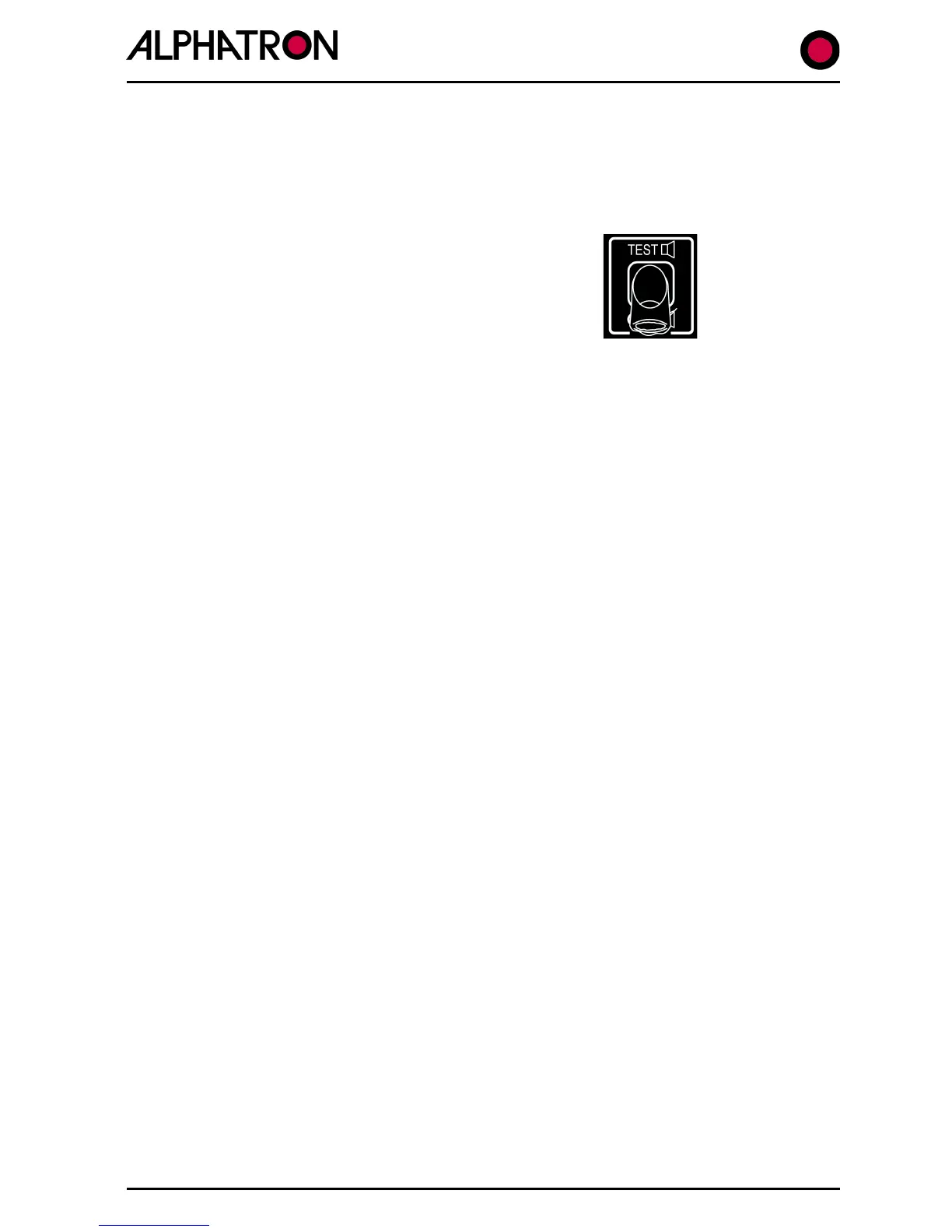
the Control Unit alarm will sound and is cancelled by
single operation of the TEST/OFF keypad. A new
timing period will automatically commence whenever
the TEST/OFF key is operated.
If the Control Unit alarm is not cancelled by TEST/OFF key operation within a further one
minute period, a relay within the Autopilot Distribution Unit provides volt free contacts to
activate an auxiliary (external) alarm if fitted.
To set the Watch Alarm time interval (OFF or 3 to 12 mins.):-
a) Use the “LIMITS” key to enter the Limits Menu.
b) Use the “LIMITS” key again to select “WATCH” box followed by flashing current
value (OFF or 3 to 12).
c) Use the rotary (+/-) illum. control to set the required condition.



 To Next Page