Operating manual ALPHASEAPILOT MFC Issue 1.1 Page 22 of 84
ALPHASEAPILOT MFC
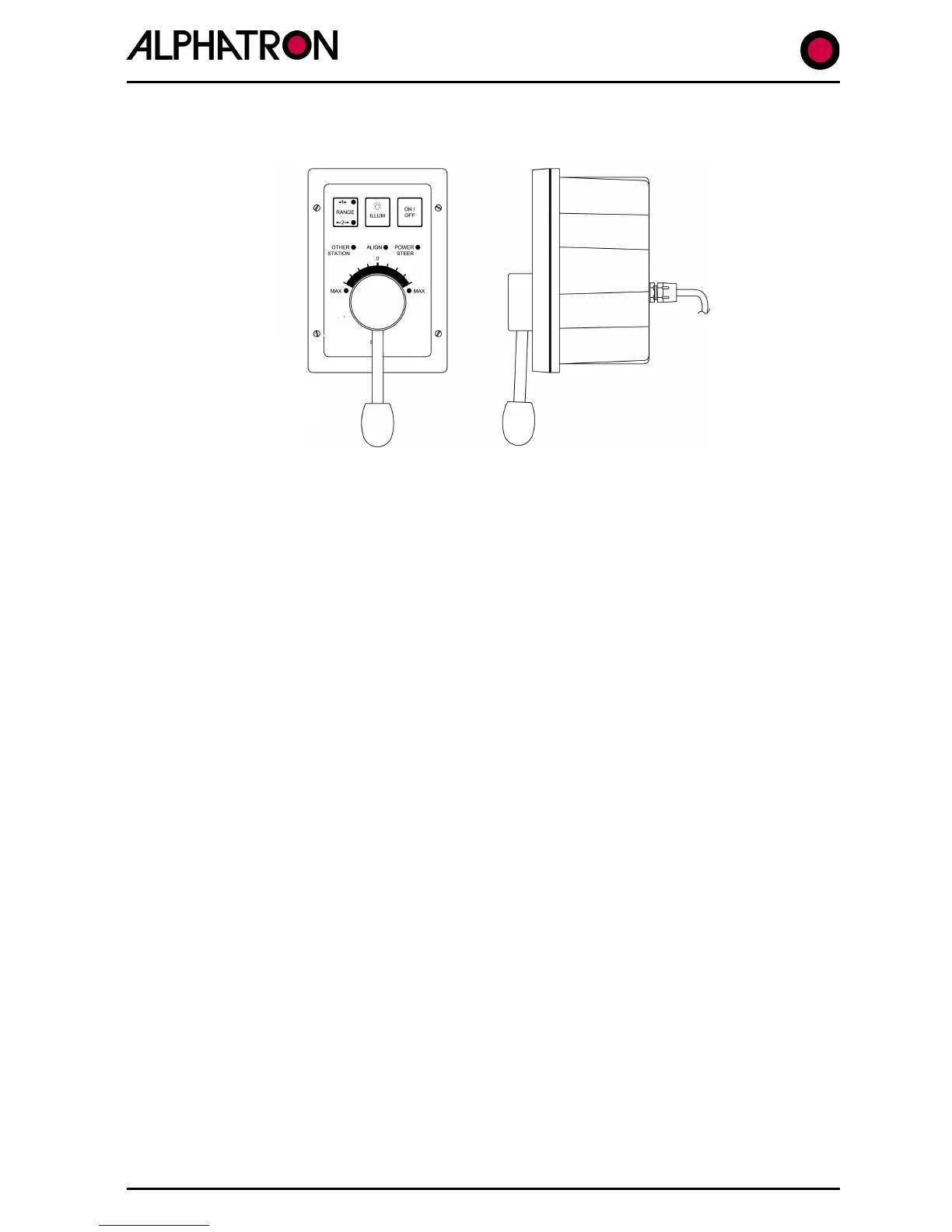
1.22 Using the NT990FU Power Steer (if fitted)
Engaging Follow Up Power Steer:-
NB. The NT990FU will only function when the Autopilot “REMOTE” key is set to enable Remote
inputs (REMOTE key red corner LED on). If the “REMOTE” key is off (no red corner LED) the
NT990 FU(s) will be disabled.
(i) Check that the Autopilot “REMOTE” key is activated.
(ii) Press the ON/OFF key on the NT990 FU.
(iii) If the ALIGN LED flashes, move the lever in the direction towards the flashing
MAX LED to pick up the current rudder position.
(iv) When power steer mode is engaged the POWER STEER LED will illuminate.
(v) Move the lever Port or Stbd to achieve the desired angle of Port or Stbd rudder.
Disengaging Follow Up Power Steer:-
(vi) Press the ON/OFF key on the NT990FU or use the “REMOTE” key on the
Autopilot Control Unit to disable Remote Station operation.
(The NT990 FU POWER STEER LED will extinguish, the OTHER STATION LED
will illuminate and the Autopilot will maintain the vessel on the current heading).
1.23 Using Proprietary Power Steer and Override functions
(i) Standard Dodge, Non Follow Up & Follow Up Functions:-
Non Navitron (proprietary) Power steer Controls may be connected to the Autopilot System
and are discussed and detailed in Section TM3.4.1 – 4 of the Installation & Technical manual
(ii) Override Power Steer Functions:-
Latched and Non Latched Override Power Steer controls allow the immediate Override of the
Autopilot System and are discussed and detailed in Section 2.43.



 To Next Page