Operating manual ALPHASEAPILOT MFC Issue 1.1 Page 35 of 84
ALPHASEAPILOT MFC
To set the operational ROT value:-
a) Use the “LIMITS” key to enter the Limits Menu.
b) Use the “LIMITS” key again to select “ROT°/S” box followed by flashing
current value.
c) Use the rotary (+/-) illum. control to set “ROT” value required.
Display Mode (°/sec or °/min):-
Dependent upon operator preference, the Autopilot Control Unit display can show the values
of Actual and Set ROT in °/min or °/sec as required.
To set display type (°/min or °/sec):-
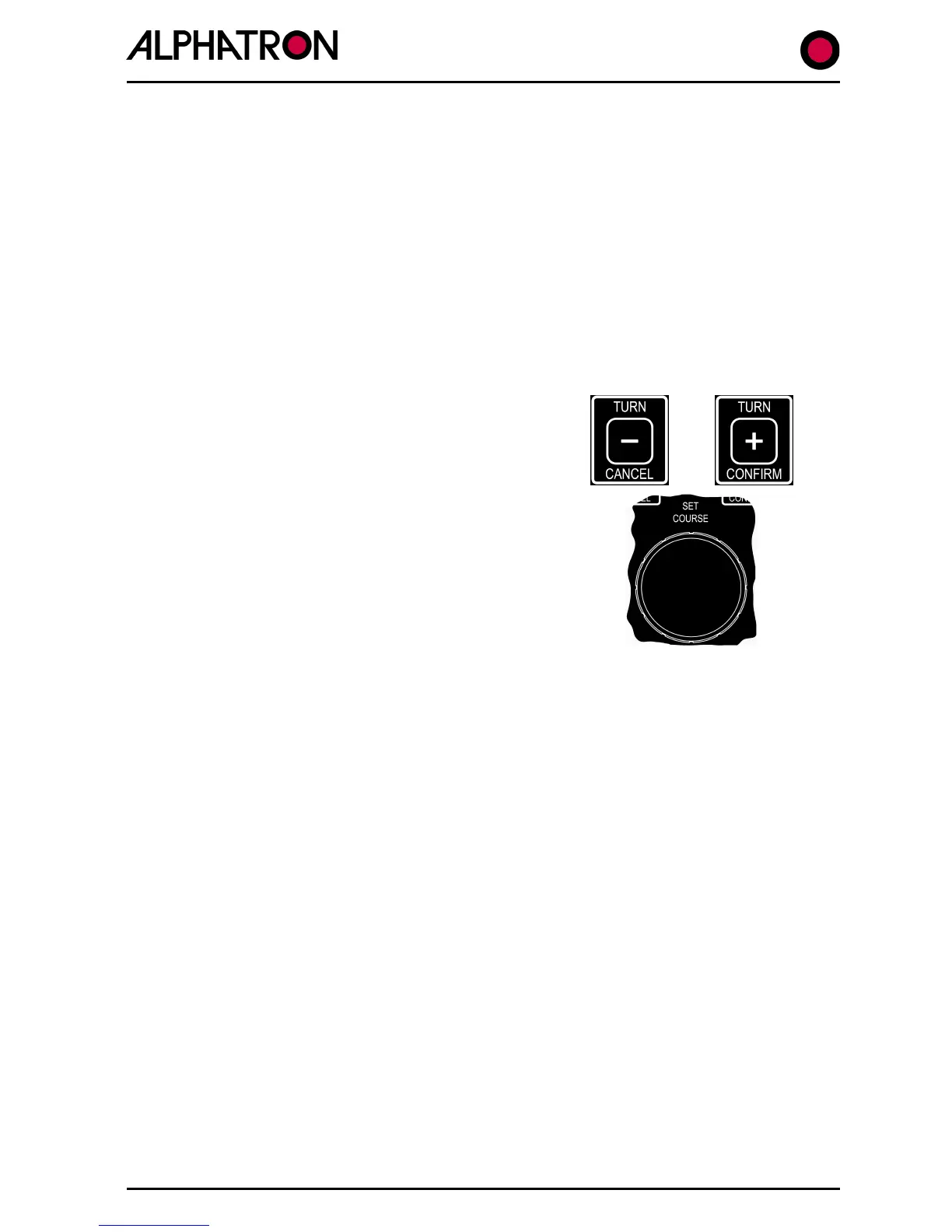
a) Simultaneously press the “CANCEL” and
“CONFIRM” keys for 5 seconds until the Set Up
Menu is displayed with a black cursor
highlighting the Set Up parameter currently
selected.
b) Rotate the Autopilot Set Course Control to
move the cursor to parameter number 6 (ROT
SCALING).
c) Use the rotary (+/-) illum. control to set °/SEC
or °/MINUTE.
2.6 (VI) Radius of Turn (RAD) Calibration
Provided Radius of Turn (RAD) control mode has been selected via the Autopilot CONTROLS
Menu (Section 2.4 (vi)) the required RAD operational level must be entered into the LIMITS
Menu.
NB. Speed over the Ground (SOG) input data is essential for Radius of Turn control when
the Autopilot is in Stand Alone Operation. When used to receive complex data from a Track
Control System ($HTC sentence) the TCS can override the RAD value set in the Autopilot
LIMITS Menu or even command ROT control operation in the Track Steering Mode. (Sections
2.4 and 2.9 refer).
To set the operational Radius of Turn (RAD) value:-
a) Use the “LIMITS” key to enter the Limits Menu.
b) Use the “LIMITS” key again to select “RAD:nm” box followed by flashing
current value (0.1 to 9.9).
c) Use the rotary (+/-) illum. control to set “RAD:nm” value required.



 To Next Page