Operating manual ALPHASEAPILOT MFC Issue 1.1 Page 19 of 84
ALPHASEAPILOT MFC
1.17 The Limits Menu (
Section 2.6
)
This Menu can be conveniently displayed during normal “STANDBY” or “ON” operating modes by
use of the “LIMITS” key:-
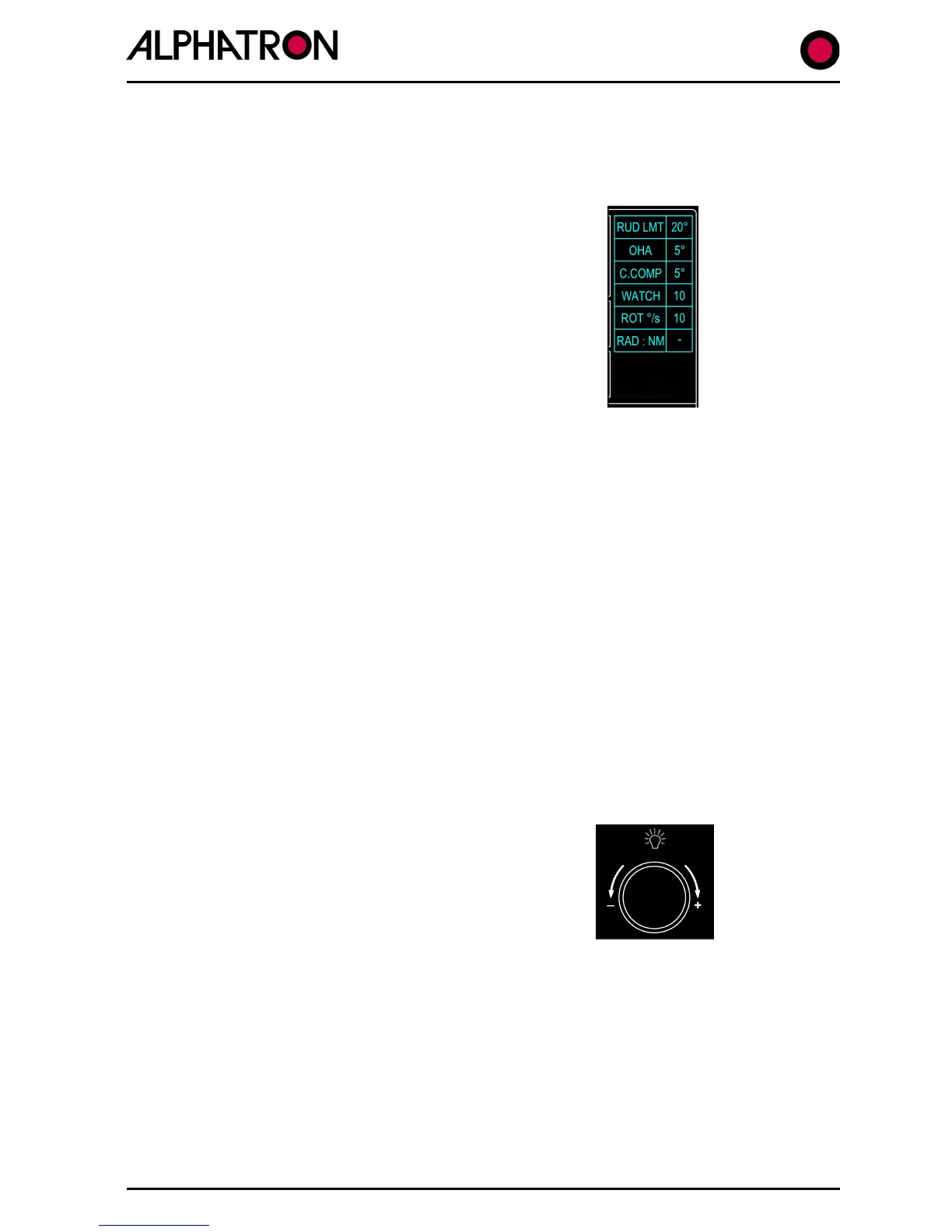
Entry to the LIMITS Menu is confirmed by a listing from
“RUD LT” to “CUSTOM” (as shown) and selection of the
parameter required is via further LIMIT key operation
When the required item is highlighted by a “flashing”
display, the value – or state – of that item is set by
movement (+/-) of the rotary illumination control.
NB. In the event that the LIMITS Menu has been entered but no change has been made for
timeout period of 30 seconds, the display will revert automatically to its normal operating mode.
1.18 The Remote Key (
Section 2.10 & 2.40
)
Where more than one Control Unit is installed in the Autopilot system, or, where Remote Power
Steer Controls are involved, the “REMOTE” key provides unconditional Enable (Remote ON) or
Disable (Remote OFF) legislation.
REMOTE On (red corner LED on) – Remote Stations permitted to work.
REMOTE Off (red corner LED off) – Remote Stations not permitted to work.
1.19 The Illumination Control (
Section 2.5
)
In the normal Autopilot Operating Mode, the rotary (+/-) illumination control is adjusted
clockwise (+) or anticlockwise (-) for brighter or dimmer control panel and display illumination
respectively.
When either the LIMITS Menu or CONTROLS Menu
is entered and displayed, the illumination control is used
to change the state of – or adjust the value of –
the Menu item selected.



 To Next Page