Operating manual ALPHASEAPILOT MFC Issue 1.1 Page 38 of 84
ALPHASEAPILOT MFC
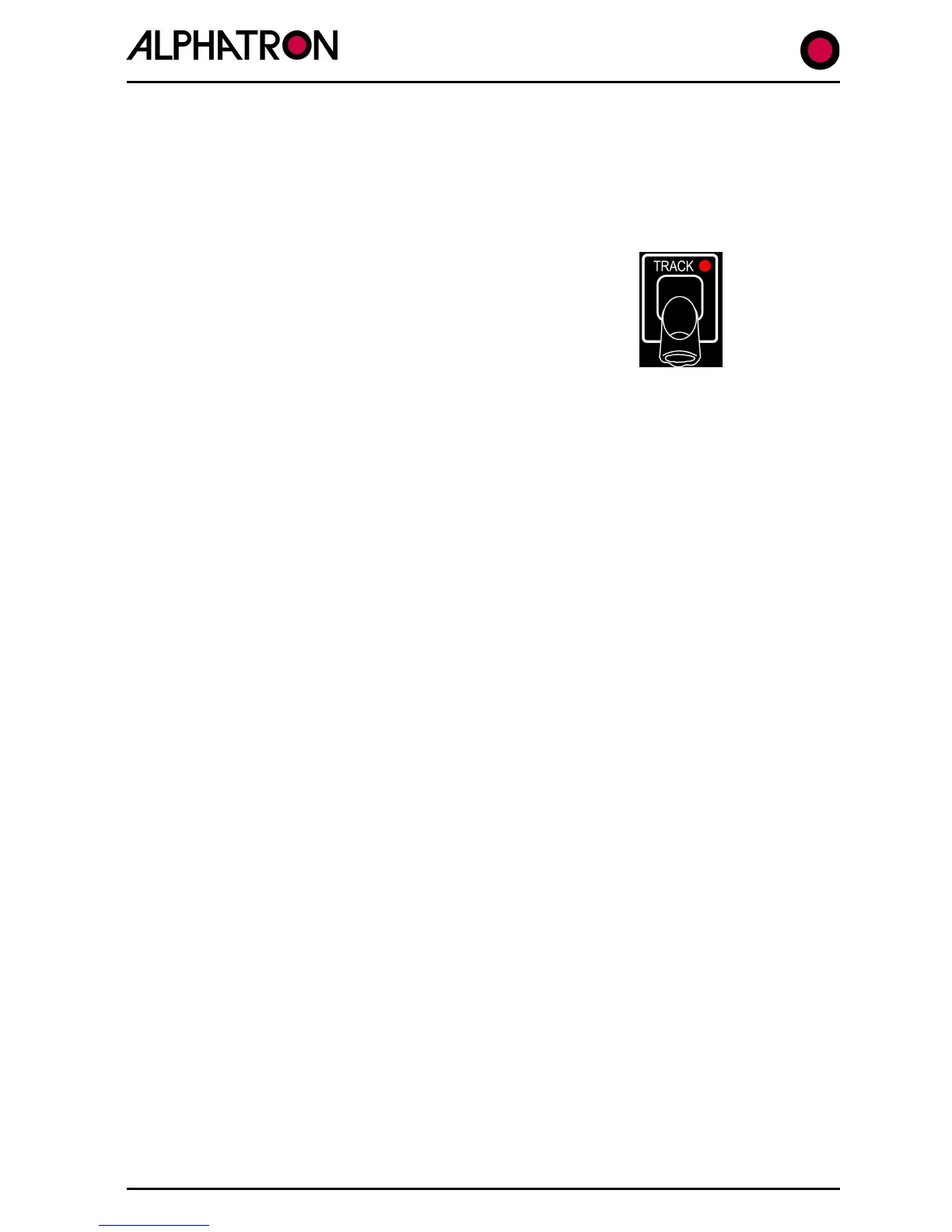
2.9 The TRACK Key
Track Mode Steering operation is only possible when the Autopilot System is engaged (ON) and
Track Steer data is available to the Autopilot from an external source such as Track
Plotter/ECDIS or Track Control System etc.
The Track data type required by the Autopilot is Heading to
Steer (HTS) and provided valid HTS data is available, operation
of the TRACK key will be confirmed by a “vessel towards
distant waypoint” graphic shown in the display with related
Track information of heading to waypoint and vessel aspect left
or right of the required heading.
The Track key corner red LED will also be illuminated and the operating mode shown on the
display will be “AUTO TRACK STEERING”.
Received Track data type ($HTC, $HSC or $APB) will be shown in the Track steer section of the
display every 18 seconds and the main display area will show heading to waypoint/new heading
to next waypoint accompanied – in some cases – by audible alarm requesting operator
“CANCEL/CONFIRM” key acknowledgement.
An alarm will also sound in the event of Track data fail.
The Track Mode can be turned off at any time by single press use of the Track key (red corner
LED off).
2.10 The REMOTE Key
Operation of the “REMOTE” key (red corner LED illuminated) specifies that the use of Remote
Autopilot Control Units and/or Remote Power Steer Units (Follow Up, Non Follow Up etc.) is
permitted and that their input signals will be accepted by the Autopilot system.
Without “REMOTE” key operation, Remote Control Units/Power Steer Units will not function.
The “REMOTE” key condition described above is applicable to all ALPHASEAPILOT MFC Autopilot
systems employing a single ALPHASEAPILOT MFC Control Unit but, in systems employing two or
three (maximum) Control Units, only one of these units will be the “Master” and the others will
only gain access to the Autopilot system when the “Master” Control Unit Remote key permits.
Under normal conditions, a Control Unit with address code No. 1 nominates itself automatically
for “Master” status and if two more (subordinate) stations are involved, these will be
programmed with address code Nos. 2 and 3 (all Control Units must have their own unique
address code).
If it is later required to alter “Master” status from Control Unit No. 1 to No. 2 (or 3) the
“REMOTE” key of No. 1 should be activated (red LED on) to allow entry by Nos. 2 and 3.
The nominated new “Master” (No. 2 or No. 3) should then be switched “ON” after which the
“ON” and “REMOTE” keys should be pressed simultaneously for a period of 5 seconds to
complete “Master” status transfer.
When the High Speed Craft (HSC) operating mode is specified, all Remote station inputs are
“REMOTE” key dependent for system access as described above with the exception of the
OVERRIDE control which is active regardless of the “REMOTE” key status.



 To Next Page