Operating manual ALPHASEAPILOT MFC Issue 1.1 Page 18 of 84
ALPHASEAPILOT MFC
B) Note the “NEXT COURSE” area of the Control unit
display and turn the SET COURSE knob until the
display shows required “NEXT COURSE”.
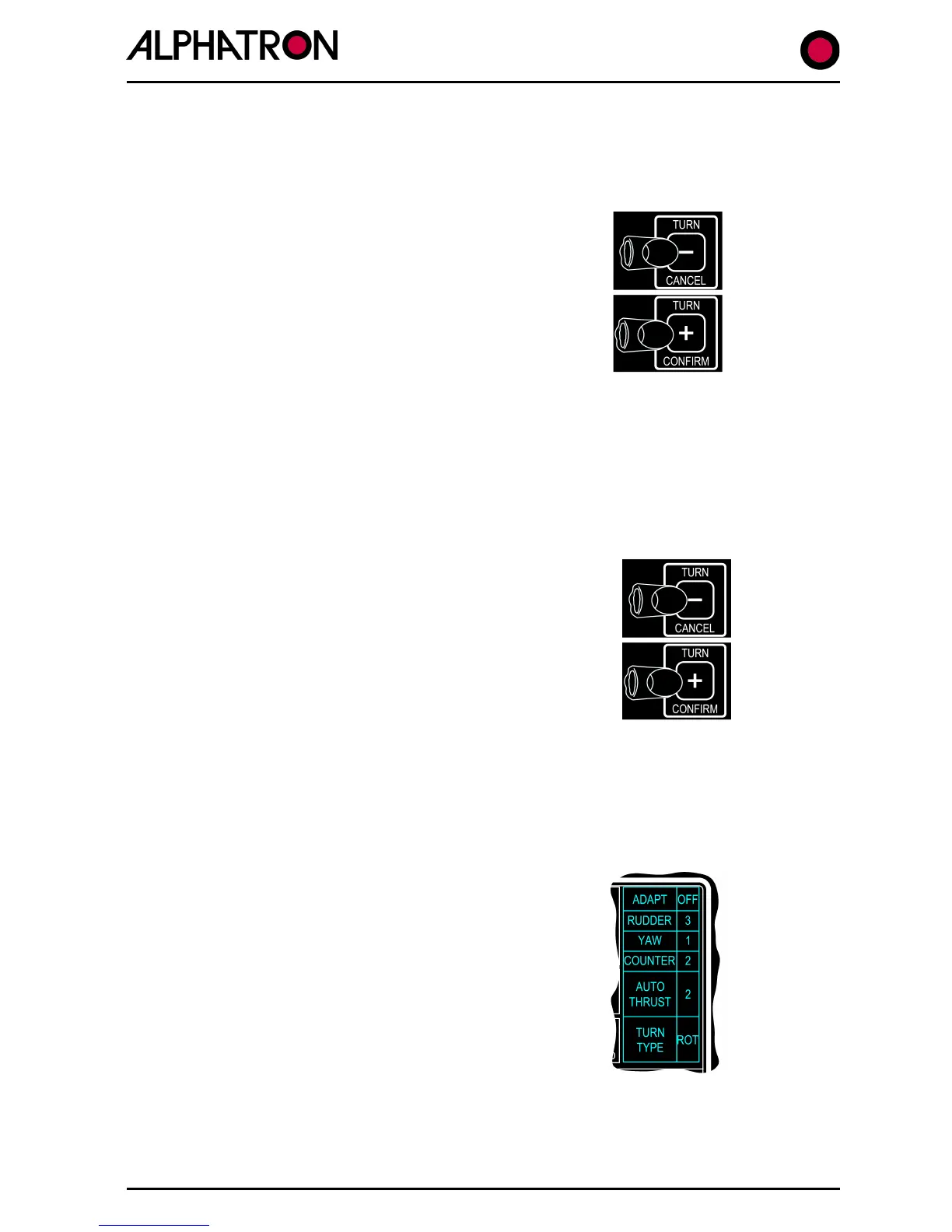
C) Use the “+” (STBD) or “-“ (PORT) “TURN” key to
specify the direction of turn required to the “NEXT
COURSE” heading displayed.
D) Use the “+” (CONFIRM) or “-“ (CANCEL) “TURN”
key to execute or cancel the “NEXT COURSE” order.
(iii) “±1° / ±5°” Step Turns (Section 2.13 & 2.36): -
Under normal operating conditions (no U TURN, NEXT COURSE or NEW COURSE sequences in
process) the “TURN” + (Stbd) or “TURN” – (Port) keys can be used to order small permanent
course changes in 1°/5° steps etc.
To use the “±1°/±5°” function:-
A) Use the “+” (STBD) or “-“ (PORT) “TURN” key to
specify the direction of turn required in single presses
(for 1° course change steps) or hold the key down to
produce an increase in the new heading step values
automatically from 1° to 5° to 10° etc.
B) Note that the actual amount of course change
ordered using the “TURN” keys is always confirmed by
the new permanent heading shown in the “SET COURSE”
area of the display.
1.16 The Controls Menu (
Section 2.4
)
This Menu can be conveniently displayed during normal “STANDBY” or “ON” operating modes by
use of the “CONTROLS” key:-
Entry to the CONTROLS Menu is confirmed by a listing from
“ADAPT” to “TURN TYPE” (as shown) and selection of the
parameter required is via further CONTROL key operation.
When the required item is highlighted by a “flashing”
display, the value – or state – of that item is set by
movement (+/-) of the rotary illumination control.
NB. In the event that the CONTROLS Menu has been entered but no change has been made
for timeout period of 30 seconds, the display will revert automatically to its normal operating
mode.



 To Next Page