Operating manual ALPHASEAPILOT MFC Issue 1.1 Page 58 of 84
ALPHASEAPILOT MFC
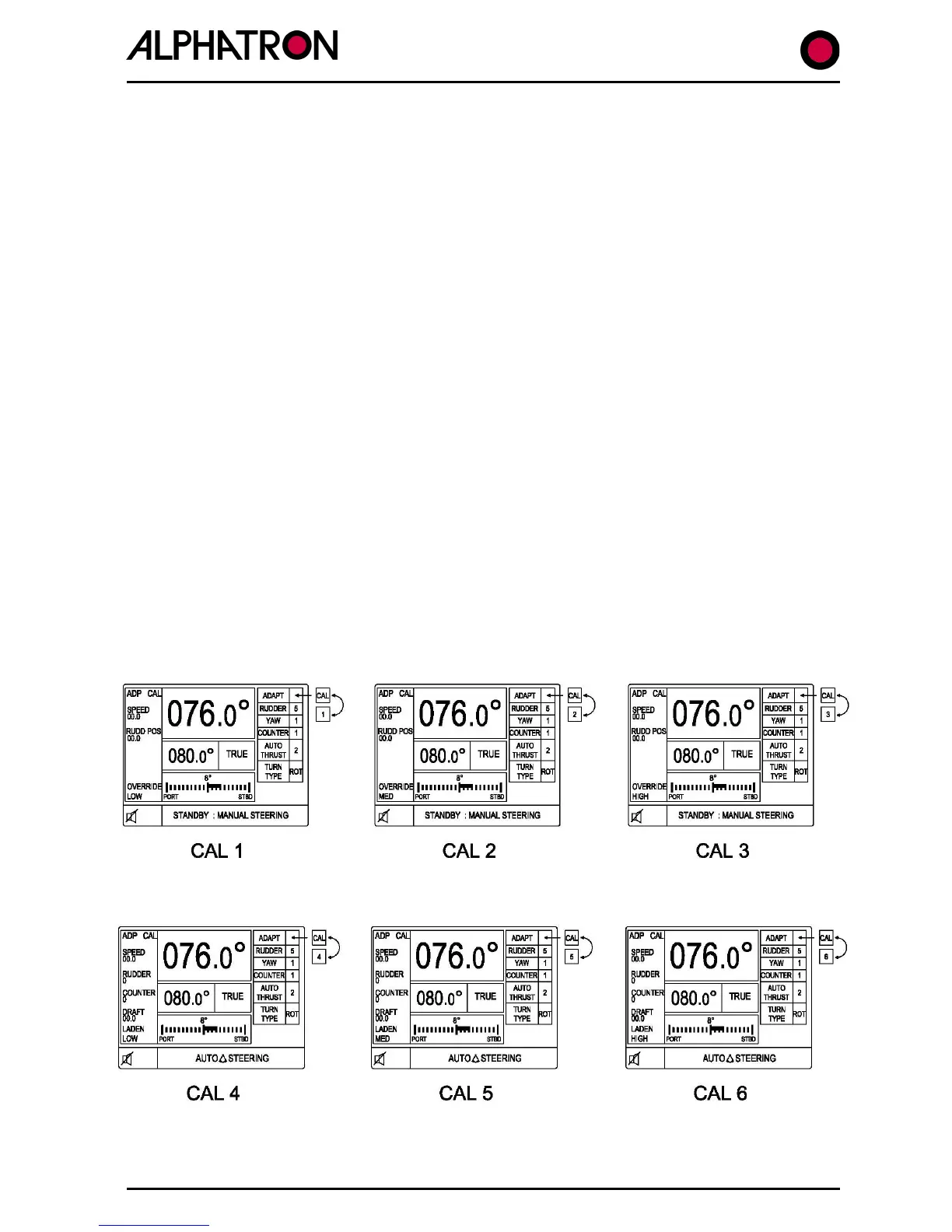
2.30 Calibration of Adaptive Steering Performance vs Draft
Adaptive mode calibration will normally have been completed based on an assumed fully laden
condition (per section 2.29 (iii)). The availability of Draft Input data permits minimum draft
(unladen state) characteristics also to be ‘captured’ for adaptive mode use:-
(a) Engage the Autopilot system (ON key) and manually adjust the PID controls for
optimum steering performance (sections 2.19 – 2.25 refer) at the lowest realistic
working speed likely for Autopilot control.
Enter the Controls Menu by pressing
the CONTROLS key.
(b) Simultaneously press CONTROLS and LIMITS keys for a period of 5 seconds to
enter the Adaptive calibration mode confirmed by ADAPT followed by a flashing
CAL1 message.
(c) Use the rotary illumination (±) control to step through to calibration parameter
CAL7. (FIG 2.30 refers)
(d) With the vessel at minimum operating speed and the Autopilot steering
performance optimised (sections 2.19 – 2.25) use the CONTROLS key for 5
seconds to ‘capture’ the Autopilot control parameters/speed correlation
commensurate with this speed.
(e) Repeat (c) and (d) at normal working and maximum speeds in the unladen
condition to calibrate CAL8 and CAL9 requirements respectively.
(f) Enter controls menu by pressing CONTROLS key and ensure ADAPT value box is
flashing. Exit the Adaptive calibration mode by simultaneous 5 second operation
of the CONTROLS and LIMITS key confirmed by normal operating display
presentation.
(g) Use the ‘CONTROLS’ key to display the CONTROLS menu and use the rotary
illumination (±) control to set the flashing ADAPT box condition to ‘ON’.
The Autopilot system is now calibrated and set to operate in the Adaptive mode taking account
of Speed and Laden state (draft) input data.



 To Next Page