Operating manual ALPHASEAPILOT MFC Issue 1.1 Page 42 of 84
ALPHASEAPILOT MFC
To Set the New Course Alarm & New Course Timeout Period:-
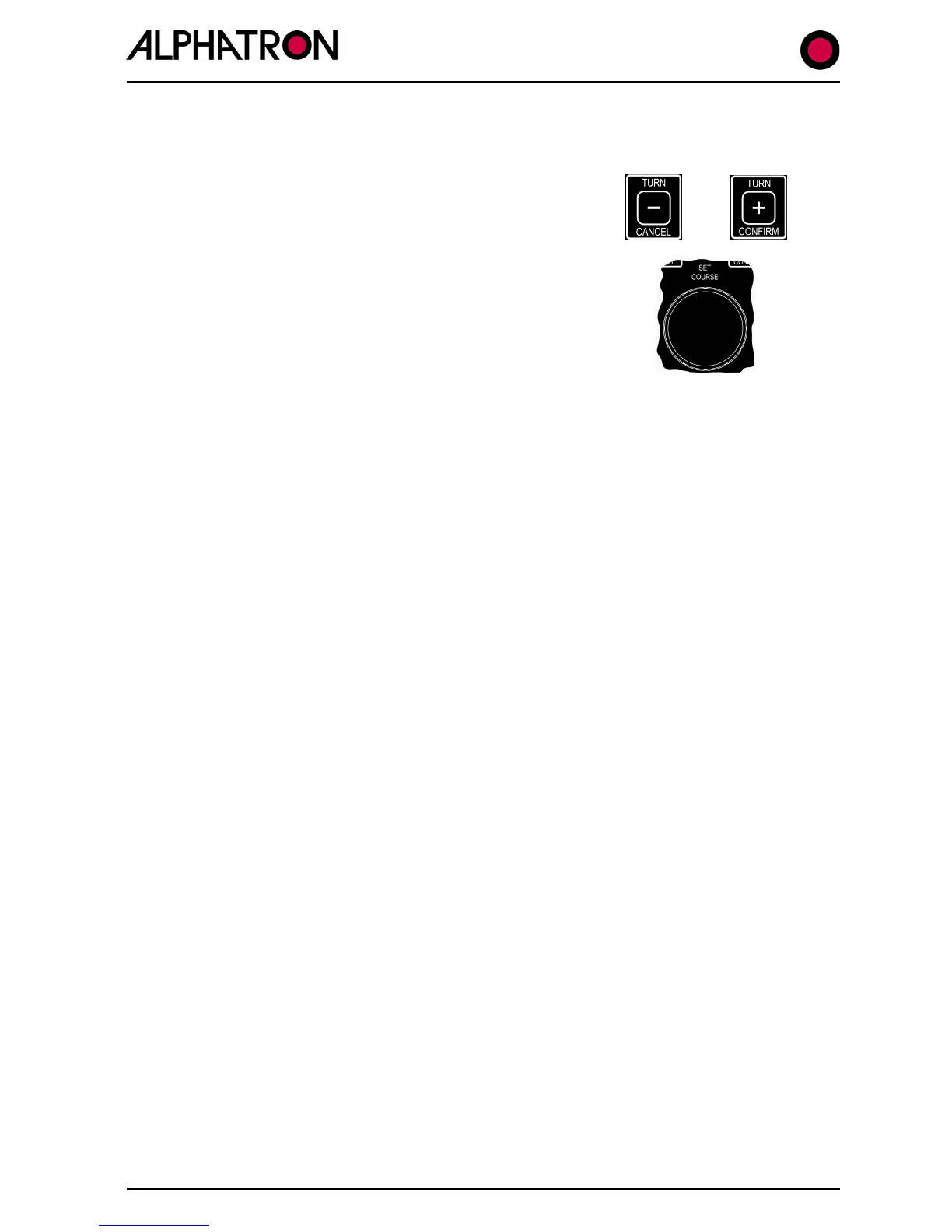
Simultaneously press the “
CONFIRM” keys for 5 seconds until the Set Up
Menu is displayed with a black cursor highlighting
the Set Up parameter currently selected.
Rotate the Autopilot Set Course Control to move
the cursor to parameter number 45 (SET COURSE
ALARM).
-) illum. control to set 10° to
Rotate the Autopilot Set Course Control to move
the cursor to parameter number 47 (NEW
COURSE T/OUT).
Use the rotary (+/-) illum. control to set 20 to 60
secs.
To alter course to a new heading:-
(i) Turn the Set Course knob to order the required course change to Port
(anticlockwise) or Stbd (clockwise) as required and confirmed by the SET
COURSE or NEW COURSE display box.
(ii) If the New Course alarm is activated, use the “CANCEL” or “CONFIRM” keys to
abort or execute the turn as required.



 To Next Page