10
English
Basic Operation
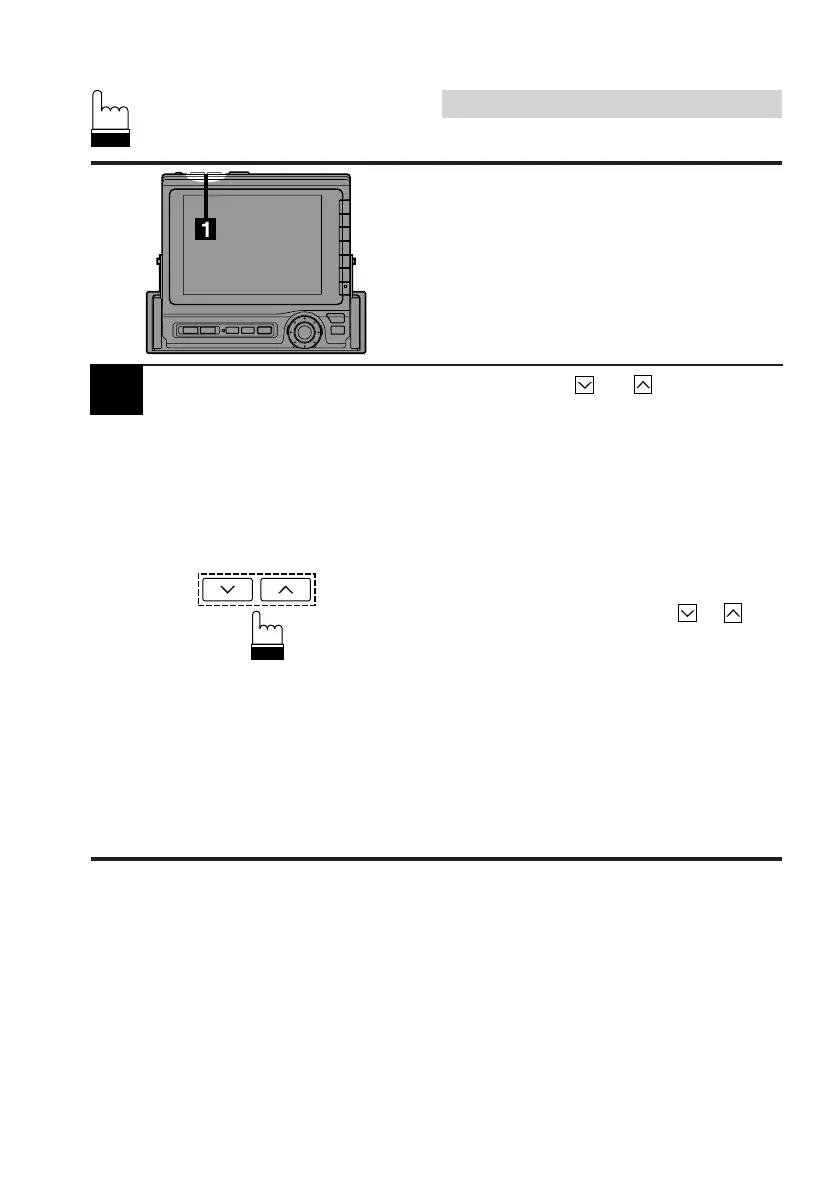
1
Press the ANGLE and buttons to adjust
the monitor's angle so the screen will be in the
best viewing position. Each press of the buttons
produces a beep and changes the screen
angle by 1 step. The screen angle has 4
positions between 84 and 104 degrees.
Notes: • If the monitor touches an obstacle
while the angle is being adjusted the
unit will beep for 2 seconds and stop
the screen immediately.
Should this happen, remove the
obstacle and press the
or
button again.
• The screen color will vary when
viewed at certain angles. Adjust the
screen angle for the best viewing
position.
• If the voltage of the vehicle's battery
power is low, the screen may blink.
This is not a malfunction.
Adjusting the Monitor
Viewing Angle
The monitor's angle can be adjusted for easier
viewing.



 To Next Page