7
English
Basic Operation
Using Face Cover
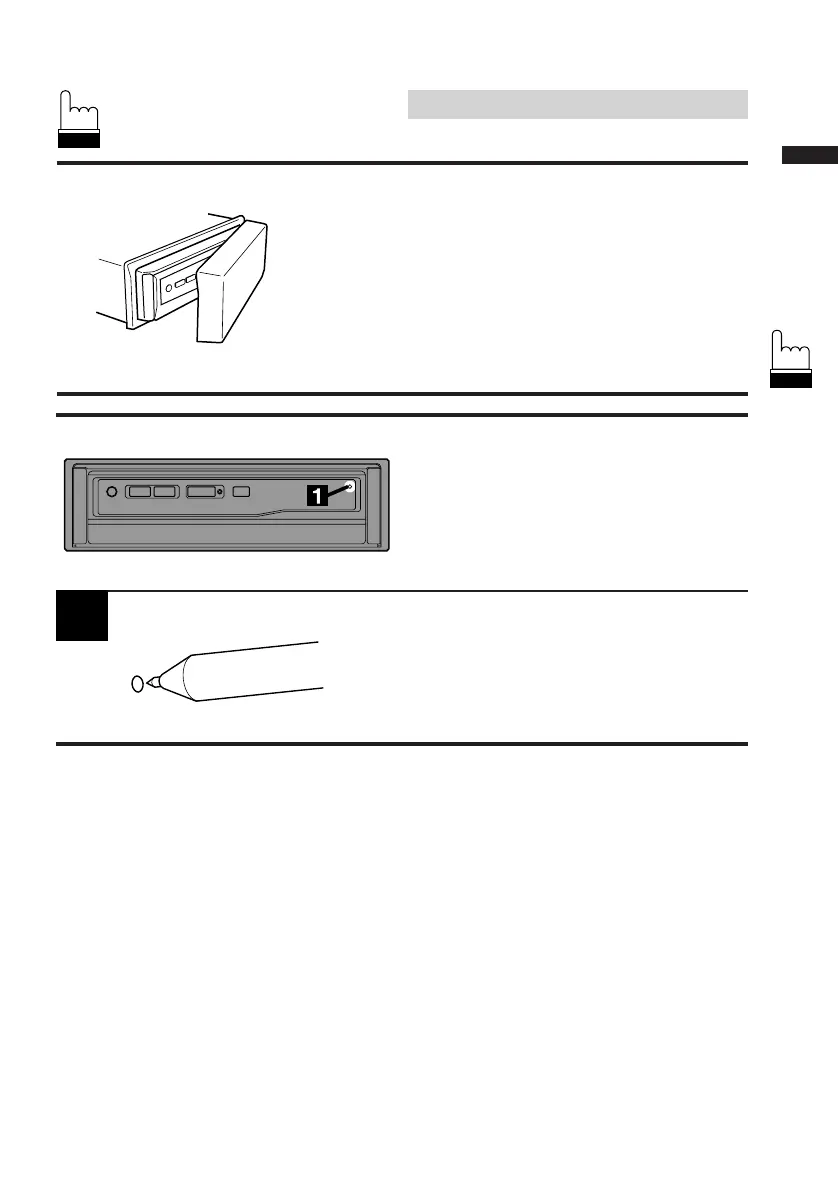
An anti-theft face cover is provided with the
CVA-1000E.
Put the face cover onto the CVA-1000E when
you leave the vehicle.
Be sure to remove the anti-theft face cover
when you drive.
1
Initial System Start-up
Immediately after installing or applying power to
the unit, it should be initialized.
At the upper-right corner of the screen front
panel, there is a small button. Using a pencil or
other pointed object, press this reset button to
complete the initialization procedure.



 To Next Page