14
English
Basic Operation
1
Display the Audio cont. screen by referring to
Steps 1 and 2 for Adjusting Bass on page 12.
Adjusting Balance/Fader
(Left and Right channels/
Front and Rear speakers)
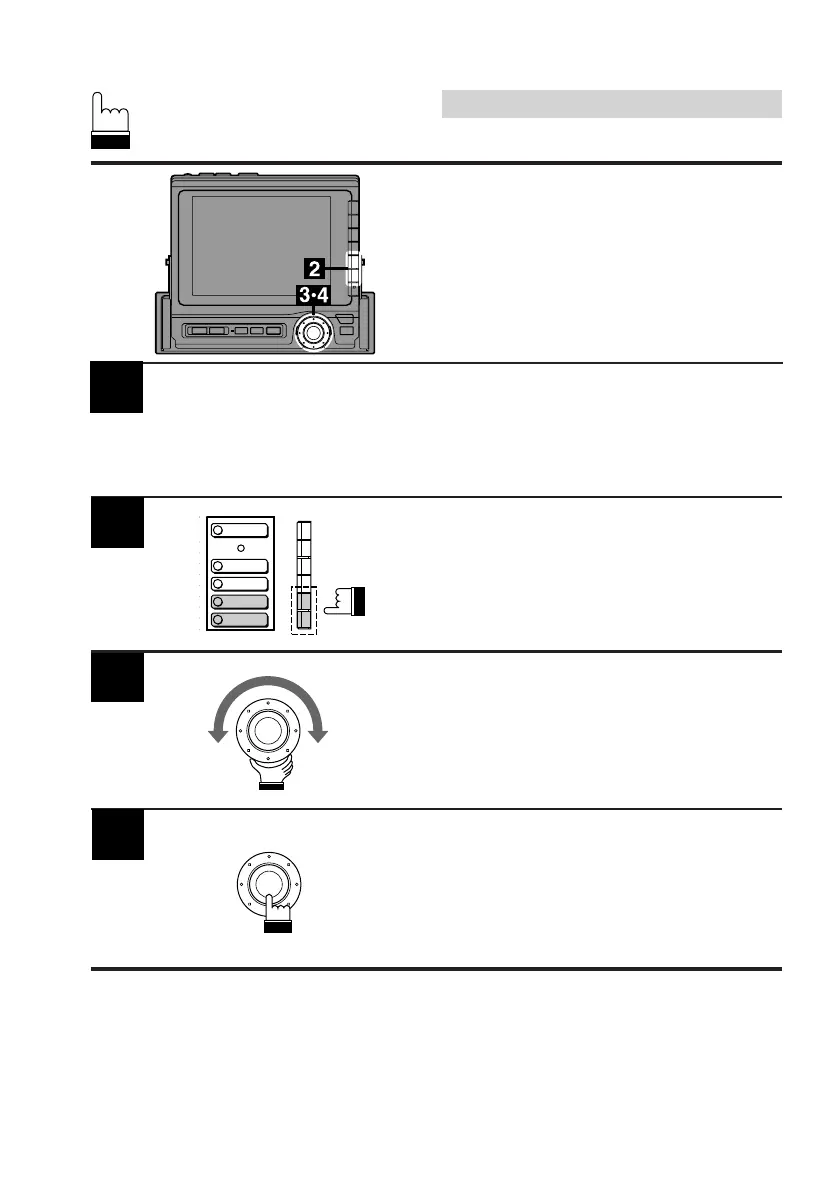
Press the F5 (BALANCE) or F6 (FADER)
button to select the BALANCE or FADER mode
respectively. The Left/RTN/Right or RR/RTN/
FR (Rear/Return/Front) menu screen appears.
2
3
When the desired level is obtained, press the
rotary switch to set at that level.
The display returns to the set up screen.
4
Turn the rotary switch clockwise or
counterclockwise to obtain the desired level on
the selected mode.
LOUDNESS
BASS
TREBLE
BALANCE
FADER



 To Next Page