9
English
Turning Power On and
Off
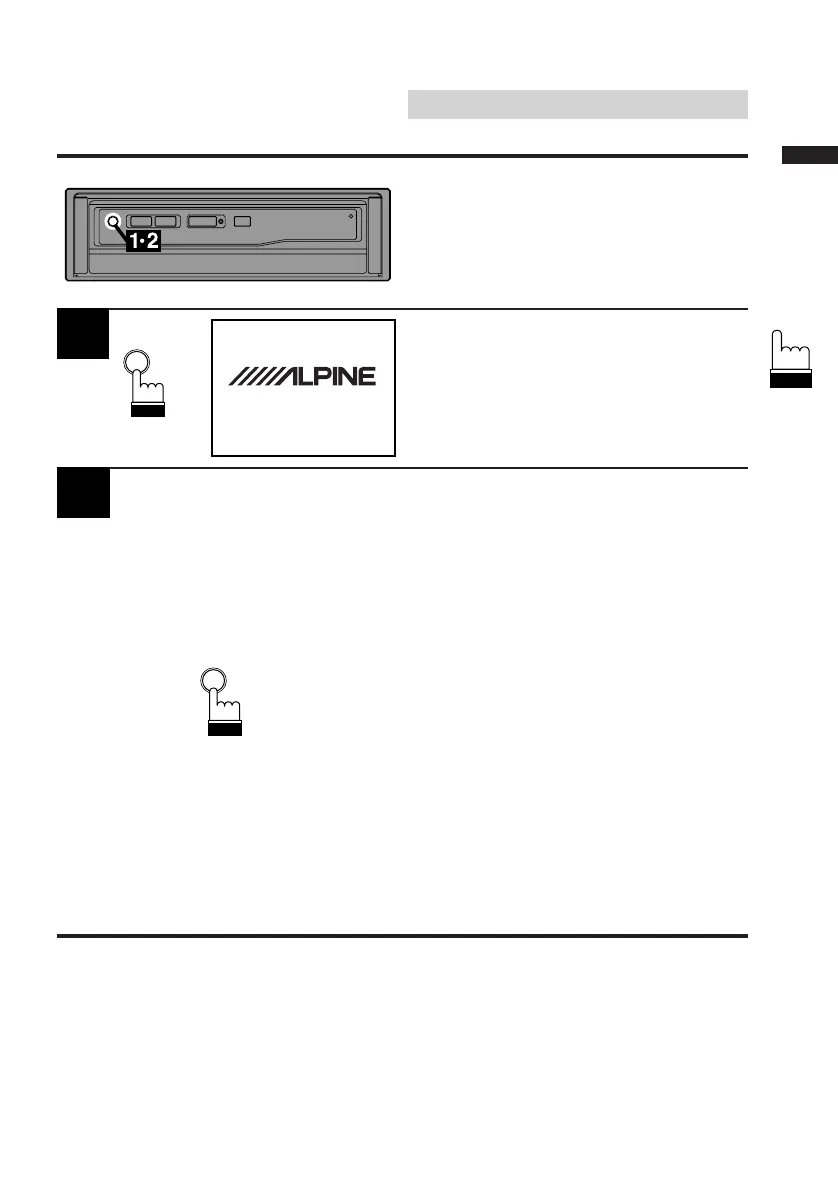
Press the PWR (Power) button to turn on the
unit.
The opening screen appears automatically.
1
Press the PWR (Power) button again to turn off
the unit.
Note: If the switched power (ignition) lead of
the CVA-1000E is connected directly
to the positive (+) post of the vehicle's
battery, the CVA-1000E draws some
current even when its power switch is
placed in the off position and the
battery may be discharge. Be sure to
disconnect this lead from the battery
post if the vehicle will be left unused for
an extended period of time.
If an SPST switch (sold separately) is
added, place it in the OFF position
when you leave the vehicle. Place the
SPST switch in the ON position first
when you turn on the CVA-1000E. For
connecting the SPST switch, refer to
the Installation manual.
Basic Operation
2
DISCOVER THE FUTURE OF
MOBILE MEDIA
CVA-1000E
PWR
PWR



 To Next Page